R5906167 /00 ImagePRO–4K Video Processor
52
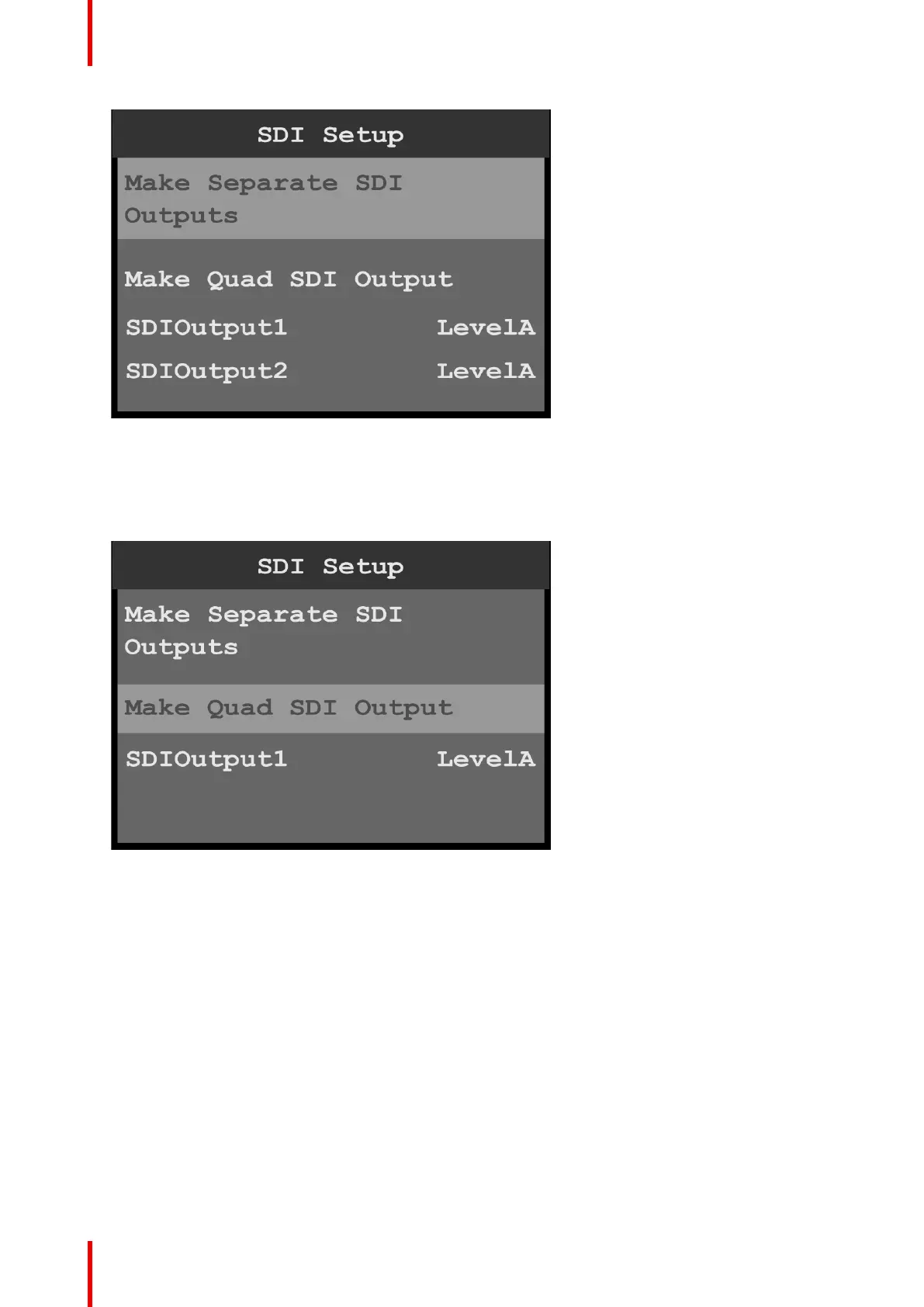
Image 6-27: SDI Setup: separate SDI outputs
3. If necessary, scroll to and select an individual SDI output, for example SDIOutput1.
Once an output is selected, the highlight bar turns from gray to cyan.
4. Use the adjust knob to scroll through the levels (A and B) and to select the desired level.
5. Scroll to and select Make Quad SDI Output.
Image 6-28: SDI Setup: quad SDI output
6. If necessary, scroll to and select the quad SDI output.
Once the output is selected, the highlight bar turns from gray to cyan.
7. Use the adjust knob to scroll through the levels (A and B) and to select the desired level.
6.5 Still menu
General
This section provides information about capturing and using stills. To enter the Still menu from the Setup
menu, scroll to and select Still.
Menu orientation



 To Next Page