R5906167 /00 ImagePRO–4K Video Processor
32
Note: The preceding step provides a reliable shortcut when your setup does not require complex
adjustments. Use this step instead of or in conjunction with steps 7 through 9.
7. Set and adjust inputs / sources— Select inputs / sources and make any necessary adjustments to color
balance, timings, and any other settings necessary.
8. Save input / source configurations— After adjusting an input / source, save the input /source
configuration.
Repeat steps 7 and 8 for each input / source.
9. Adjust and save system settings—Adjust system parameters such as Ethernet settings and HDCP
parameters.
10.Save All — Select Save All.
Save All is the last menu item on the Setup page. Save All writes system settings to non-volatile memory.
5.3 Factory reset
Perform a factory reset
If you are using the ImagePRO– 4K for the first time, or if you are using an ImagePRO– 4K that has just
returned from an event, perform a full factory reset (Reset / Factory) to restore default system configurations.
1. Press the Adjust knob to enter the Setup menu.
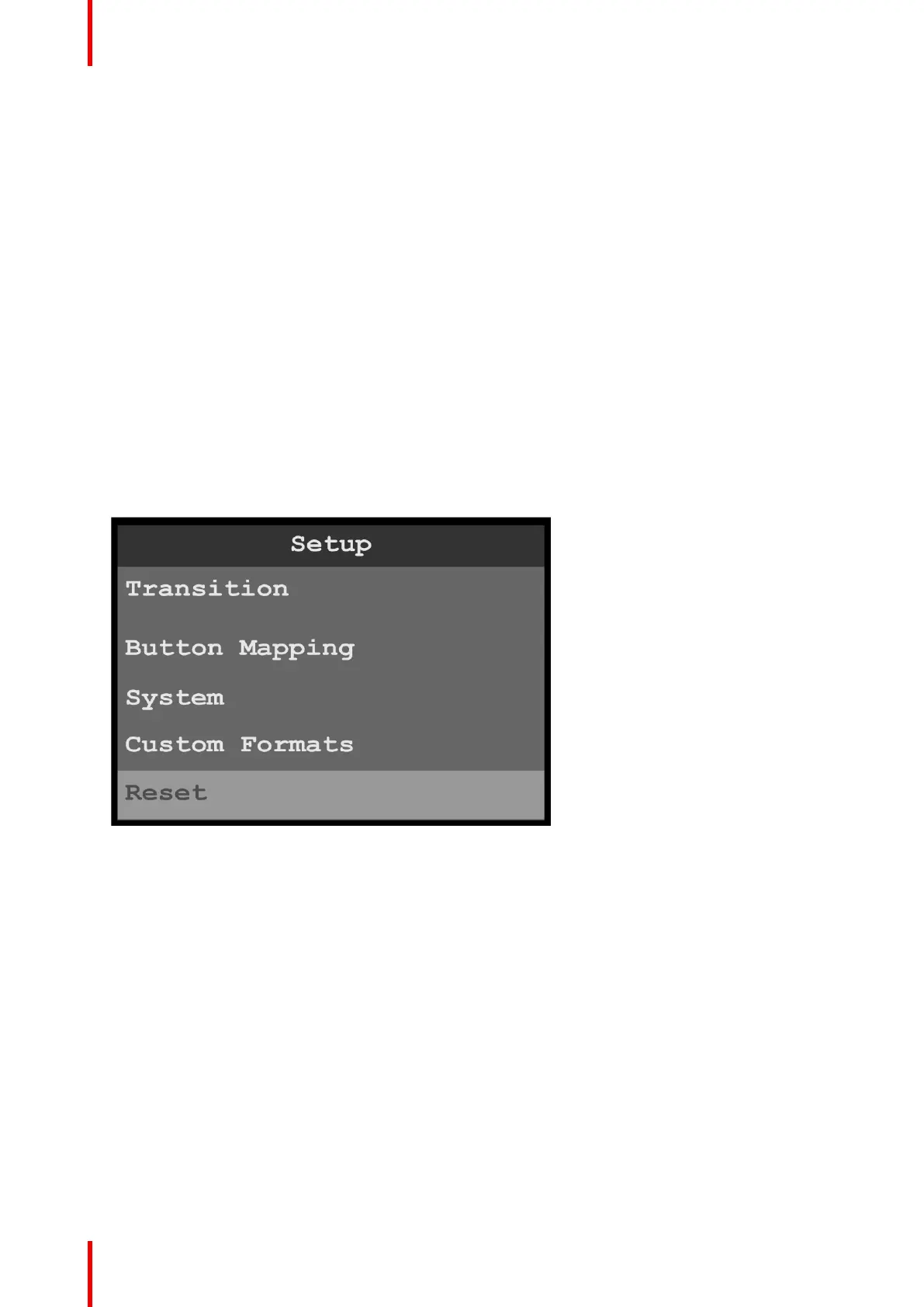
2. Turn the adjust knob to scroll to Reset.
Image 5-7: Setup menu: Reset
3. Refer to “Reset menu”, page 95 for instructions on using the Reset menu.
Setup and operation



 To Next Page