R5906167 /00 ImagePRO–4K Video Processor
80
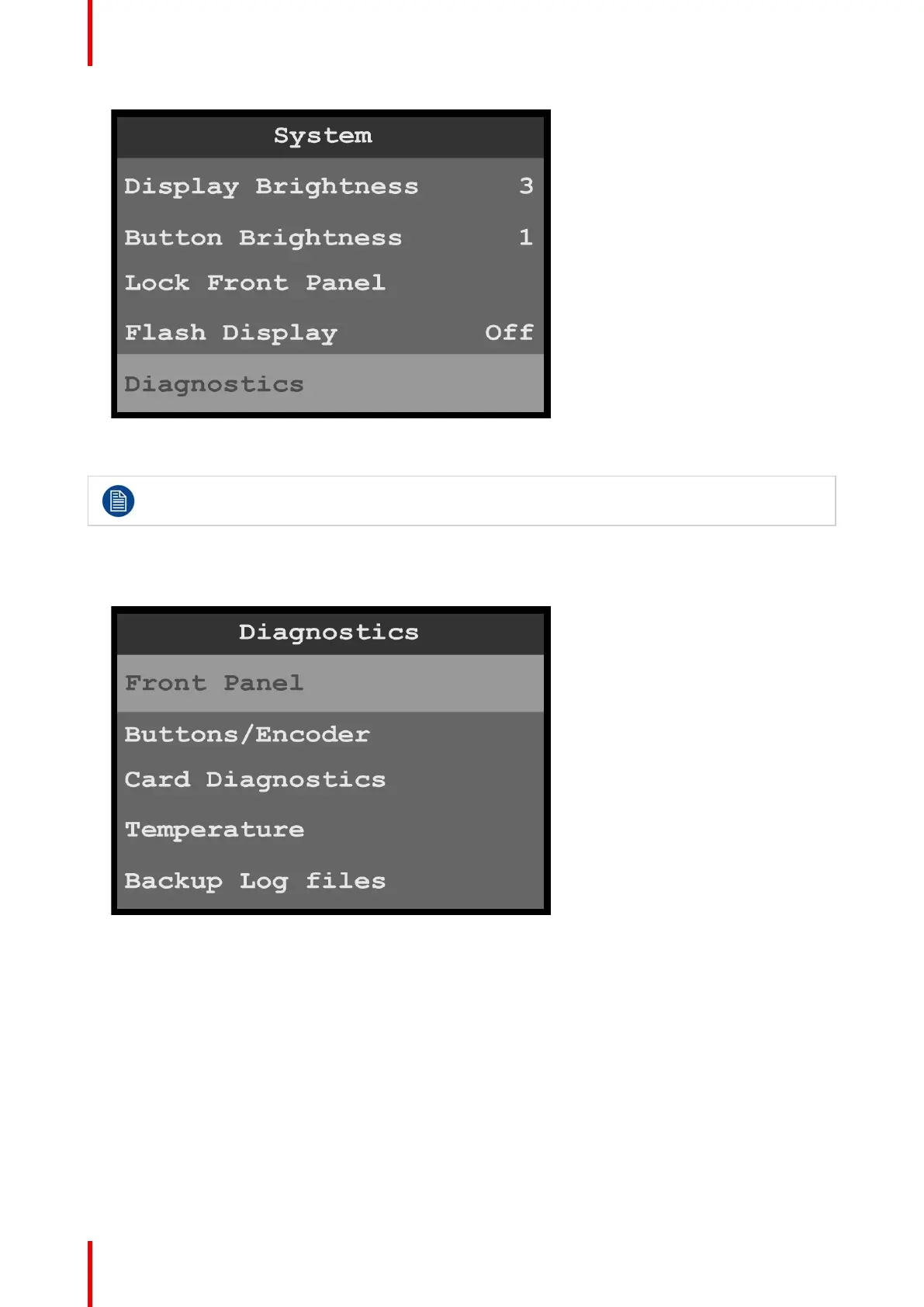
Image 6-85: System menu: Diagnostics
2. Scroll to and select the diagnostic to be performed.
Do not perform diagnostics while running a show; the A/V outputs may be disrupted.
Front-panel diagnostics
1. Scroll to and select Front Panel from the Diagnostics menu.
Image 6-86: Diagnostics menu: Front Panel
When Front Panel is selected, the system displays the message “Diagnostics in progress…,” and the
display screen and the front-panel buttons flash red, then blue, then green.
When the front-panel diagnostic is finished, the system displays a message.
Menu orientation



 To Next Page