R5906167 /00 ImagePRO–4K Video Processor
41
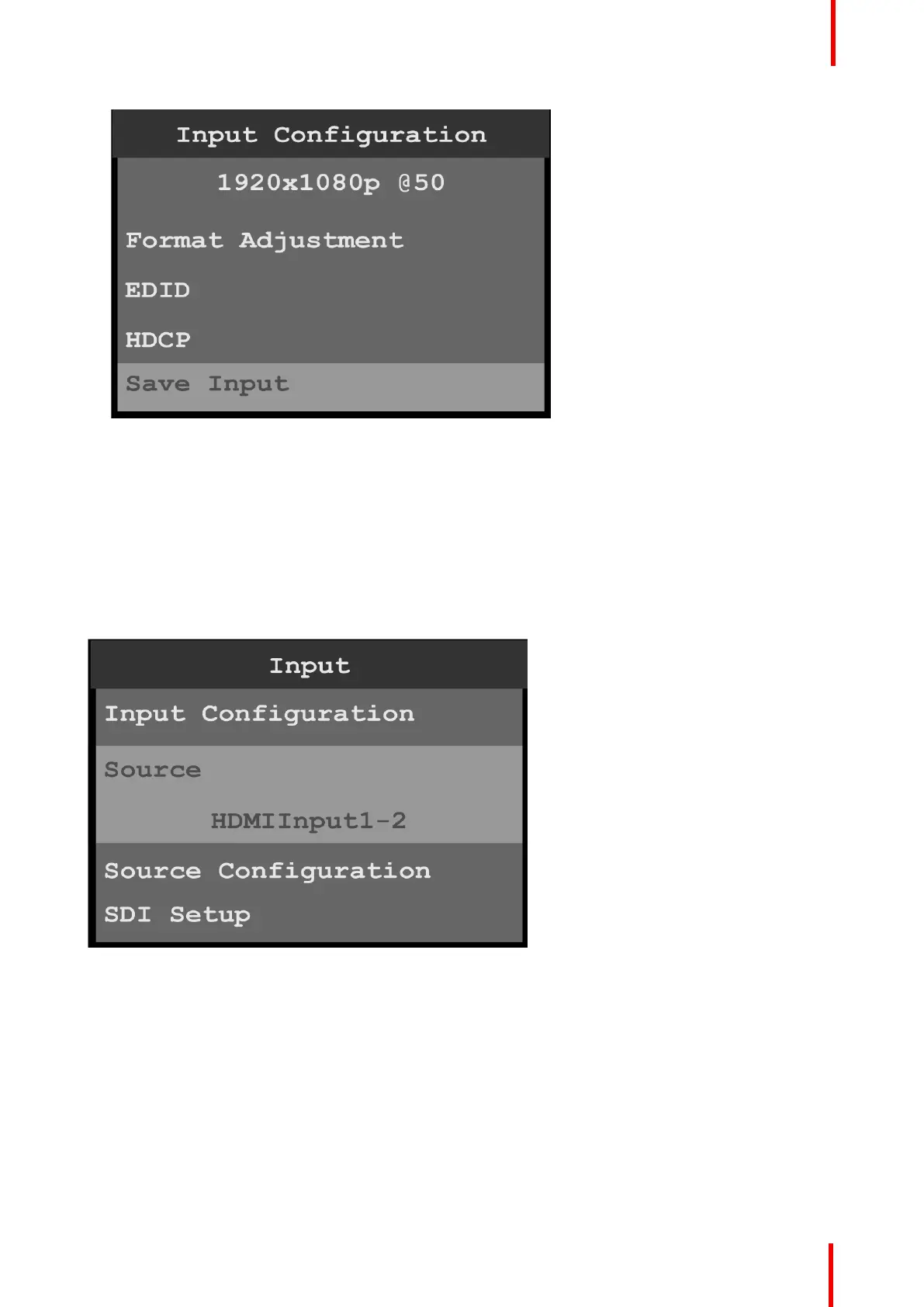
Image 6-11: Input configuration (Continued)
5. Scroll to and select EDID to set up and apply an EDID for the input.
EDID is not applicable to SDI inputs.
6. Scroll to and select HDCP to set up and apply HDCP settings for the input.
The default HDCP mode setting for DisplayPort, DVI, and HDMI is Off. HDCP Mode is not applicable to
SDI inputs.
7. Scroll to and select Save Input to save the selected input settings.
Source
The Input Source menu allows users to select from available source configurations for an input.
Image 6-12: Input Source
Source Configuration
1. Scroll to and select Source Configuration on the Input menu to adjust the aspect ratio, sizing, and color of
the input source.
Menu orientation



 To Next Page