R5906167 /00 ImagePRO–4K Video Processor
56
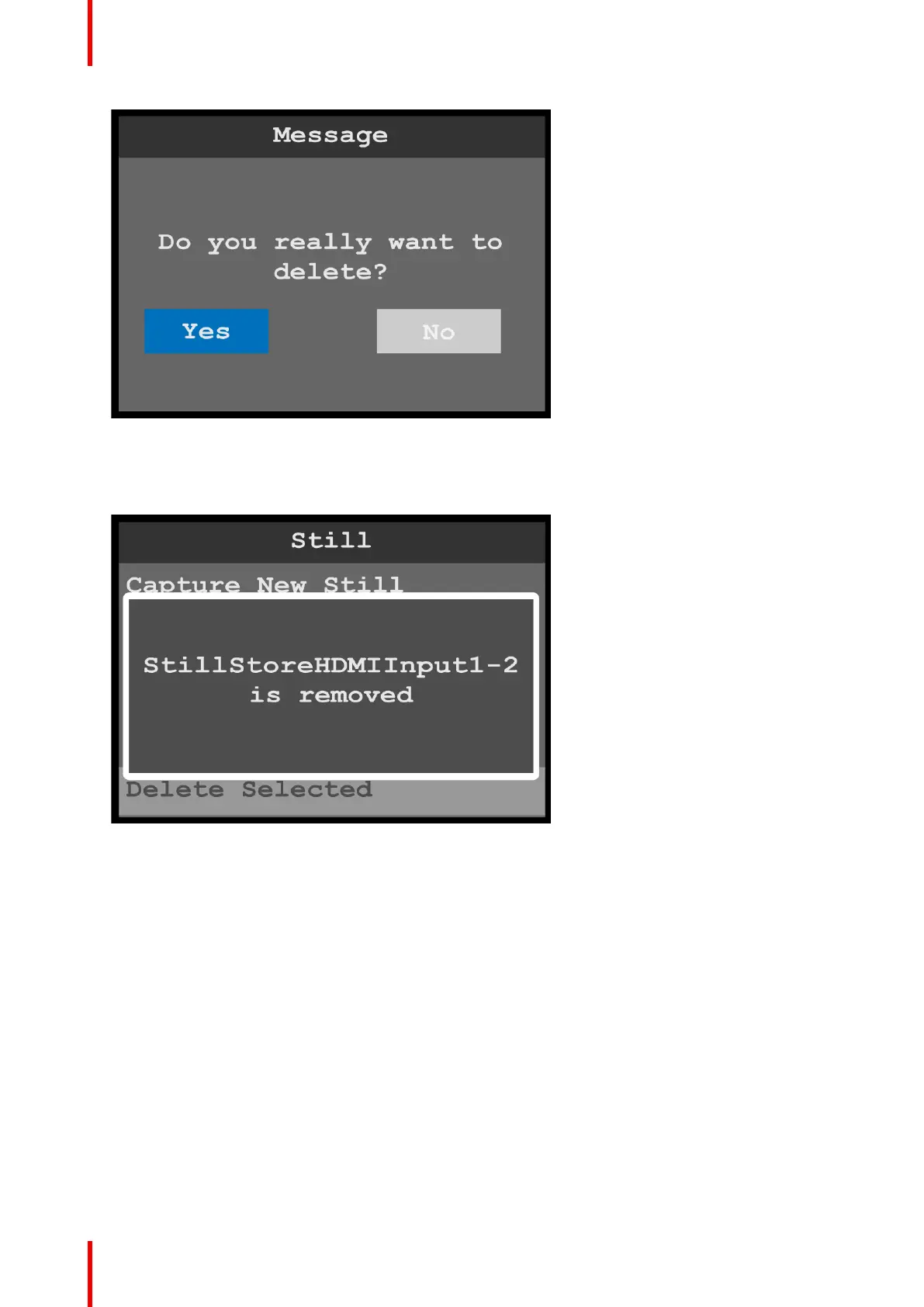
Image 6-36: Still menu: Delete message
3. Select Yes to delete the selected still.
Select No to keep the still.
Once the still has been deleted, the system displays a message that says that the still has been removed.
Image 6-37: Still menu: Still removed
6.6 Preset menu
General
This section provides information about setting up and using presets. A preset is a register that enables you to
store destination setups and to recall them. Any configuration — different input sources, mapped output
channels, masks, etc.—can be saved as a preset and recalled.
To enter the Preset menu from the Setup menu, scroll to and select Preset.
Menu orientation



 To Next Page