R5906167 /00 ImagePRO–4K Video Processor
83
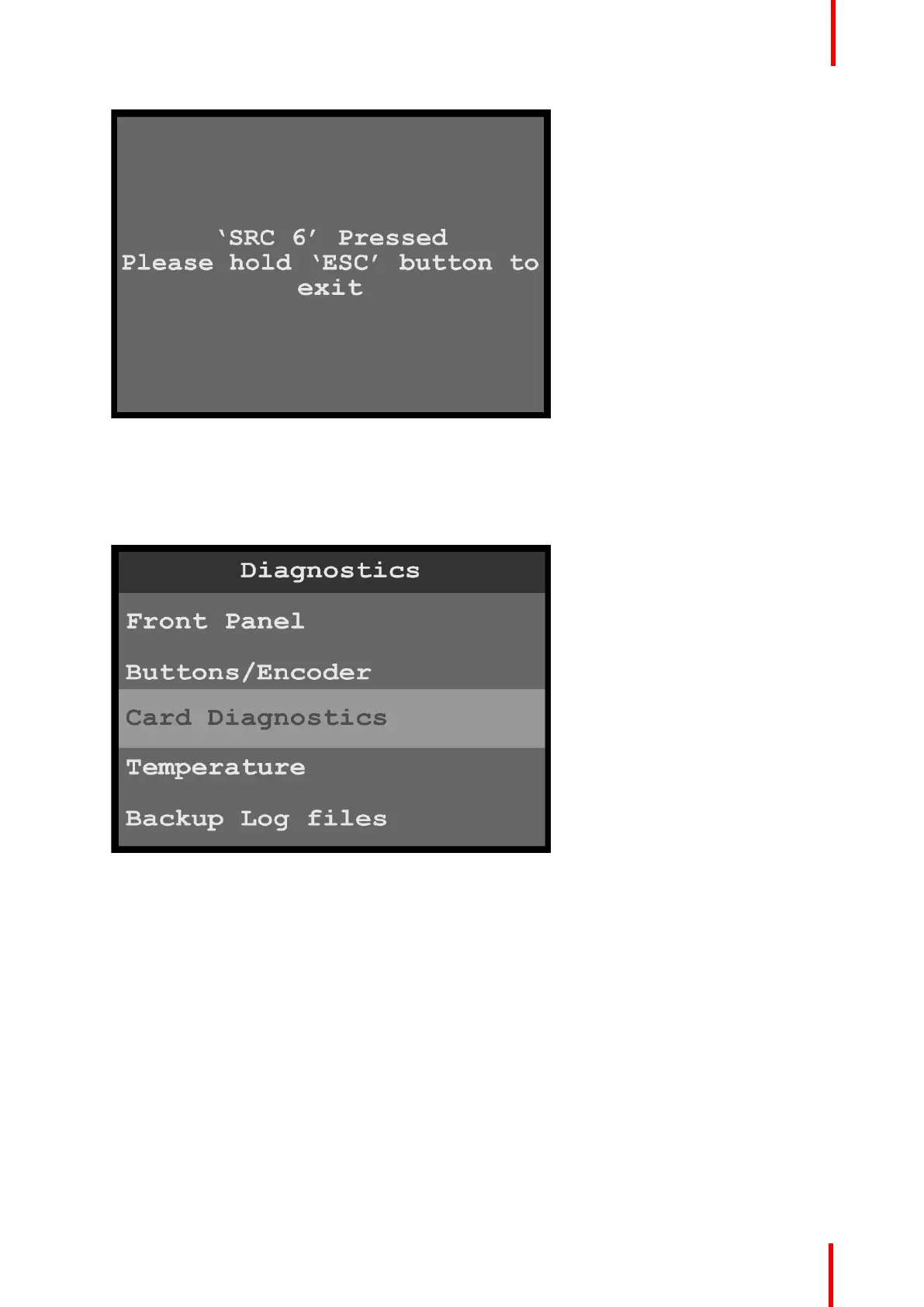
Image 6-91: Exit front-panel diagnostics
3. Press and hold the ESC button to return to the Diagnostics menu.
Card diagnostics
1. Scroll to and select Card Diagnostics from the Diagnostics menu.
Image 6-92: Diagnostics menu: Card Diagnostics
2. Select Slot from the Card Diagnostics menu.
Once Slot is selected, the highlight bar turns from gray to cyan.
Menu orientation



 To Next Page