R5906167 /00 ImagePRO–4K Video Processor
82
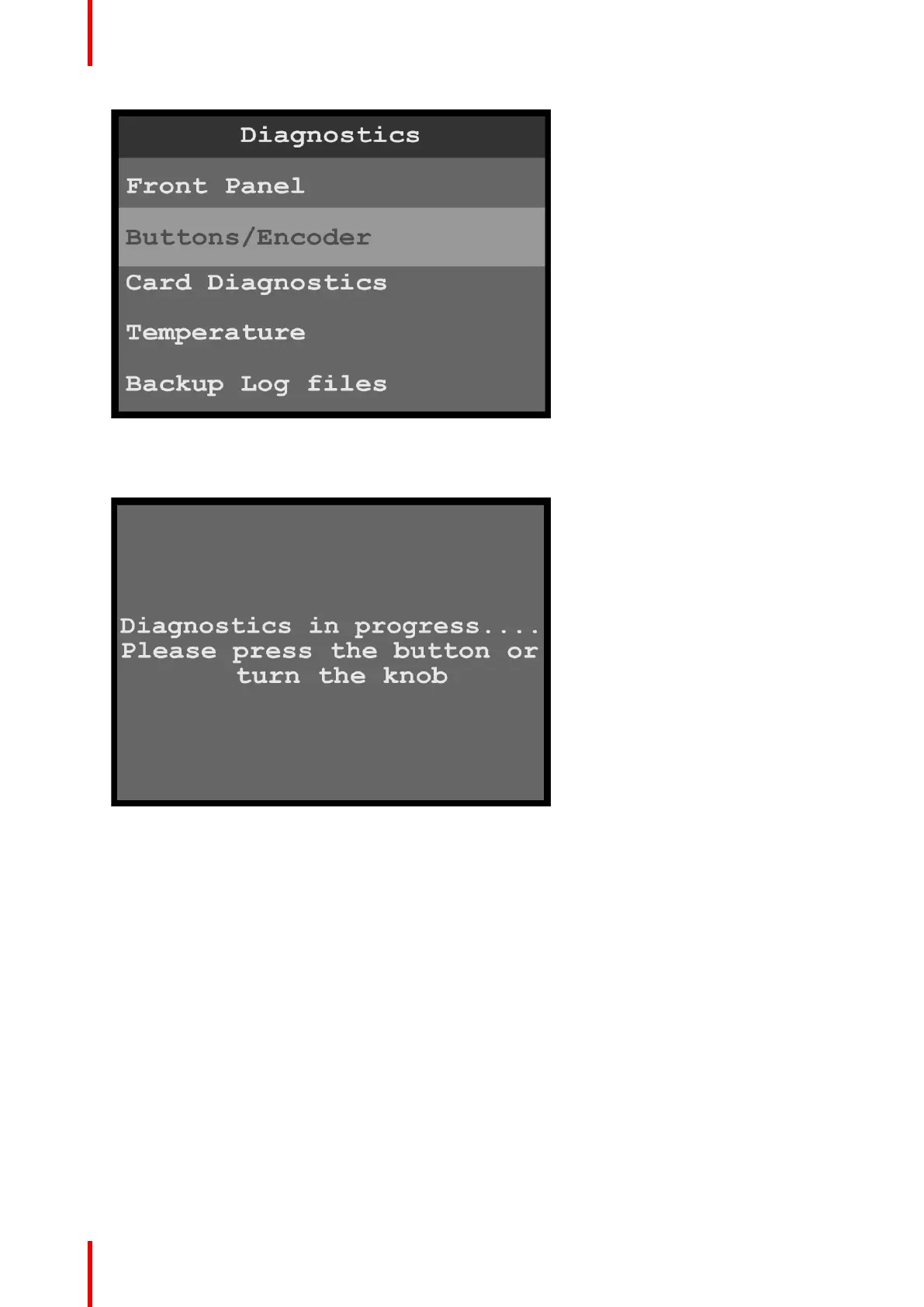
Image 6-89: Diagnostics menu: Buttons/Encoder
When Buttons/Encoder is selected, the system displays the message “Diagnostics in progress…Please
press the button or turn the knob...”
Image 6-90: Diagnostics in Progress
2. Turn the adjust knob or press any front-panel button, for example the SRC 6 button.
Menu orientation



 To Next Page