R5906167 /00 ImagePRO–4K Video Processor
73
USB Backup/Restore
USB Backup/Restore allows the operator to create a system backup file, and it allows the operator to use that
system backup file to restore the system.
1. Insert a FAT32-formatted USB drive in the front-panel USB port.
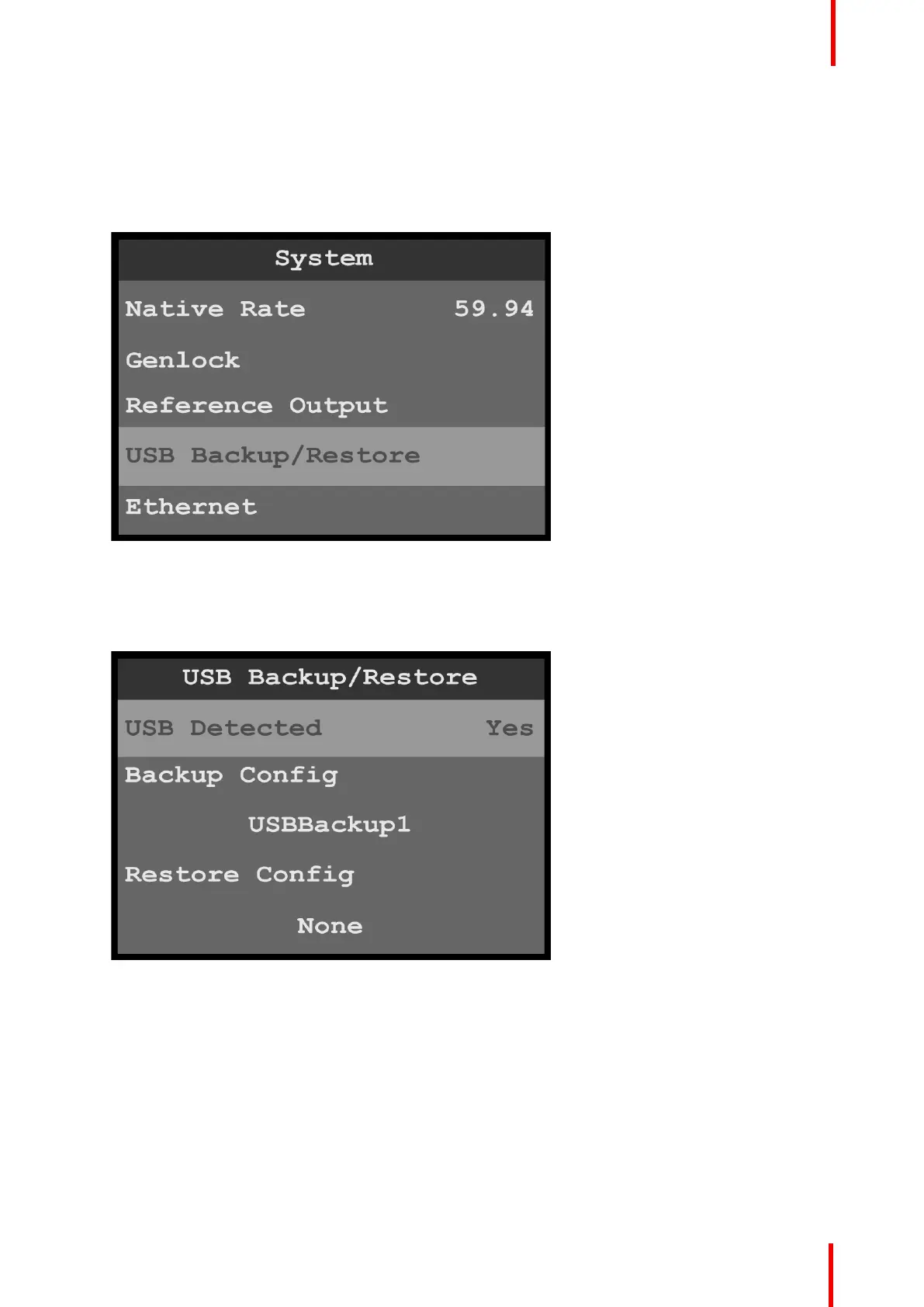
2. Select USB Backup/Restore on the System menu.
Image 6-71: System menu: USB Backup/Restore
The system detects if a FAT32-formatted USB drive is in the front-panel USB port. If the system detects no
USB drive in the USB port, the top line of the USB Backup/Restore menu reads, “USB Detected – No.” If
the system detects a USB drive in the USB port, the top line of the USB Backup/Restore menu reads,
“USB Detected – Yes.”
Image 6-72: USB Backup/Restore: USB Detected
To create a backup file…
1. Select Backup Config on the USB Backup/Restore menu.
Once Backup Config is selected, the highlight bar turns from gray to cyan, and the first character of the
backup config file name is highlighted in green.
Menu orientation



 To Next Page