R5906167 /00 ImagePRO–4K Video Processor
74
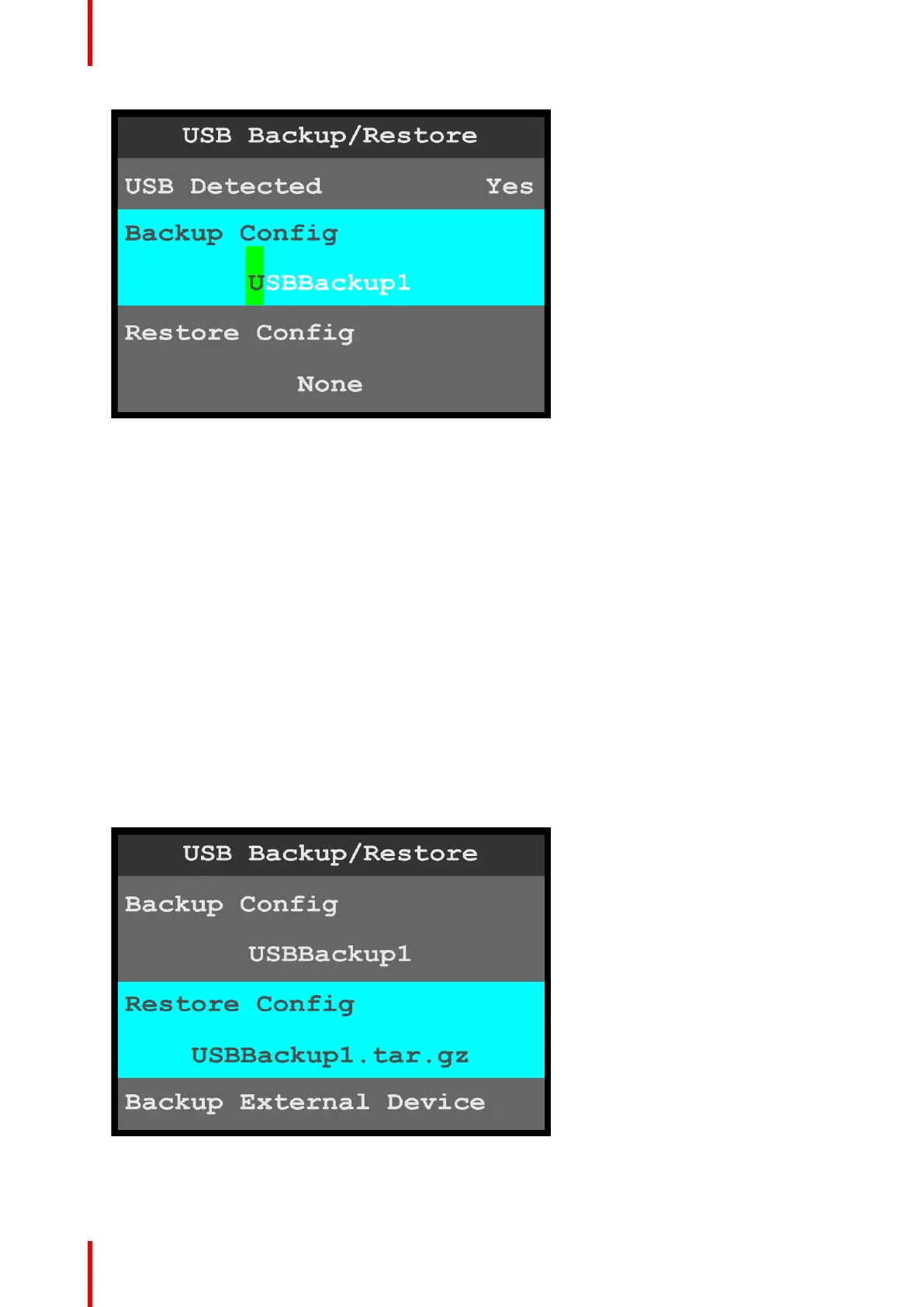
Image 6-73: USB Backup/Restore: Backup Config
2. Either…
a) Press the adjust knob to accept the default backup config file name.
or…
b) Use the adjust knob to adjust the first character of the backup config file name, and press the adjust
knob when the desired character is reached.
The available characters are:
• A – Z
• a – z
• 0 – 9
• - (hyphen)
• . (period)
• / (slash)
If the USB drive has an EM folder, the system creates a backup file (for example, USBBackup1.tar.gz) and
places it in a folder named EM\backup\sys.
If the USB drive does not have an EM folder, the system creates a folder named EM\backup\sys and
places the backup file in the folder named EM\backup\sys.
To restore the system with a backup file…
1. Select Restore Config on the USB Backup/Restore menu.
Once Restore Config is selected, the highlight bar turns from gray to cyan.
Image 6-74: USB Backup/Restore: Restore Config
2. Use the adjust knob to scroll through and select the desired backup config file.
Menu orientation



 To Next Page