R5906167 /00 ImagePRO–4K Video Processor
98
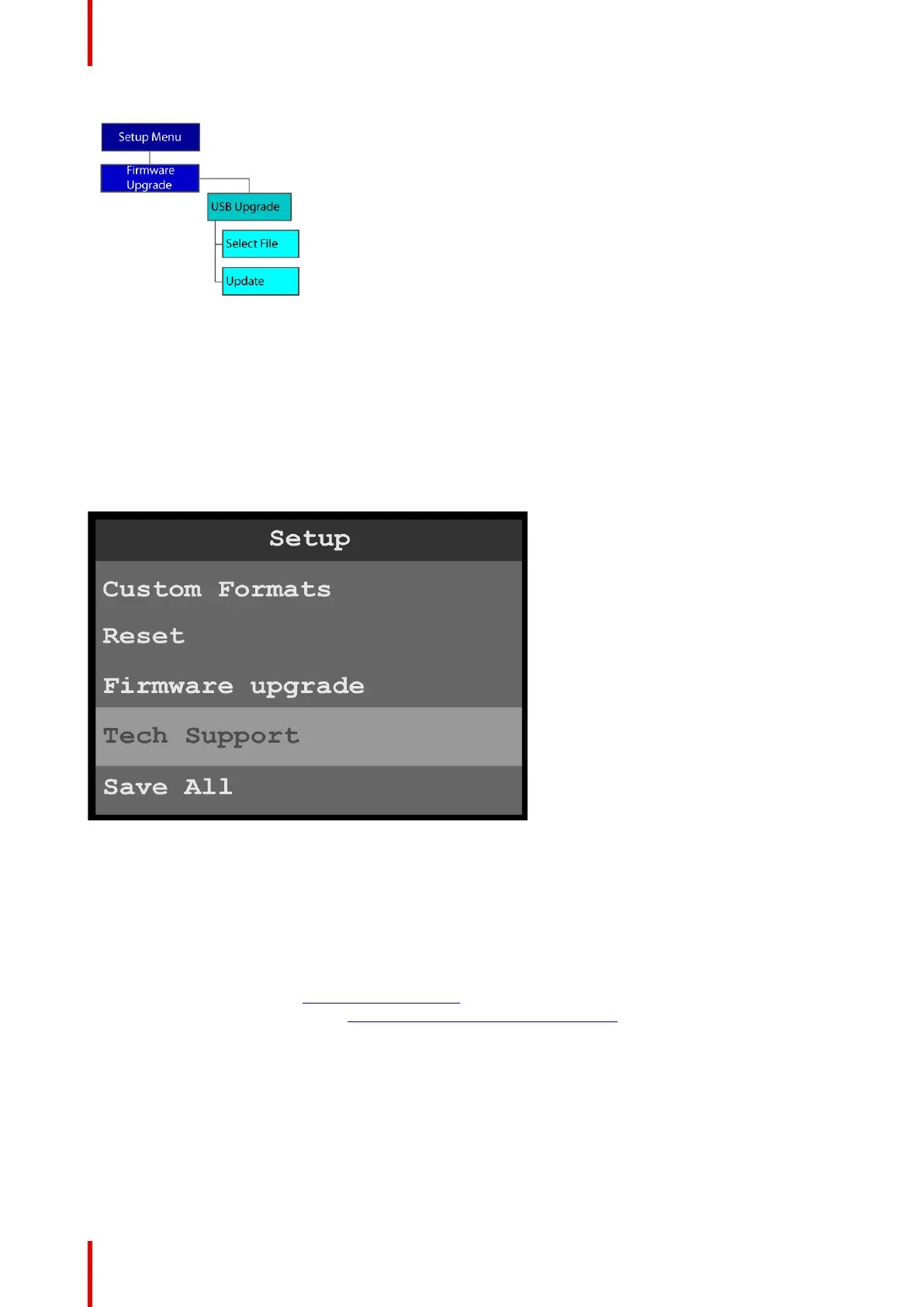
Image 6-120: Firmware upgrade menu tree
6.12 Tech Support menu
General
The Tech Support menu shows software version and operating system version for your ImagePRO–4K and
provides Customer Support contact information.
To enter the Tech Support menu from the Setup menu, scroll to and select Tech Support.
Image 6-121: Setup menu: Tech Support
Use the Custom Formats menu to create custom formats to match different output devices.
Tech Support
1. Scroll to and select Tech Support.
The system displays the software version and operating system version for your ImagePRO–4K and
provides the following Customer Support contact information.
• Phone: 866-374-7878
• Customer Support URL: barco.com/en/esupport
• BarcoFolsomIP YouTube URL: www.youtube.com/user/BarcoFolsomIP
Menu orientation



 To Next Page