R5906167 /00 ImagePRO–4K Video Processor
99
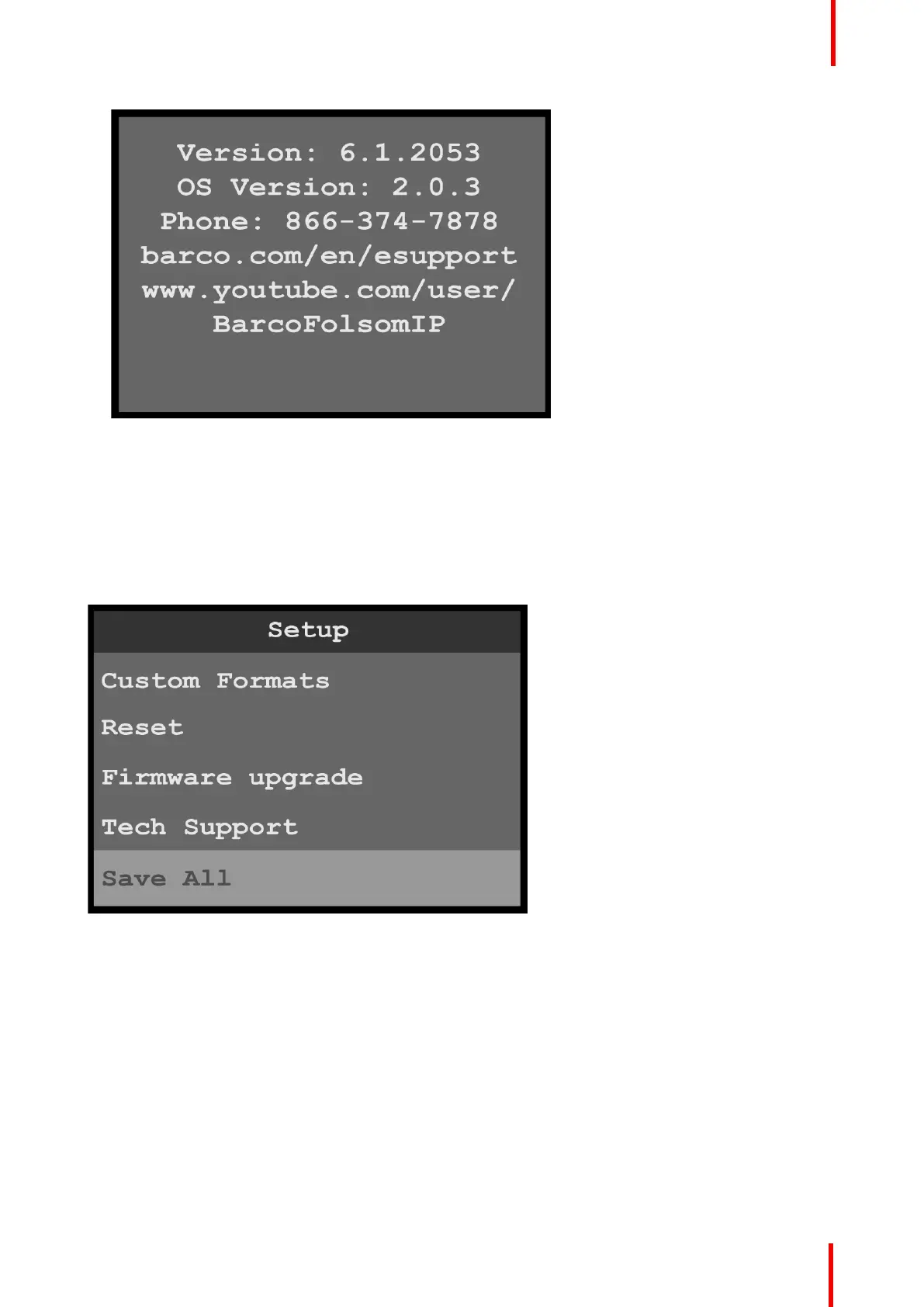
Image 6-122: Tech Support menu
6.13 Save All menu
General
The Save All menu allows the operator to save all system settings.
To enter the Save All menu from the Setup menu, scroll to and select Save All.
Image 6-123: Setup menu: Save All
Use the Save All menu to save all of the system settings.
Save All
1. Scroll to and select Save All.
The system displays the message “Saved settings file successfully.”
Menu orientation



 To Next Page