R5906167 /00 ImagePRO–4K Video Processor
59
Delete Preset
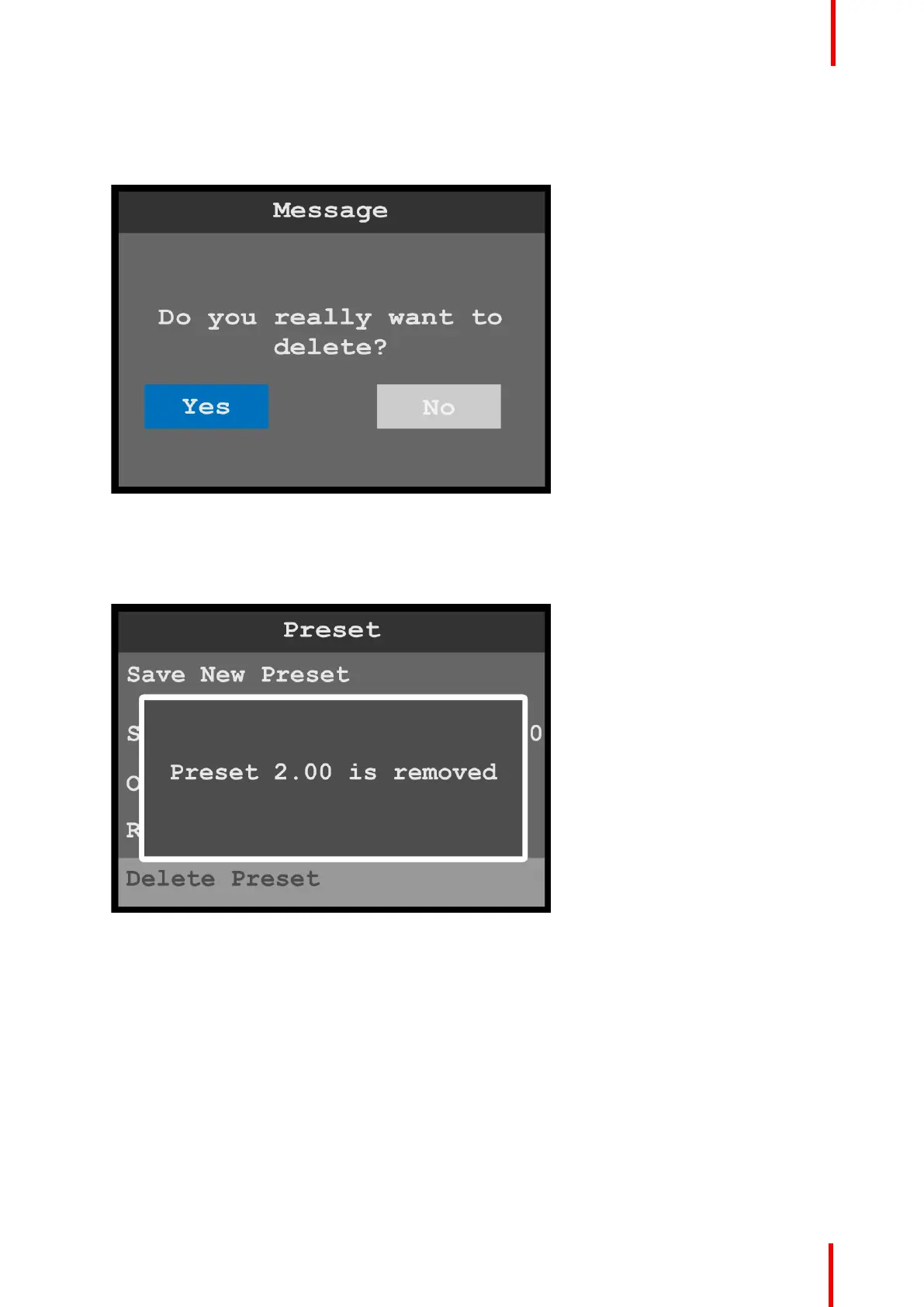
1. Select Delete Preset to delete the currently selected preset.
The system displays a message that asks if you really want to delete the preset.
Image 6-43: Preset menu: Delete message
2. Select Yes to delete the selected preset.
Select No to keep the preset.
Once the preset has been deleted, the system displays a message that says that the preset has been
removed.
Image 6-44: Preset menu: Preset removed
Button Mapping
1. Select Button Mapping to map and unmap source and output buttons.
Menu orientation



 To Next Page