R5906167 /00 ImagePRO–4K Video Processor
34
6.1 Power-up initialization
How to power up the ImagePRO–4K
Connect power to the ImagePRO–4K, then locate the power switch on the rear panel and turn power On.
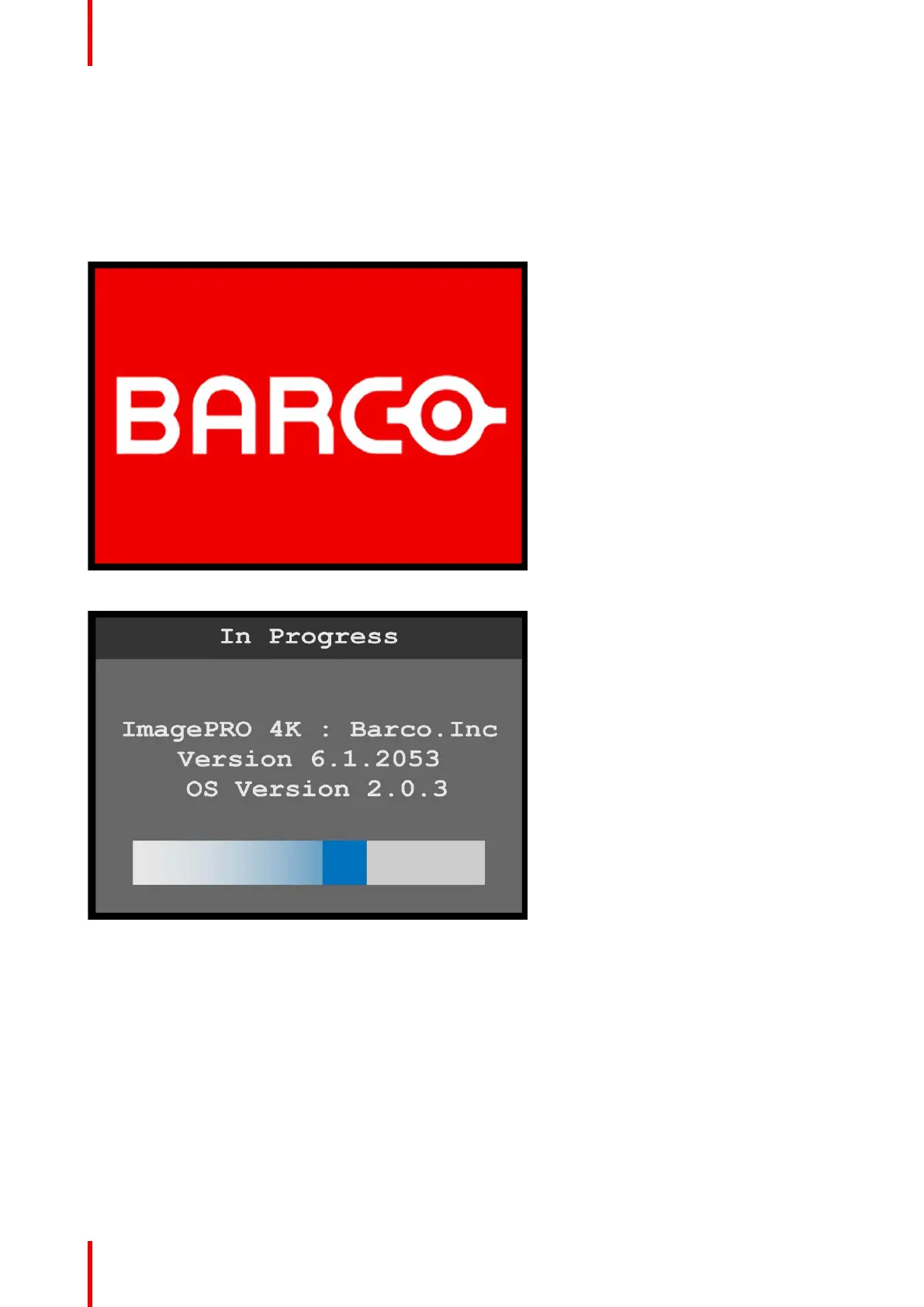
While the system is initializing, the front-panel buttons light up, and the Barco logo and the following
messages are displayed.
Image 6-1: Barco logo screen
Image 6-2: System initialization “In Progress”
The “In Progress” message shows the software version that is installed and the operating system version. This
version number changes as you install software upgrades.
When initialization is complete the ImagePRO–4K displays the status of the system.
Menu orientation



 To Next Page