R5906167 /00 ImagePRO–4K Video Processor
68
Unmap All Buttons
To unmap all source and output buttons…
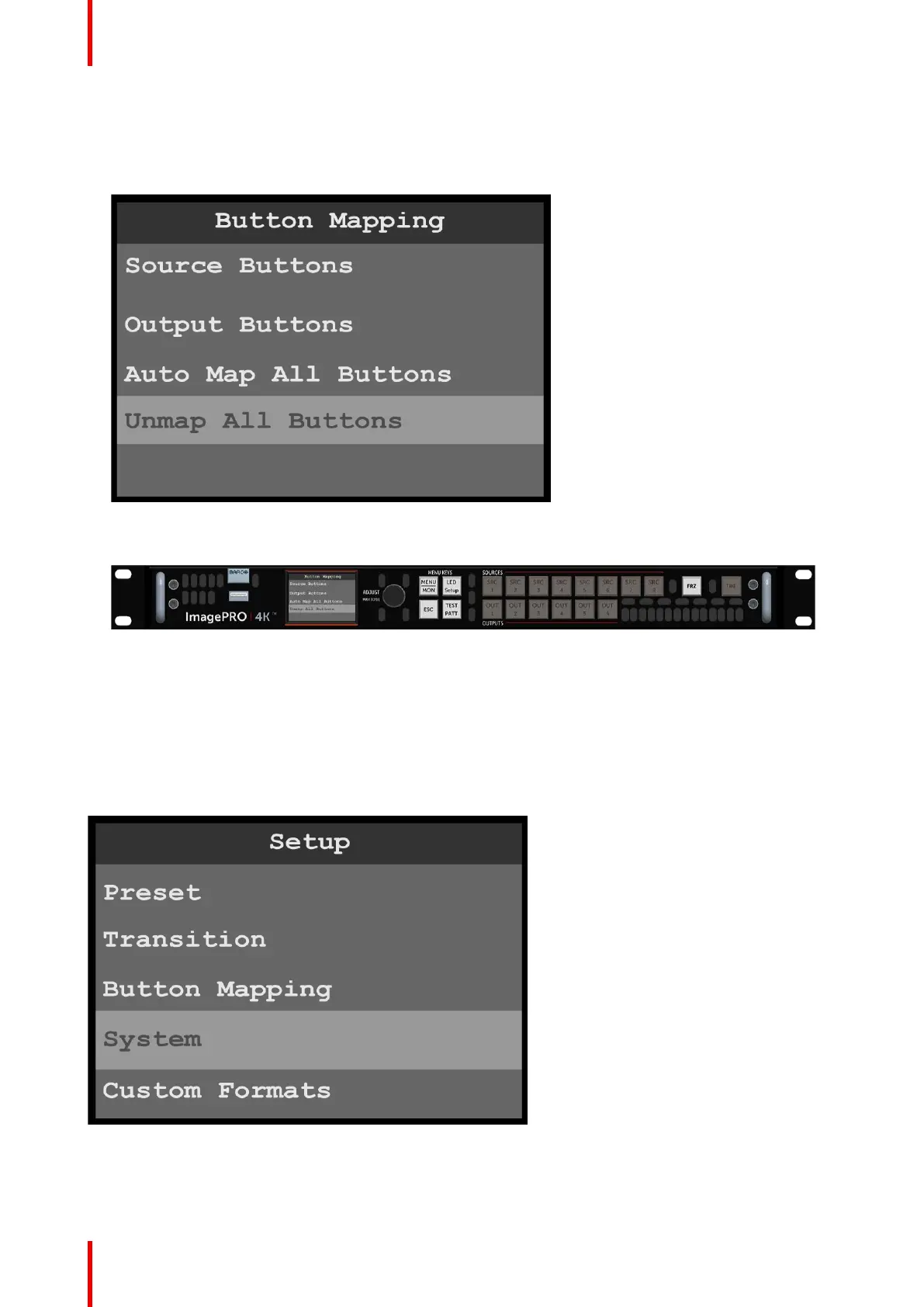
1. Select Unmap All Buttons on the Button Mapping menu.
Image 6-61: Unmap All Buttons
Once the system unmaps the source and output buttons, the buttons on the front panel are unlit.
Image 6-62: Front-panel source and output buttons unmapped
6.8 System menu
General
This section provides information about the System menu.
To enter the System menu from the Setup menu, scroll to and select System.
Image 6-63: Setup menu: System
Use the System menu to control system settings, such as Unit Mode, Native Rate, Genlock, Ethernet, Display
and Button Brightness and to access the System Diagnostics.
Menu orientation



 To Next Page