R5906167 /00 ImagePRO–4K Video Processor
77
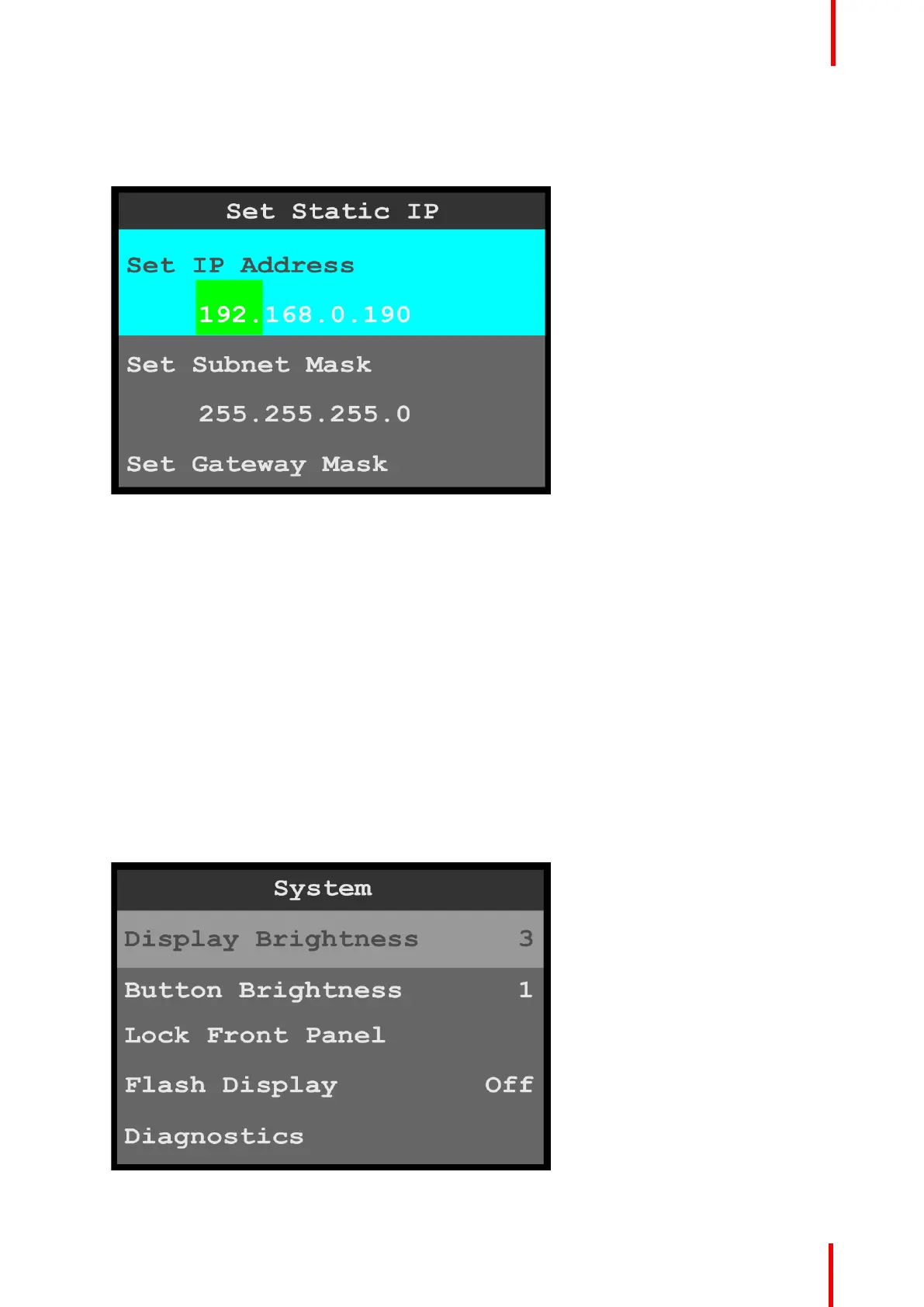
• Set Static IP allows the operator to set the IP Address, Subnet Mask, and Gateway Mask.
To set a Static IP address…
1. Select Set IP Address from the Set Static IP menu.
Image 6-79: Ethernet menu: Set Static IP
Once Set IP Address is selected, the highlight bar turns from gray to cyan, and the first portion of the IP
address is highlighted in green.
2. Use the adjust knob to adjust the first portion of the IP address, and press the adjust knob when the
desired number is reached.
3. Repeat Step 2 for each portion of the IP address.
4. Select Set Subnet Mask from the Set Static IP menu.
5. Use the adjust knob to adjust the first portion of the Subnet Mask, and press the adjust knob when the
desired number is reached.
6. Repeat Step 5 for each portion of the Subnet Mask.
7. Select Set Gateway Mask from the Set Static IP menu.
8. Use the adjust knob to adjust the first portion of the Gateway Mask, and press the adjust knob when the
desired number is reached.
9. Repeat Step 8 for each portion of the Gateway Mask.
Display Brightness
1. Select Display Brightness on the System menu to adjust the brightness of the display screen.
Image 6-80: System menu: Display Brightness
Menu orientation



 To Next Page