R5906167 /00 ImagePRO–4K Video Processor
76
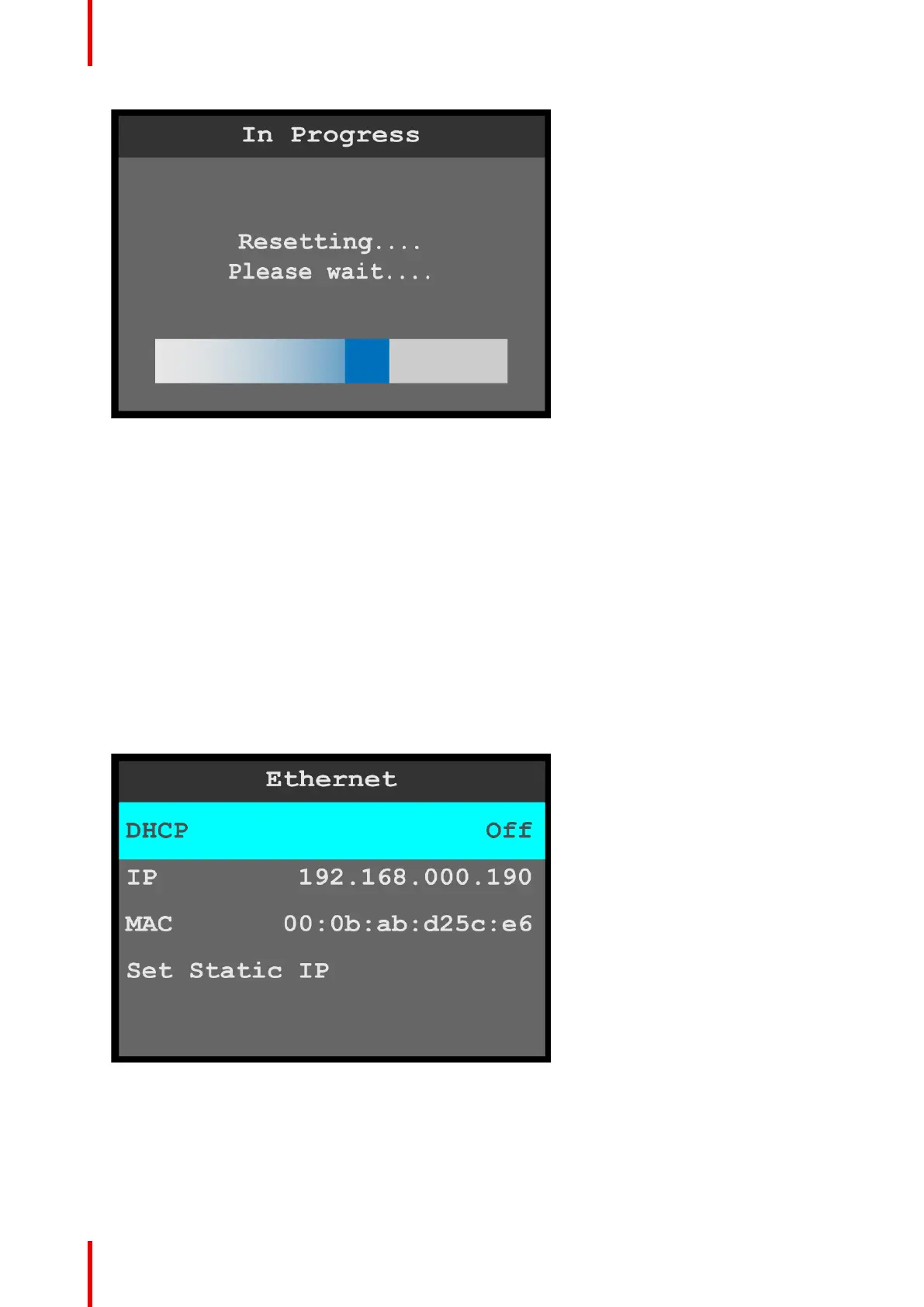
Image 6-77: Resetting message
After a few minutes, the system resets, restarts, and displays the status menu.
Backup External Device and Restore External Device
Backup External Device and Restore External Device operate similarly to Backup Config and Restore Config.
Restore XML
Restore XML allows the system to upload a backup xml folder.
Ethernet
Ethernet allows the operator to adjust the Ethernet parameters of the system.
1. Select Ethernet on the System menu.
2. Scroll to and select the desired Ethernet parameter, for example DHCP (Dynamic Host Configuration
Protocol).
Once Ethernet parameter is selected, the highlight bar for that parameter turns from gray to cyan.
Image 6-78: Ethernet menu
• DHCP allows the operator to choose whether or not to use the Dynamic Host Configuration Protocol.
The default DHCP setting is Off.
When DHCP is set to On, a device can have a different IP address every time it connects to the
network.
• IP reports the current IP address of the system.
• MAC reports the current MAC address of the system.
Menu orientation



 To Next Page