R5906167 /00 ImagePRO–4K Video Processor
84
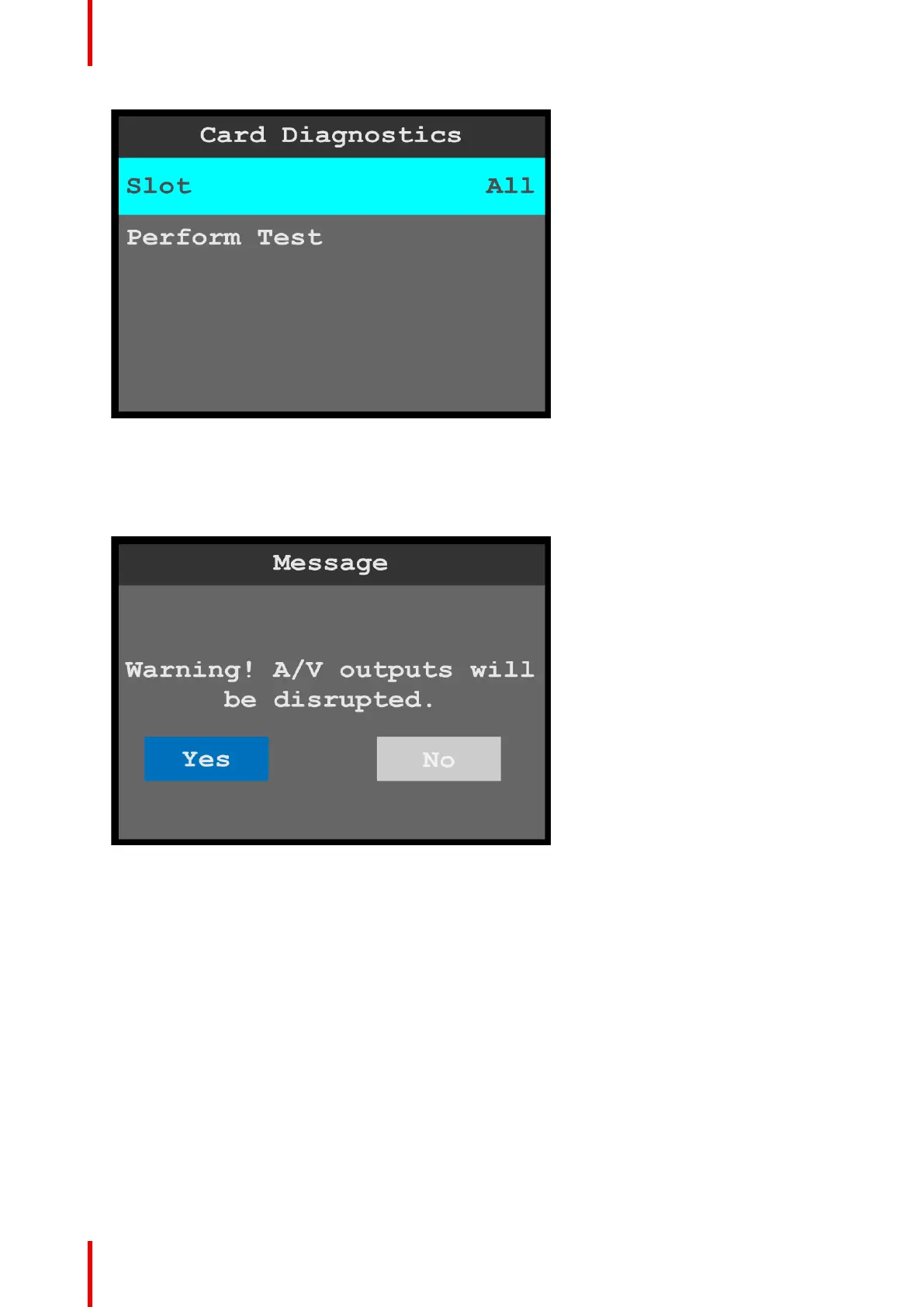
Image 6-93: Card Diagnostics menu: Slot
3. Scroll through and select the desired slot.
The slot options are All, 2, and 3.
4. Scroll to and select Perform Test.
The system displays the following warning message.
Image 6-94: Card Diagnostics: Slot warning message
5. Select Yes to perform the card diagnostics.
• If No is selected, the system returns to the Card Diagnostics menu.
• If Yes is selected, the system performs the diagnostics and displays a progress screen.
Menu orientation



 To Next Page