R5906167 /00 ImagePRO–4K Video Processor
53
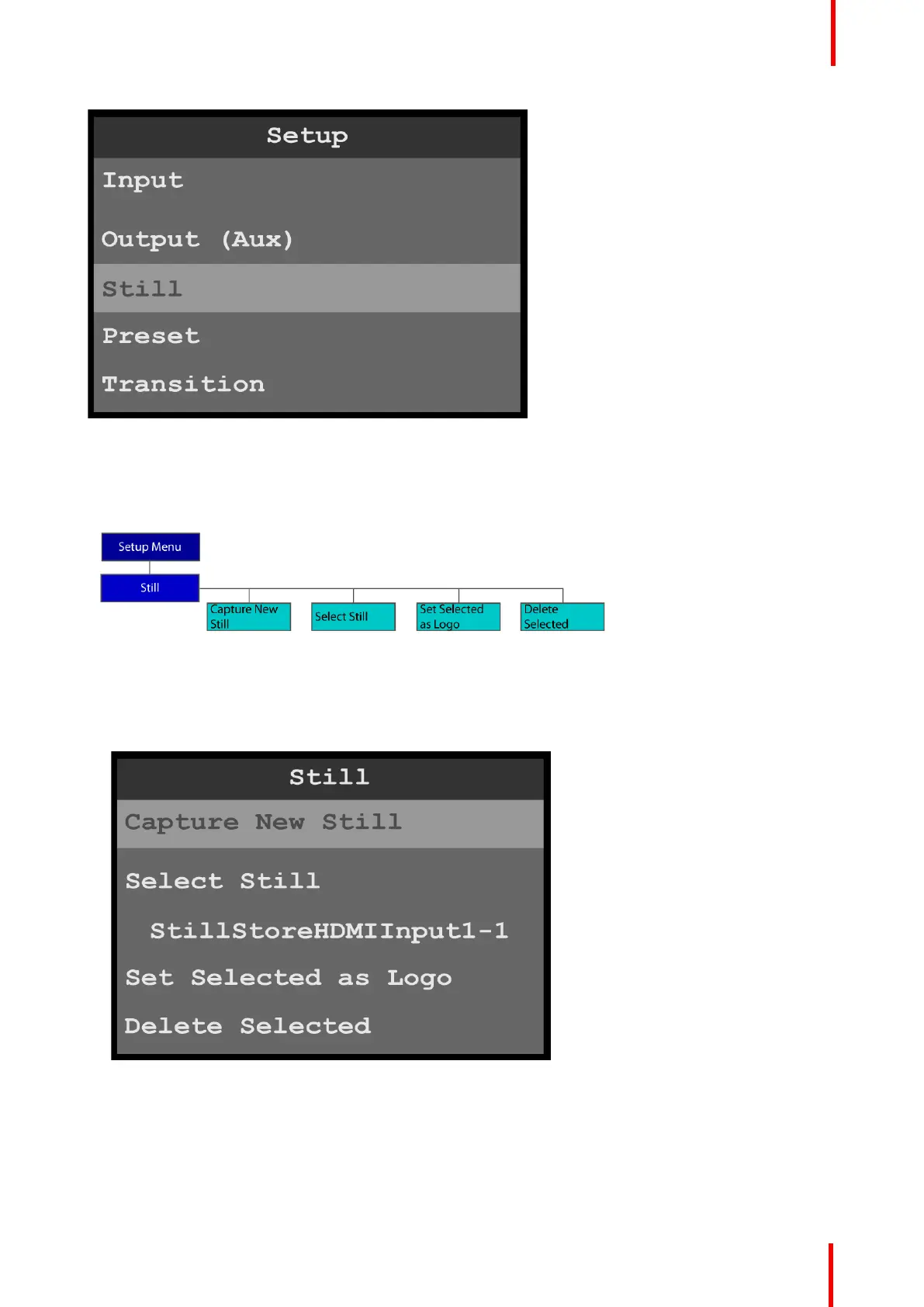
Image 6-29: Setup menu: Still
Still menu tree
Refer to Image 6-30 for an illustration of the Still menu tree.
Image 6-30: Still menu tree
Capture New Still
1. Select Capture New Still on the Still menu.
Image 6-31: Setup menu: Still
The system displays a progress screen.
Menu orientation



 To Next Page