R5906167 /00 ImagePRO–4K Video Processor
54
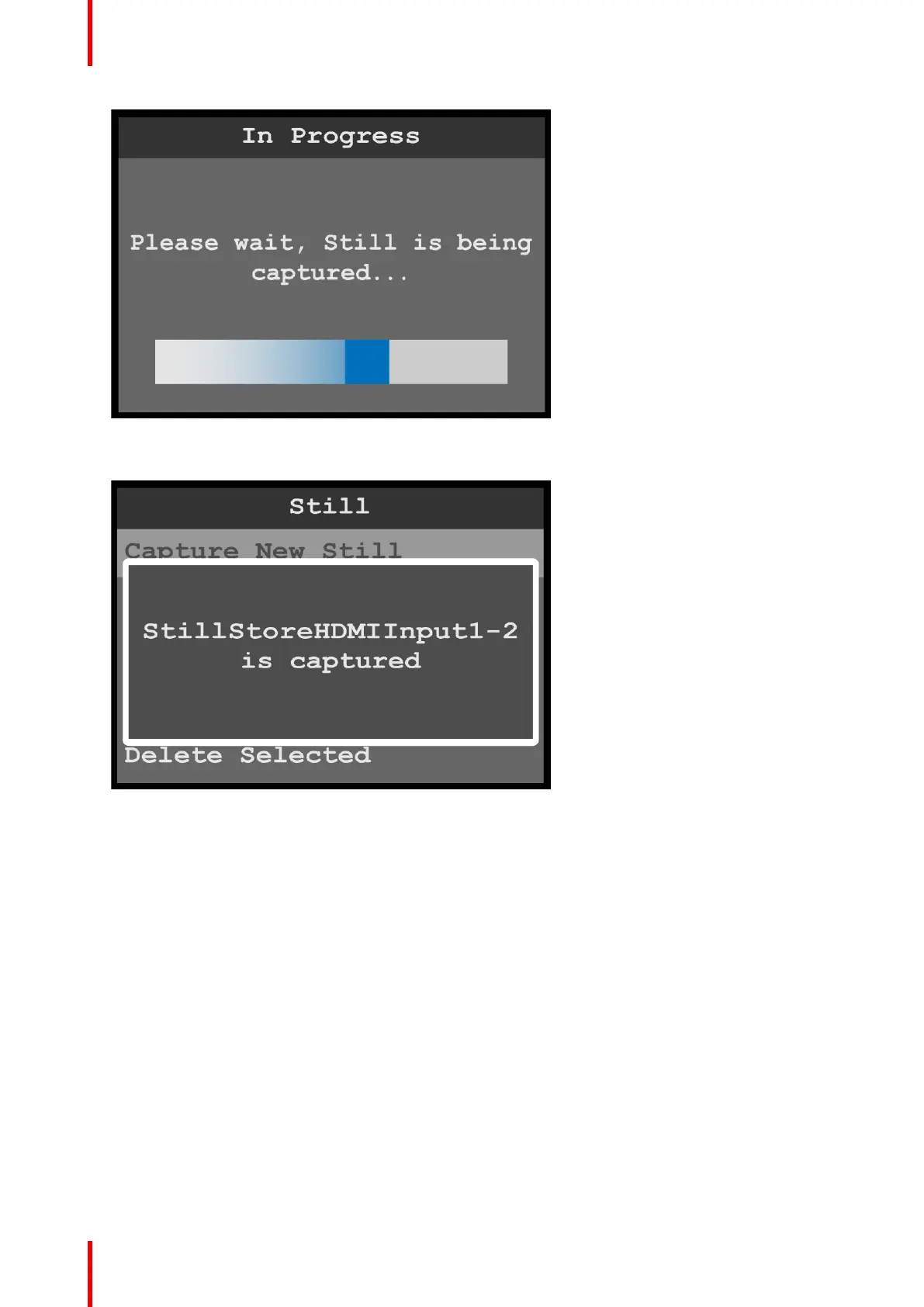
Image 6-32: Still: In Progress
Once the still has been captured, the system displays a message that includes the name of the still.
Image 6-33: New Still captured
Select Still
1. Select Select Still on the Still menu.
Once the Select Still is selected, the highlight bar turns from gray to cyan.
Menu orientation



 To Next Page