R5906167 /00 ImagePRO–4K Video Processor
92
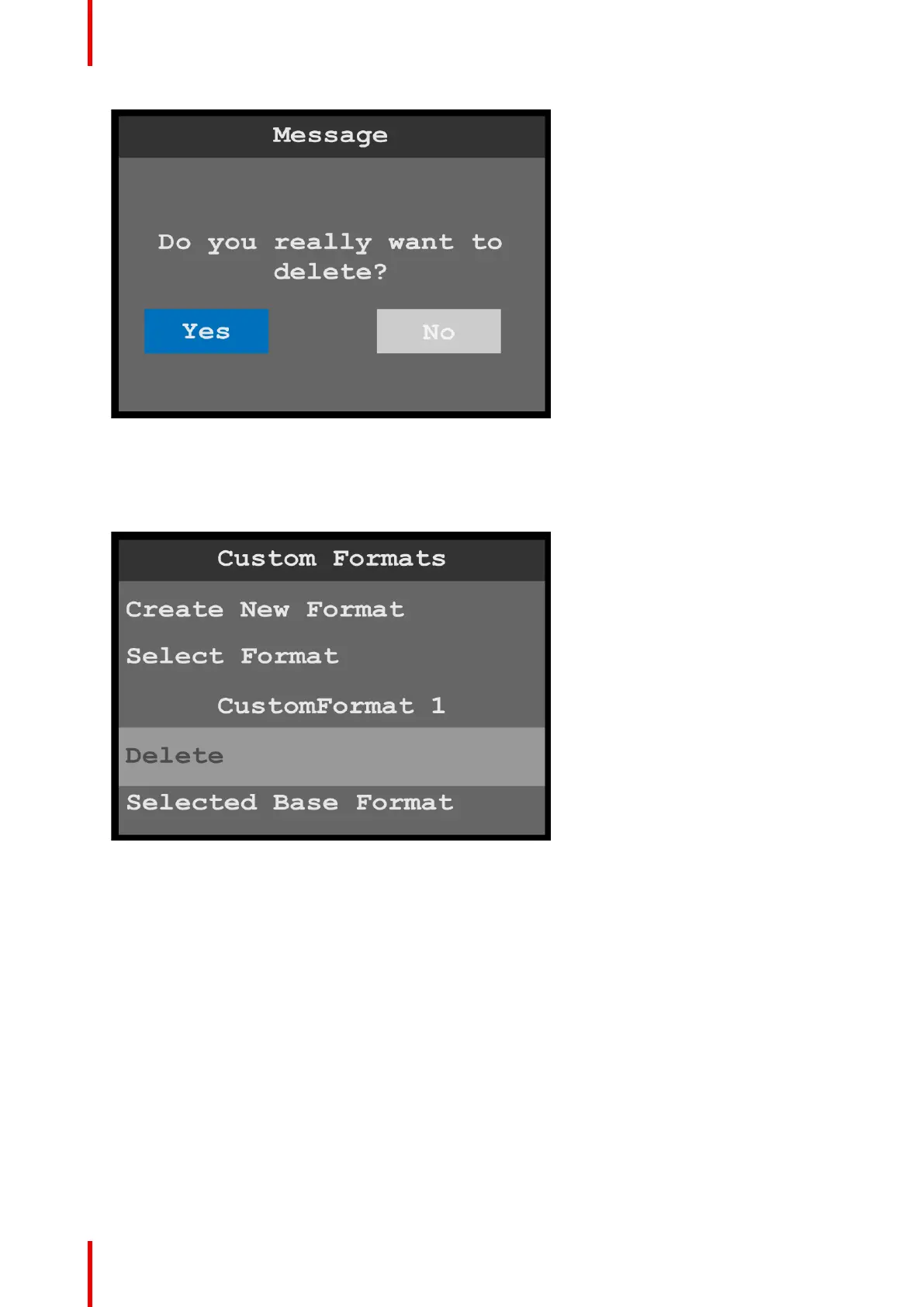
Image 6-108: Delete message
2. Select Yes to delete the selected custom format.
Select No to keep the custom format.
Once the custom format has been deleted, the system returns to the Custom Formats menu, and “Select
Format” shows the first created custom format (or “N/A,” if no custom formats are available).
Image 6-109: Custom Formats menu: Deleted format
Selected Base Format
Any custom format can serve as a base format for another custom format. Once a selected base format is
assigned to a custom format, the custom format can be adjusted further.
To select a base format…
1. Scroll to and select Selected Base Format.
Once Select Format is selected, the highlight bar turns from gray to cyan. Turning the adjust knob scrolls
through the available custom formats.
Menu orientation



 To Next Page