R5906167 /00 ImagePRO–4K Video Processor
93
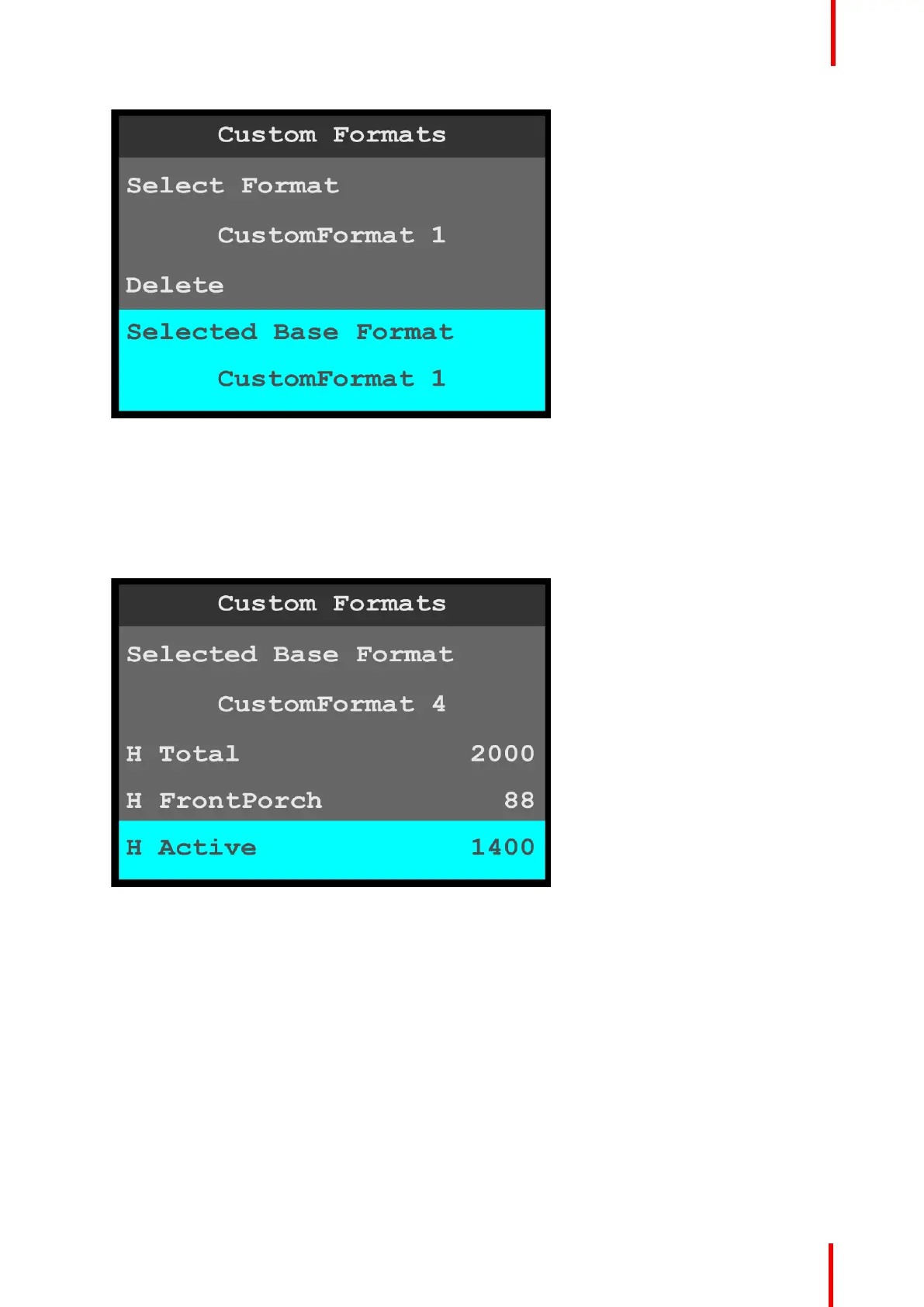
Image 6-110: Custom Formats menu: Selected Base Format
H Total through V Rate
To adjust the properties of a custom format…
1. Scroll to and select the desired property, for example H Active.
Once the property is selected, the highlight bar for that property turns from gray to cyan. Turning the adjust
knob scrolls through the available values for that property.
Image 6-111: Custom Formats menu: H Active
2. Turn the adjust knob clockwise to increase—or counter-clockwise to decrease—the value of the selected
property.
Save As
If after adjusting the properties of a custom format you do not wish to overwrite that custom format with the
new properties, use Save As to save the adjusted custom format with a different name.
After adjusting the properties of a custom format…
1. Scroll to and select Save As.
Once Save As is selected, the highlight bar turns from gray to cyan, and the first character of the custom
format name is highlighted in green.
Menu orientation



 To Next Page