R5906167 /00 ImagePRO–4K Video Processor
44
2. Scroll to and select Make Separate SDI Inputs to create four separate SDI inputs.
3. Scroll to and select Make Quad SDI Input to create a single Quad SDI input.
6.4 Output (Aux) menu
General
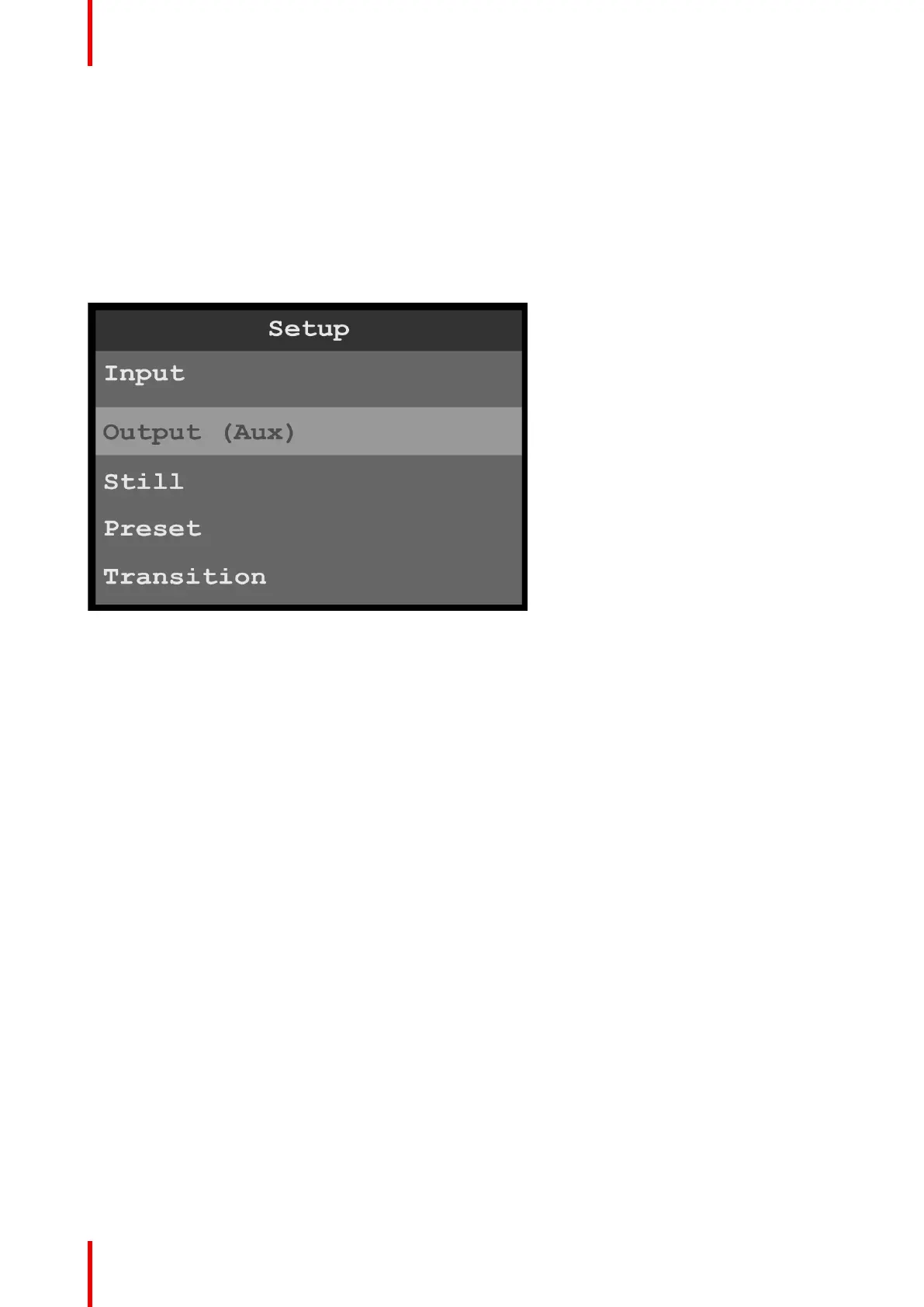
This section provides information about setting up and using outputs (Auxes). To enter the Output (Aux) menu
from the Setup menu, scroll to and select Output (Aux).
Image 6-17: Setup menu: Output (Aux)
Use the Output (Aux) Menu to adjust all parameters relating to outputs (Auxes). Using this menu, you can set
all of the configuration options for the selected output (Aux).
Output (Aux) menu tree
Refer to Image 6-18 and Image 6-19 for illustrations of the Output (Aux) menu tree.
Menu orientation



 To Next Page