R5906167 /00 ImagePRO–4K Video Processor
62
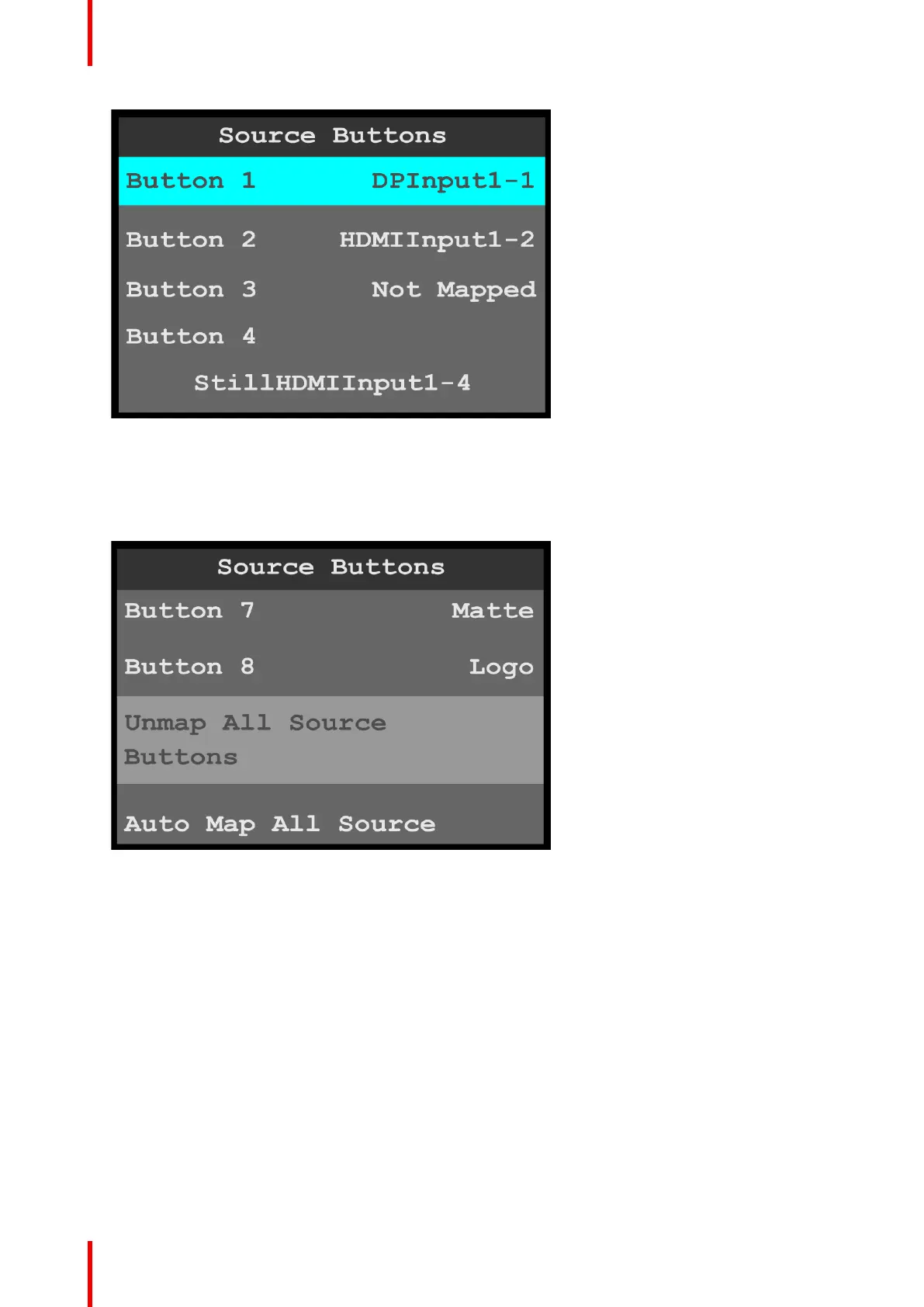
Image 6-49: Source Buttons menu
3. Scroll to and select the source that is to be mapped to the selected button.
4. Repeat steps 2 and 3 for each button that is to be mapped.
The default mapping for Button 7 is “Matte,” and the default mapping for Button 8 is “Logo.”
5. To unmap all of the source buttons, scroll to and select Unmap All Source Buttons.
Image 6-50: Unmap All Source Buttons
6. To automatically map all of the source buttons, scroll to and select Auto Map All Source Buttons.
Menu orientation



 To Next Page