R5906167 /00 ImagePRO–4K Video Processor
64
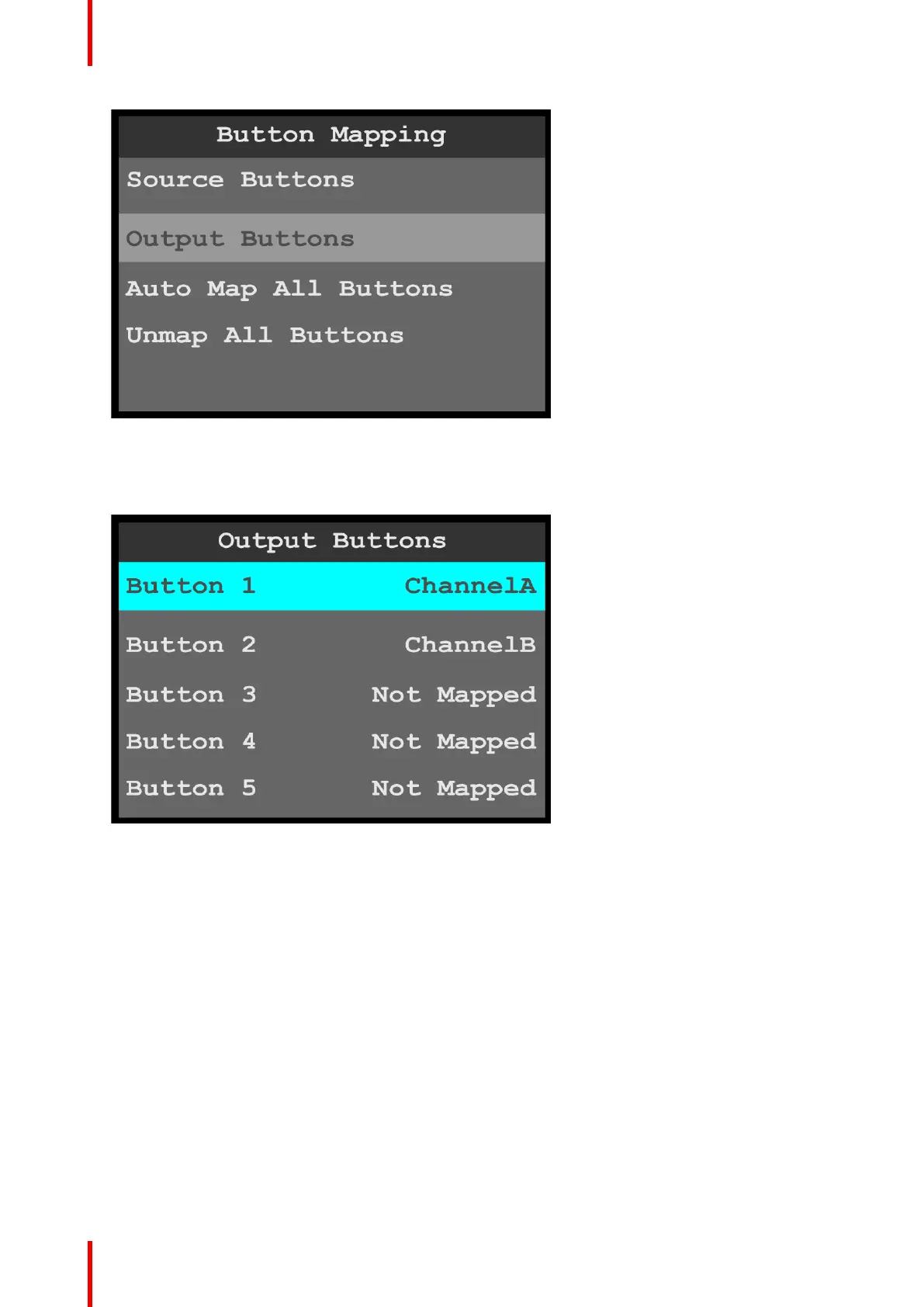
Image 6-53: Button Mapping menu: Output Buttons
2. Scroll to and select the output button to be configured.
Once the output to be configured is selected, the highlight bar turns from gray to cyan. Turning the adjust
knob scrolls through the channels available to that button.
Image 6-54: Output Buttons menu
3. Scroll to and select the channel (A or B) to be configured.
You may also select the option “Not Mapped.”
4. Repeat steps 2 and 3 for each button that is to be mapped.
5. To automatically map all of the output buttons, scroll to and select Auto Map All Output Buttons.
Menu orientation



 To Next Page