R5906167 /00 ImagePRO–4K Video Processor
70
source connected. The system dynamically allocates input connector capacity as each source is actively
switched. Each output connected to a display must be assigned to one of the two Aux channels. Even though
all six output connectors can possibly show a picture, the output rate and "area of interest" are defined in the
Aux channel(s).
Matrix Preview mode is capable of providing a single input to multiple outputs, as well as multiple inputs to
multiple outputs. Because this mode is capable of routing more than one input to the outputs, the signal
bandwidth capacities for each connector must be defined by the user. Each output can have a different signal
rate from the others, as well as a unique "area of interest."
To select the unit mode…
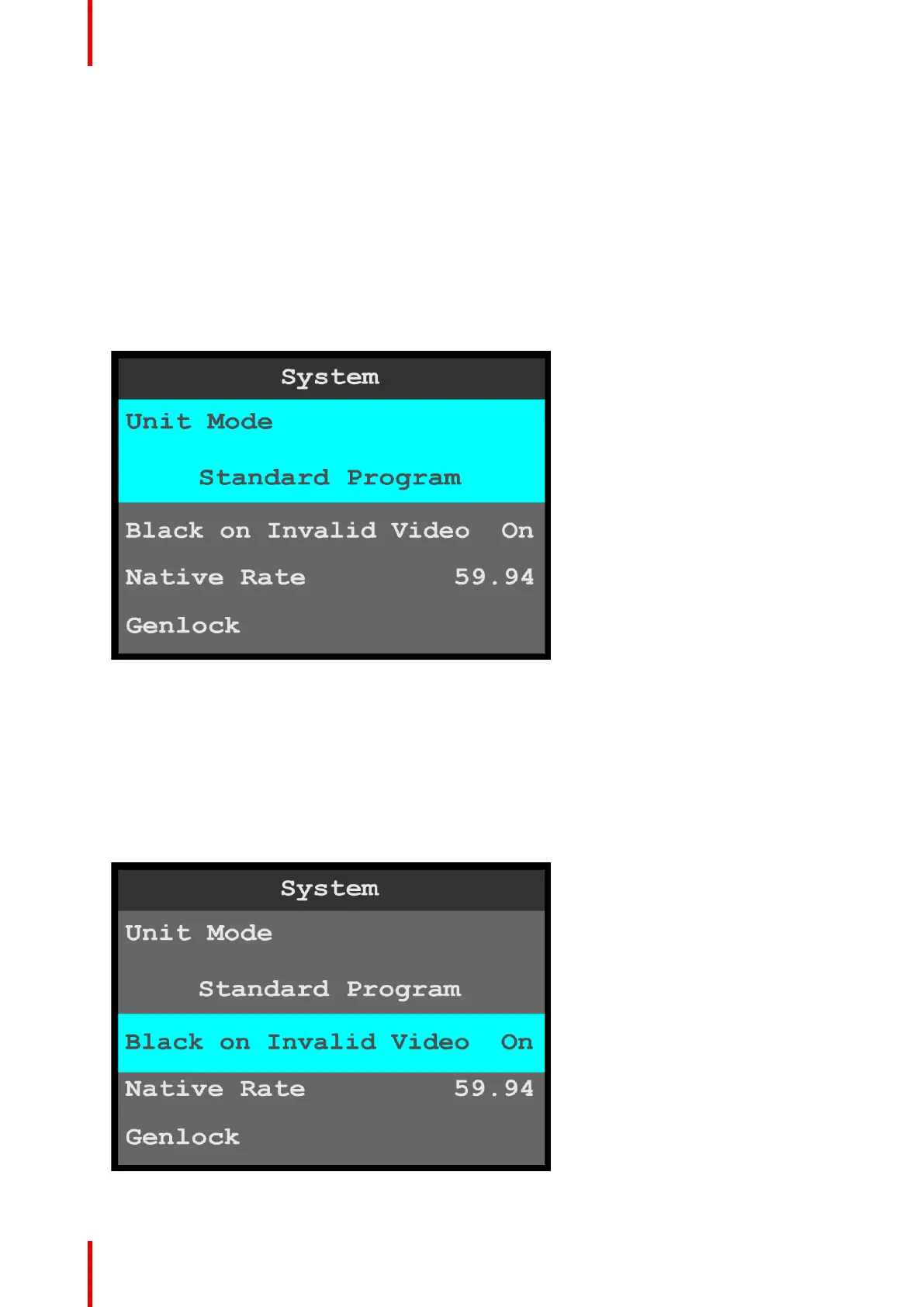
1. Select Unit Mode on the System menu.
Once Unit Mode is selected, the highlight bar turns from gray to cyan. Turning the adjust knob scrolls
through the available unit modes.
Image 6-66: System menu: Unit Mode
2. Scroll through and select the desired unit mode: Standard Program, Standard Preview, or Matrix
Preview.
Black on Invalid Video
Black on Invalid Video outputs a black screen if system cannot process the input source (for example if there
is a loss of sync). The default setting is On.
1. Select Black on Invalid Video on the System menu.
Once Black on Invalid Video is selected, the highlight bar turns from gray to cyan.
Image 6-67: System menu: Black on Invalid Video
Menu orientation



 To Next Page