ex
6 Configuration
Subject to technical modifications
Revision A / 04/2019
45 / 106
The plugins can be downloaded from the BARTEC Support page at the following address:
http://automation.bartec.de/indexE.htm
- Data Capture (Barcode Scanner)
- BCS 3600 Hand-Held Scanner
- Driver & Plugins
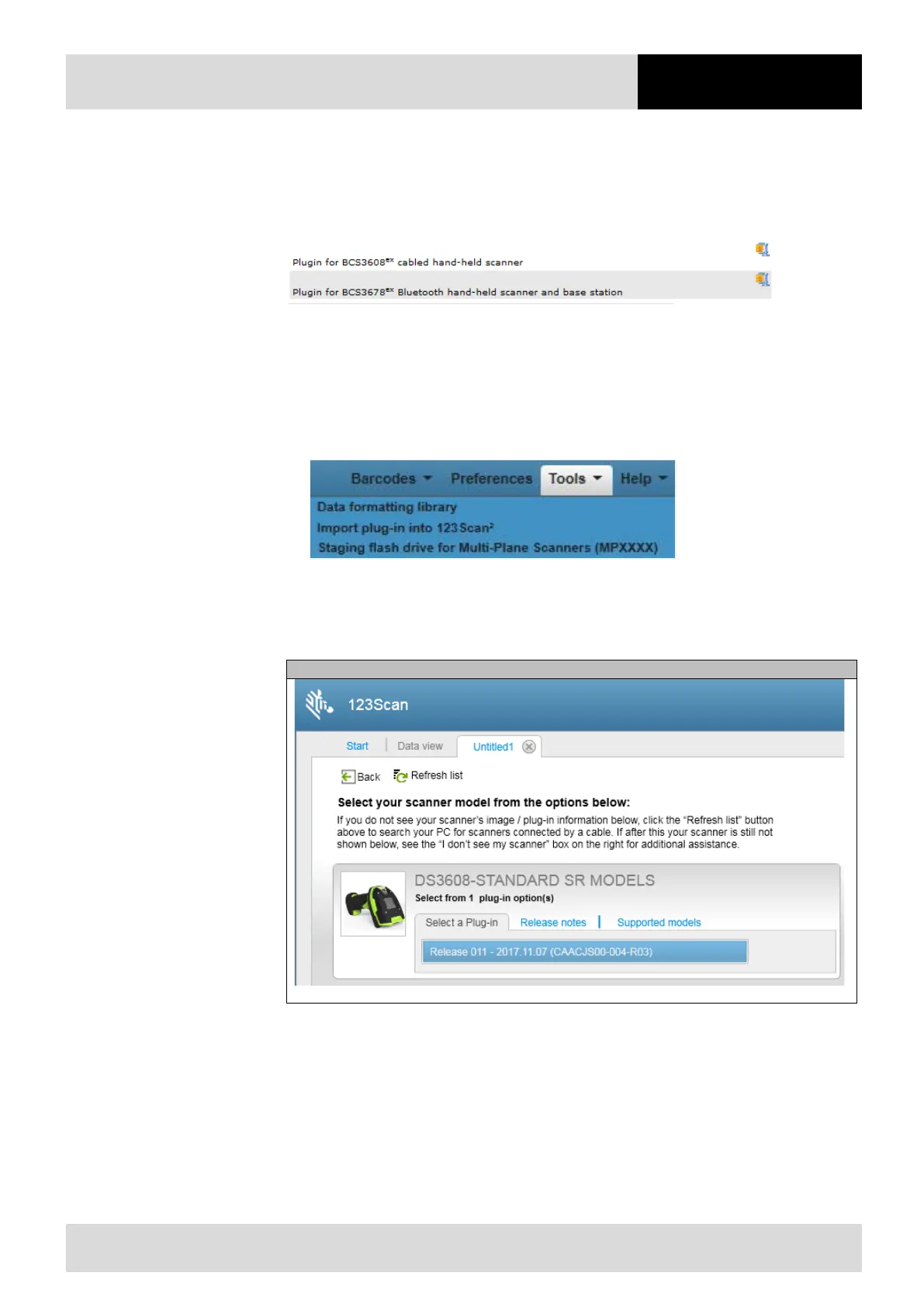
The following plugins are available:
‒ For the BCS 3608
ex
series: DS3608-STANDARD SR MODELS-S-011.scnplg
‒ For the BCS 3678
ex
series: DS3678-STANDARD SR MODELS + CRADLE-S-002.scnplg
Install Plugin
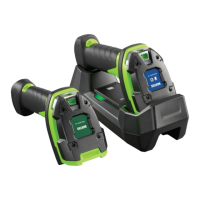
1. Start 123Scan Utility
2. Select the Import plug-in into 123Scan² function in the Tools menu.
3. select and install plugin
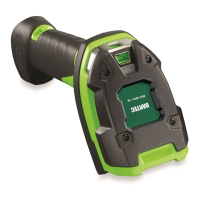
The hand-held scanners are recognized by 123 Scan Utility as follows:
Corded hand-held scanner BCS 3608
ex


 To Next Page