A: R82GB0GA.PMD
B: R82DE0GA.PMD
E: 080403 / T.Wenger
G: 020403 / TCS
Section 6
Page 4
Operation
0
Once all the referencing conditions have been
fulfilled, the referencing movement can begin.
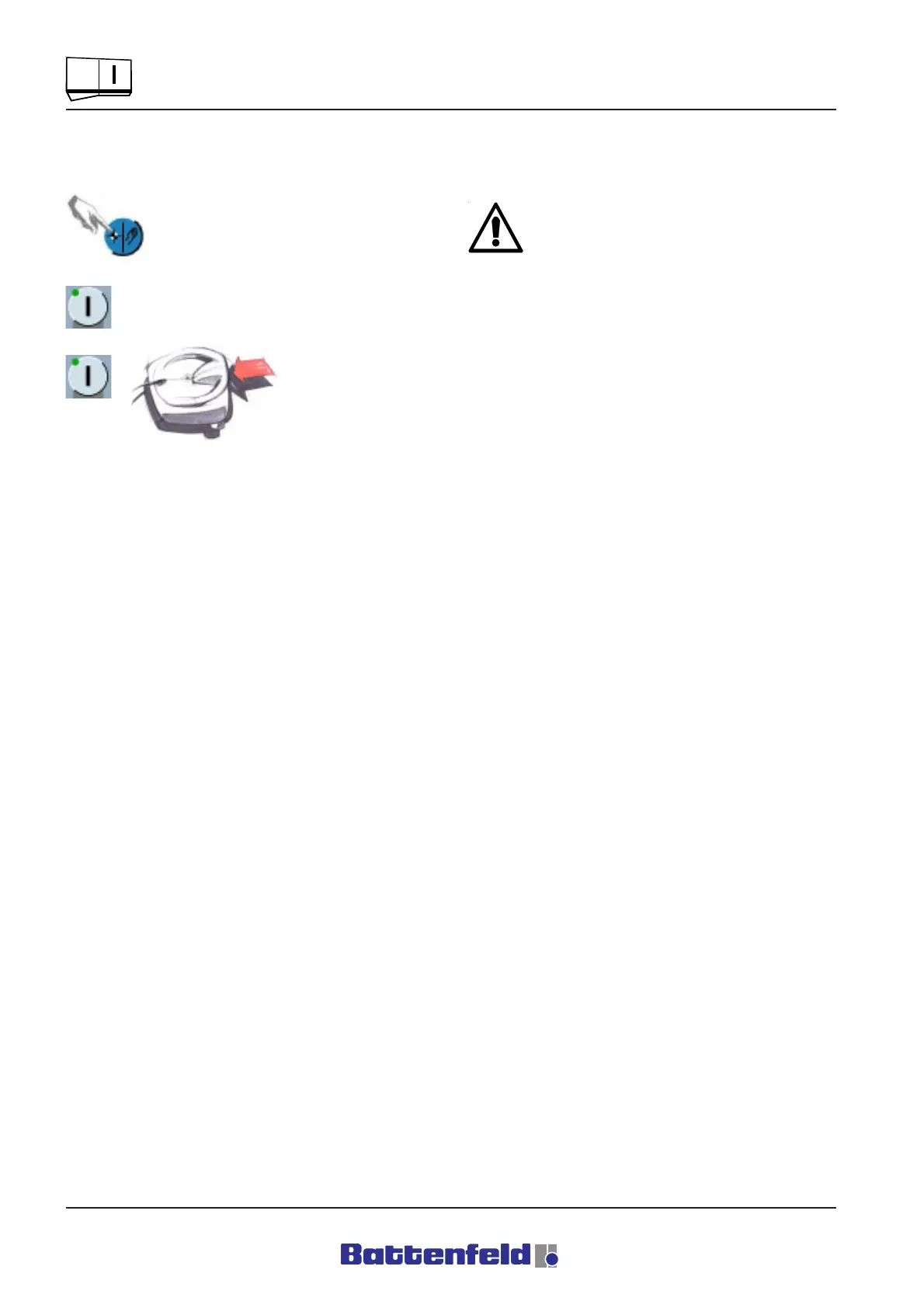
Press the REF button.
The green LED in the START button
lights up.
Press the START
button and the
TOTMANN button
simultaneously.
This activates the referencing movement. First
the Y-axis moves to its reference point in a ” - -
direction”. Once the Y-axis has been calibrated
(stationary), the horizontal axes (X, Z) move
towards their reference points.
When all three linear axes have reached their
reference positions, ”HOME” appears at the top
right of the display and the controller
automatically switches to Manual mode (LED in
button lights up).
It is now possible to start the token programs
and Teach functions.
When moving servo axes which have not
been referenced it is important to note that
the paths of the main axes are not defined.
This means that the robot can move up to
the hardware limit switches, where it is
automatically stopped by the movement of
the ACOPOS servo control, which generates
an error message at the pos./neg. HW limit
switch.



 To Next Page