Operation and Control System
A: R82GB0FA.PMD
B: R82DE0FA.P65
E: 080403 / T. Weiß
G: 200103 / TCS
Section 5.5
Page 35
?
R8B2_GB106.JPG
R8B2_GB107.JPG
5.5.8 Error messages
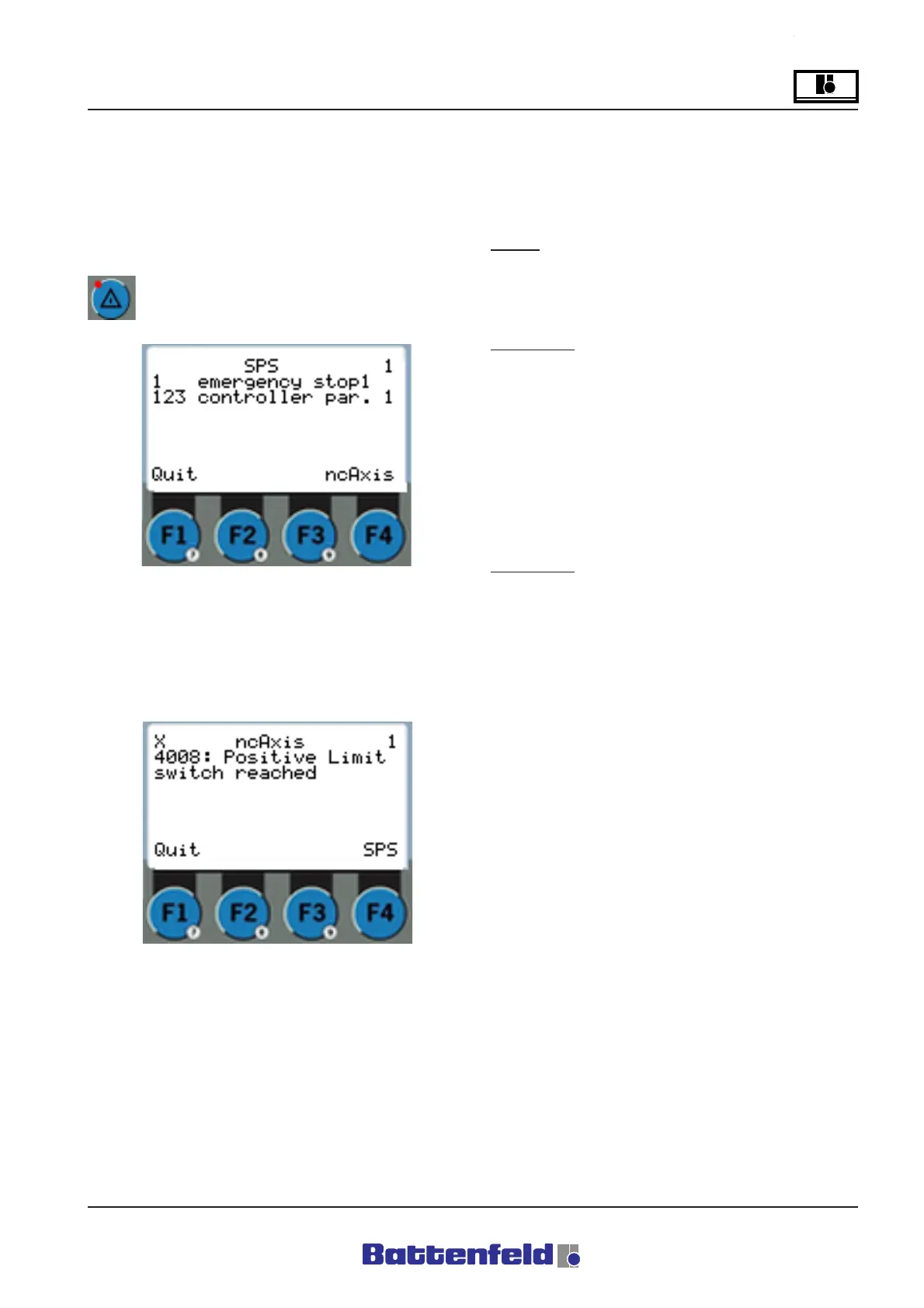
All existing errors shown on the two PCS and
ncAxis (ACOPOS servo booster) error pages
can be confirmed here.
Select the Error button.
ACOPOS ERROR
Error No. 4008, 4009
One of the main axes has reached the positive
or negative hardware limit switch.
Effect:
- Current axis controller is stopped
- ACOPOS servo booster indicates an
error.
To remedy:
1. Reconnect the power supply
2. Activate movement in the opposite
direction
This error may indicate that the software limit
positions have been incorrectly configured.
Error No. 5003, 5004
Reached positive or negative SW limit position.
To remedy:
Activate movement in opposite direction.
The number of PCS errors is indicated at the
top right of the display.
Select ”Quit all” (F1 function button) to confirm
all errors including ACOPOS errors.
The ACOPOS error number is shown at the top
left of the display (here 4008).
Select ”Quit” (F1 function button) to confirm the
current ACOPOS error.



 To Next Page