A: R82GB0FA.PMD
B: R82DE0FA.P65
E: 080403 / T. Weiß
G: 020304 / TCS
Section 5.5
Page 36
Operation and Control System
?
R8B2_GB108.JPG
PCS ERROR
1 Emergency Stop 1 activated
Emergency stop button on MCD activated.
To remedy:
Deactivate Emergency Stop.
The error need not be confirmed. It disappears
automatically after it has been remedied.
5 Activate Emergency Stop 1x
To test the Emergency Stop button on the
manual control device (MCD) press once and
release.
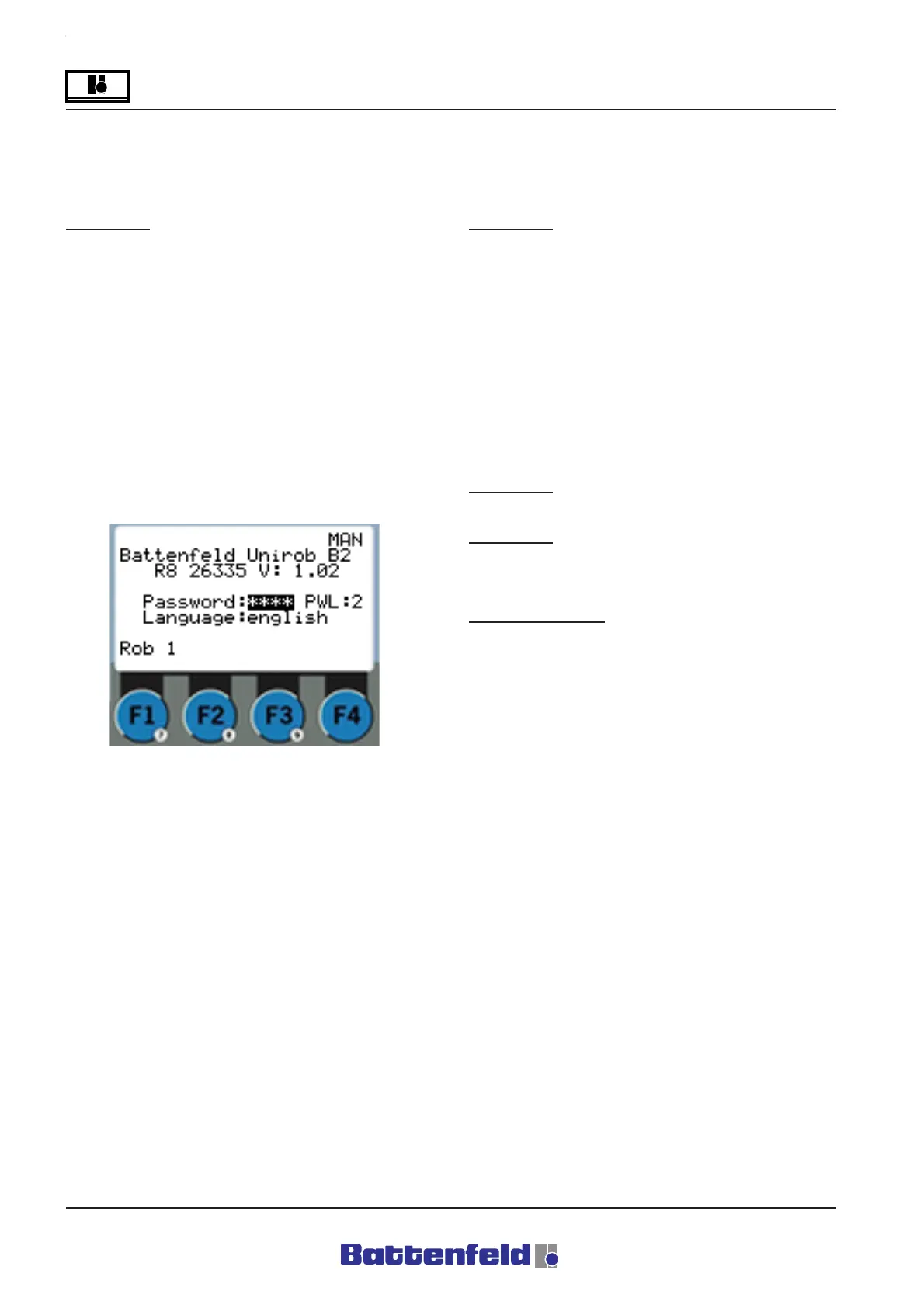
6 Rob 0
The injection moulding device is set to ”Rob 0”
when it is running without the robot.
15 Pos. in TL
This error message occurs when an automatic
program is activated with the robot in the mould
area.
To remedy:
- Switch to Manual control and move the
axes out of the mould area.
- Confirm error.
52, 53 Casting Mon. 1
One of the casting monitoring devices was
activated and the required status of the casting
monitor inputs (switching status) logic ”0” and
logic ”1” is not available when the casting is
clamped. The number at the end is the number
of the clamping and vacuum circuit.
Effect (52):
- Movement stops at end of cycle (Pstop)
Effect (53):
- Current servo axis stops moving (Stop)
- Enable signals to IMM disappear.
To remedy 52, 53:
- Adjust the sensitivity of the limit switches
on the gripper finger.
- Adjust the sensitivity of the vacuum
monitor on the Venturi nozzle of the
suction gripper.
- Press the START button on MCD
(System continues in Automatic mode).
Use F1 to select ”Rob 1” to operate the IMM with
the robot.



 To Next Page