A: R82GB0FA.PMD
B: R82DE0FA.P65
E: 080403 / T. Weiß
G: 020304 / TCS
Section 5.5
Page 12
Operation and Control System
?
R8B2_GB073.JPG
R8B2_GB064.JPG
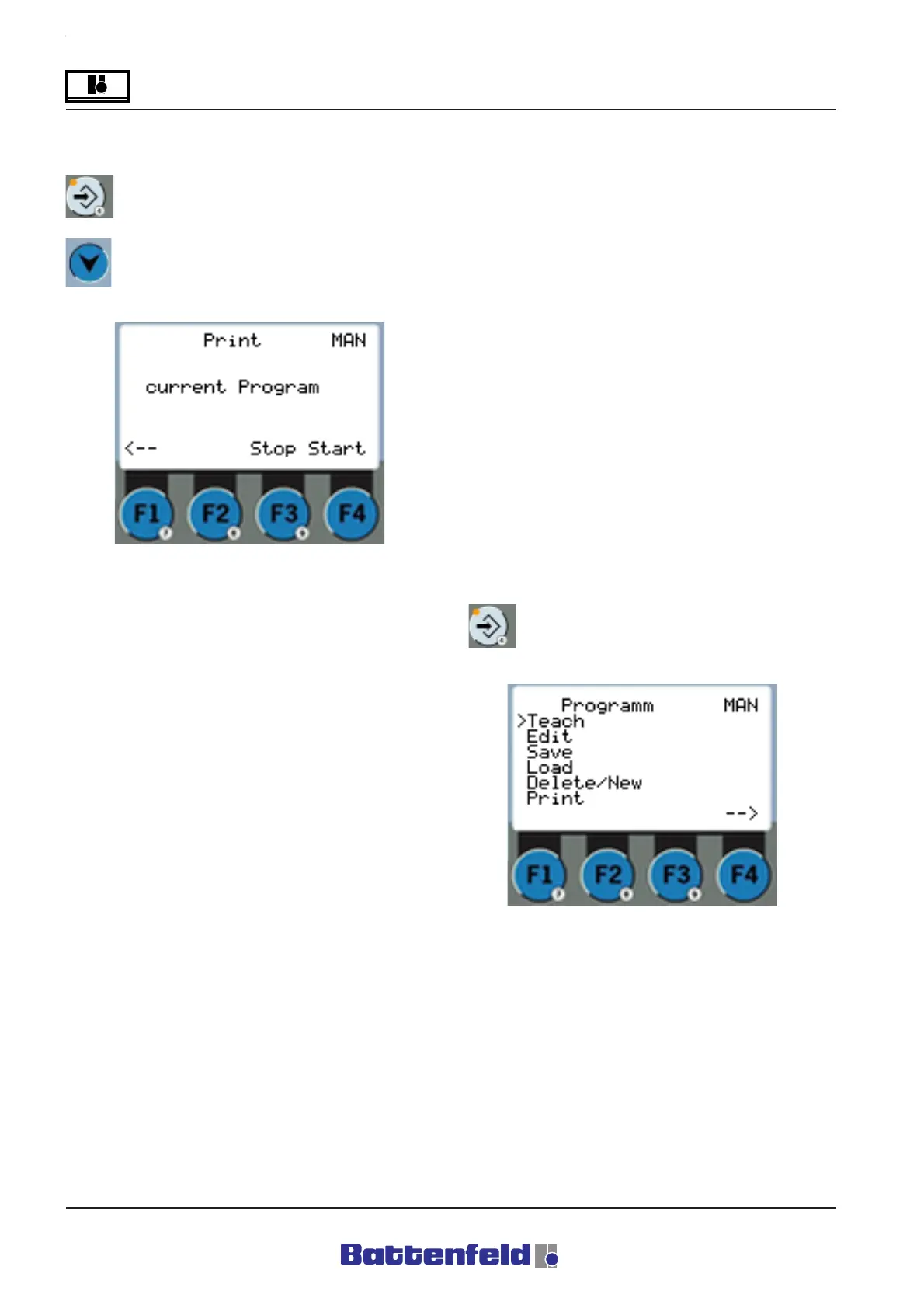
Print
Press the PROG button.
Use the buttons to move the cursor to
Print program.
5.5.5 Creating token programs
Switch to the ”Program” display to create an
Automatic program (see 5.5.4).
Example: NC axes command
Use the F4 button (Teach/Edit) to enter the
corresponding command in the previously
selected line of the token program.
Attention!
Any existing command in the selected line
will be overwritten.
Use the F3 function key (INS) to enter the
command. The line at which the cursor was
positioned is then moved down one space and
the new line is inserted at the current cursor
position.
Press the PROG button.



 To Next Page