Operation
A: R82GB0GA.PMD
B: R82DE0GA.PMD
E: 080403 / T.Wenger
G: 020403 / TCS
Section 6
Page 5
0
6.3 Manual operation
Press MAN switch the robot to
Manual mode.
Use the arrow buttons (+,-) to
move the linear and the auxiliary
axes according to the cursor
position on the Axis status page. (Page
selection is explained in Section 5.5.3 Status
pages).
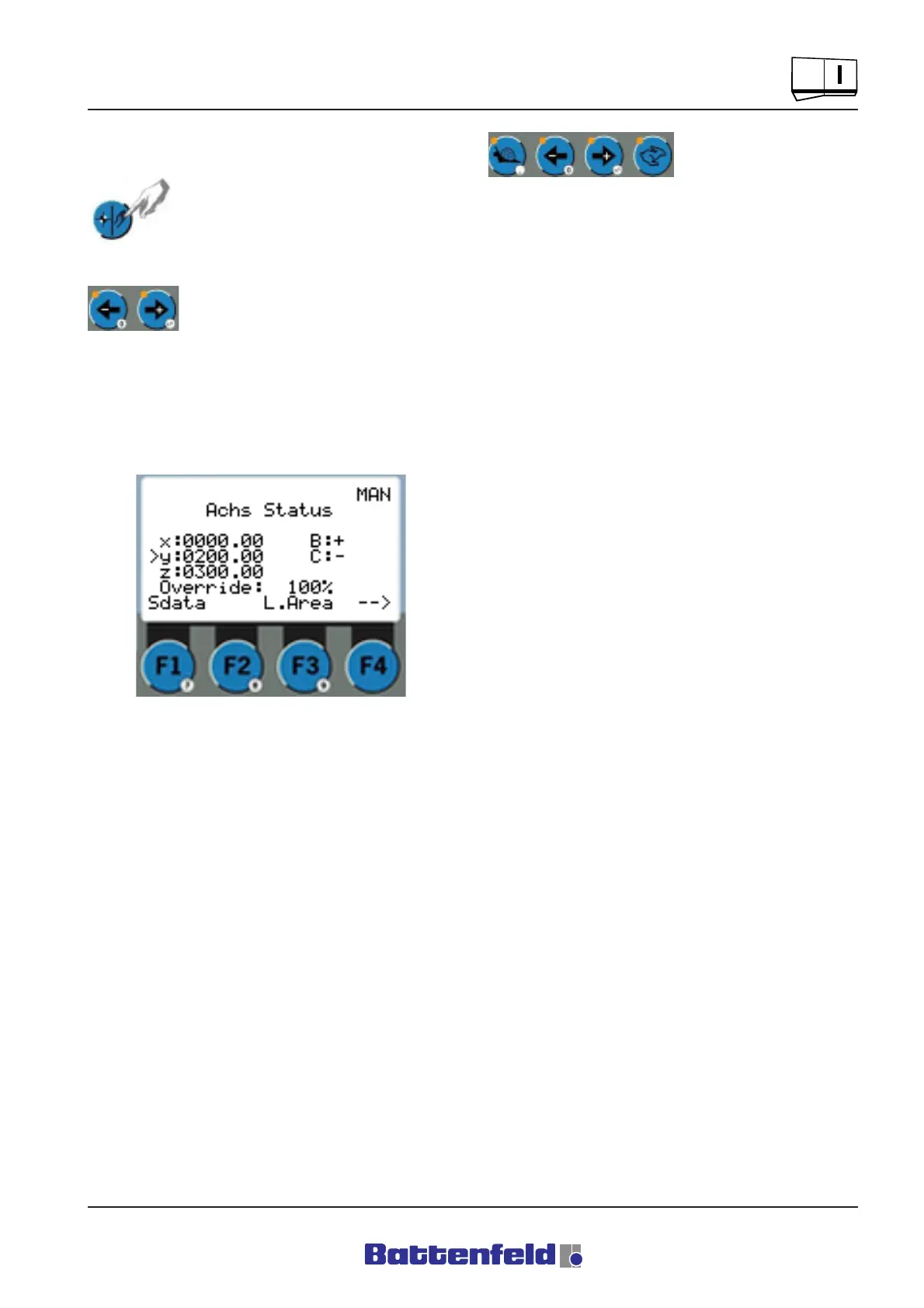
Axis status display:
The override function
is adjusted in 5%
increments (Minimum
value = 5%, Maximum value = 100%) using the
two buttons (snail, hare) to the left and right of
the arrow buttons.
Override values can also be entered using the
numerical pad on the Axis status page.
Manual mode speeds
In unreferenced mode the linear axes move at
5% of the Override setting depending upon the
maximum speed.
In referenced mode the linear axes move at 10%
of the Override setting depending upon the
maximum speed.
R8B2_GB053.JPG



 To Next Page