Assembly and Operation
A: R82GB0EA.PMD
B: R82DE0EA.PMD
E: 170403 /T. Wenger
G: 020403 / TCS
Section - 5
Page - 9
?
5.4. Unirob B2 controller
The Unirob B2 is straightforward and easy to
operate.
The main axes and auxiliary axes are regulated
by a sophisticated control system.
The sequential programming process (hereafter
referred to as token programming) is structured
in a simple format which is easy to understand.
This program also facilitates universal usage.
The current token program can be saved to a
floppy disc via an RS232 interface or printed out.
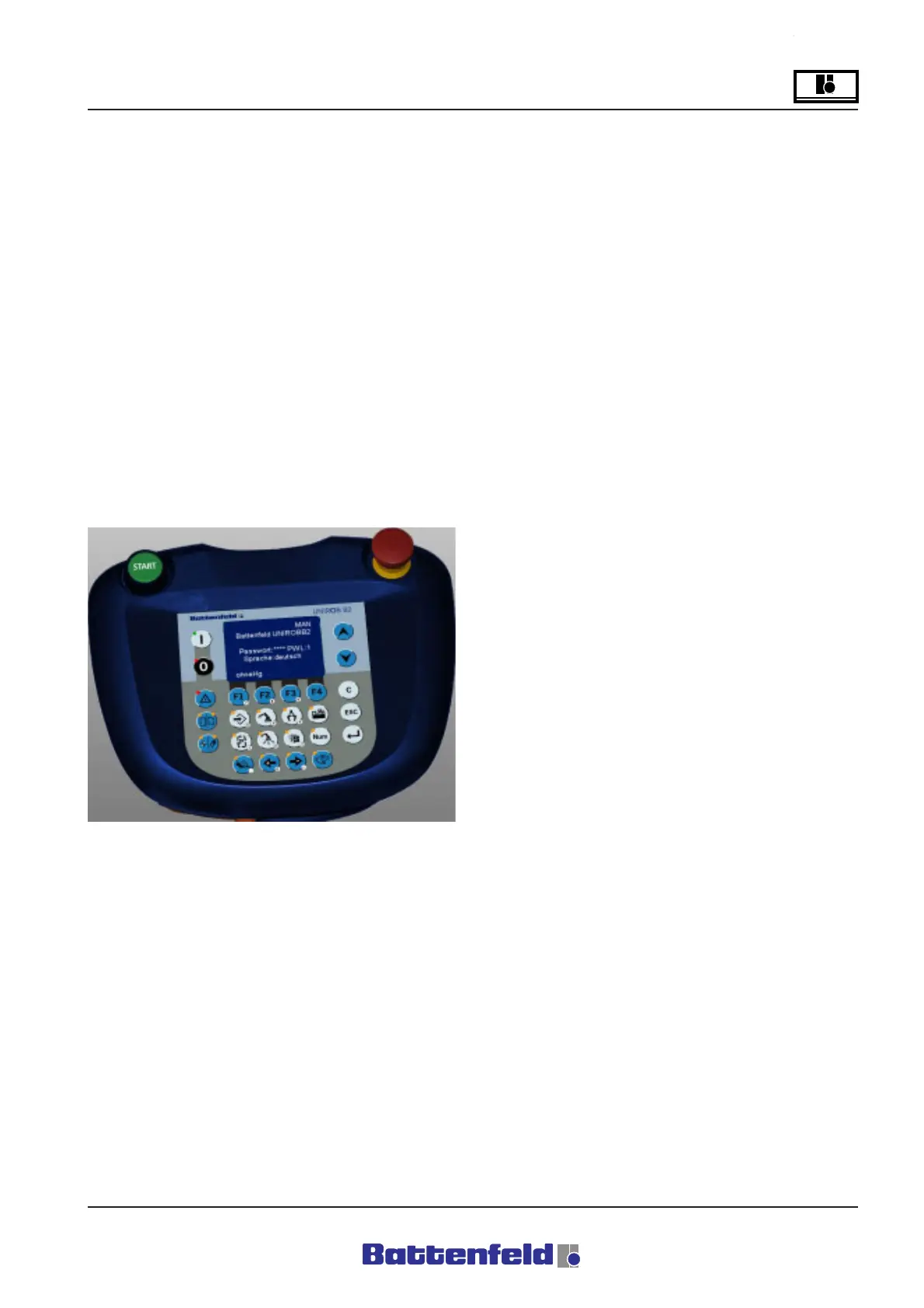
R8B2_021.JPG
5.4.1 Manual Control Device (MCD)
The MCD consists of:
• LCD (approx. 2.76") with 8 x 21
character lines.
• Green START button and a red
EMERGENCY STOP slam button.
• Four function keys (F1 to F4) for
selecting the various functions.
• Two cursor keys on either side of the
display, ON/OFF (right) and START/
STOP (left).
• A ”Num.” key for switching the numeric
pad (0-9) on/off.
• Four positioning keys for controlling the
movement and speed of the axes.
• Seven object selection keys (e.g.
gripper, IMM etc.) for use in Manual
mode and token programming.
The MCD key configuration and functions are
explained in Section 5.5 Handbook.



 To Next Page