Operation
A: R82GB0GA.PMD
B: R82DE0GA.PMD
E: 080403 / T.Wenger
G: 020403 / TCS
Section 6
Page 7
0
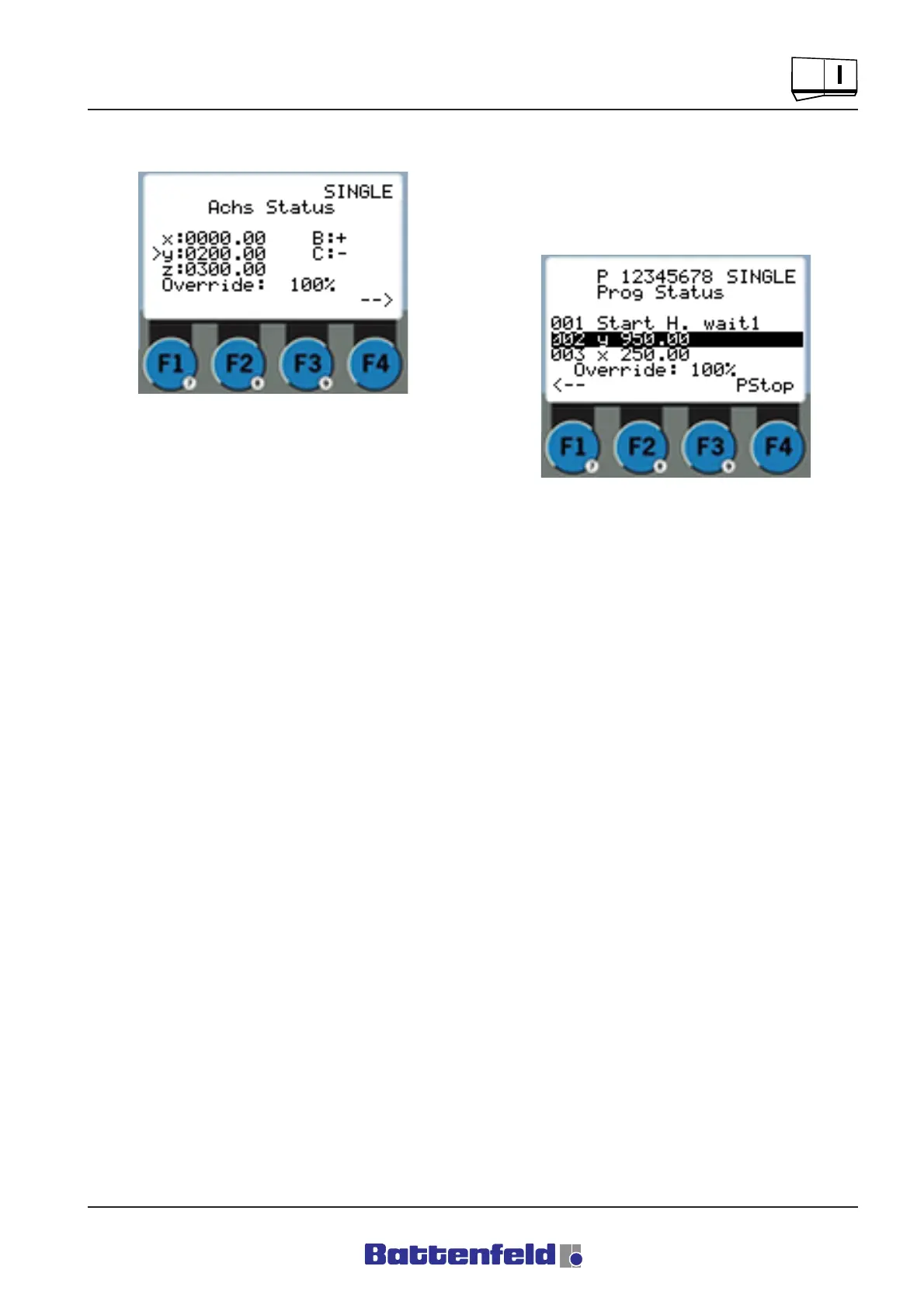
Status displays:
The current axis positions can be read off the
Axis status page during Single step mode. (refer
to Section 5.5.3 Status pages)
Press the F4 function button (=continue) to read
off the current program status. Press the START
button to execute the command in the marked
program line.
Exiting Single step mode:
Press the MAN button to switch to Manual mode.
Press the ”AUTO/SINGLE” button to switch to
Automatic mode. (refer to 5.5.5 Creating token
programs)
R8B2_GB114.JPG
R8B2_GB115.JPG



 To Next Page