Alarms 103
SIGMA Spectrum Infusion System Pump Operating Software Version 8.00
Operator’s Manual For Use With MDL Version 8.0
Silencing an Alarm Tone
To silence the audio tone for an alarm, press the silence soft key or any key on the keypad. This
silences the alarm tone for 2 minutes. If the alarm has not been cleared after 2 minutes, the alarm
tone will resume.
NOTE: Pressing the ON/OFF key will cause the Pump to shutdown.
Clearing an Alarm
To clear an alarm, follow all of the prompts and instructions in the alarm message. The alarm
clears after the alarm condition has been corrected and all of the prompts followed.
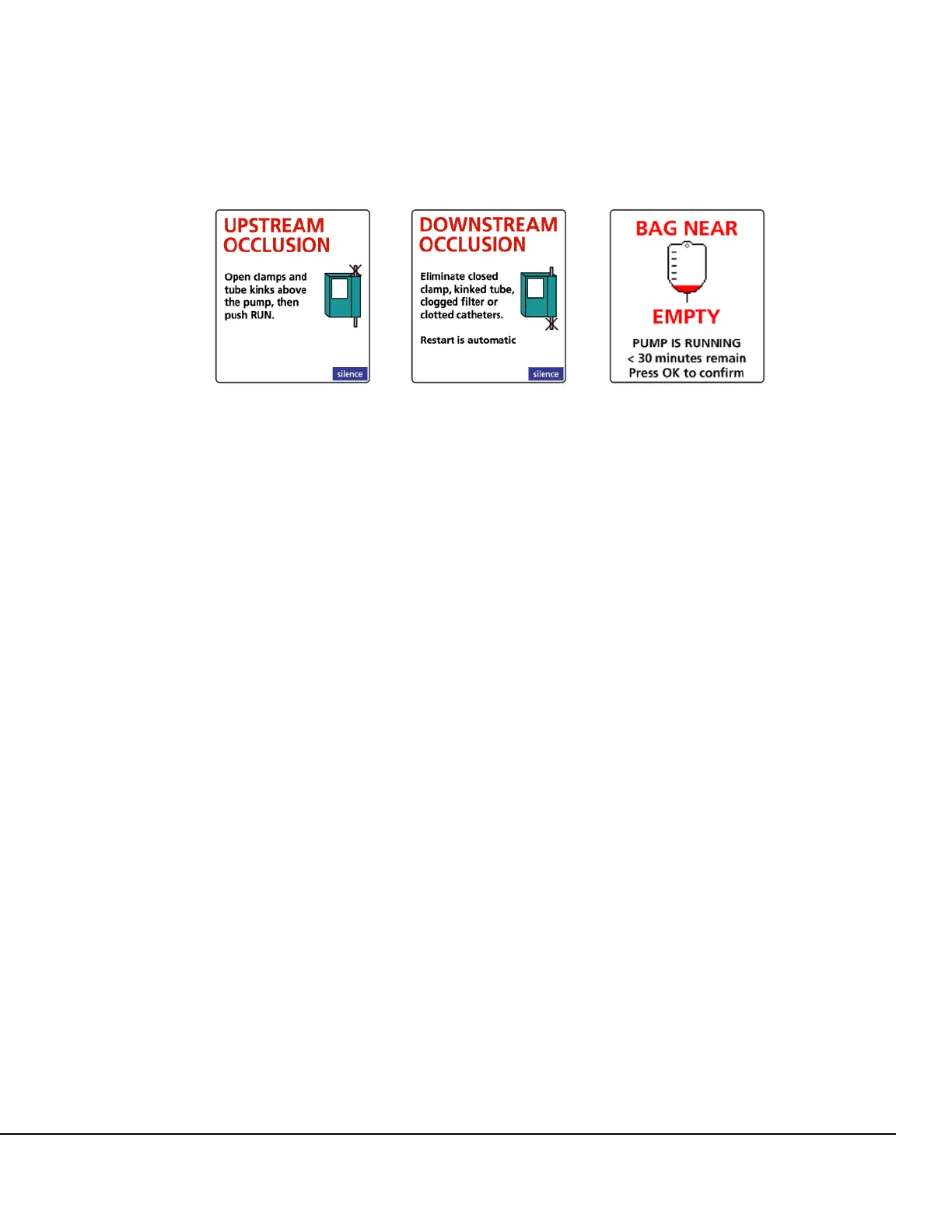
Upstream Occlusion Downstream Occlusion Bag Near Empty
Figure 130. Example Audio Alarm Messages.



 To Next Page