98 Programming the Pump
Manual 41018v0800 SIGMA Spectrum Infusion System
Revision B Operator’s Manual
17. Once RUN is pressed, the infusion will start and either the Primary or Secondary Check Flow
screen is displayed. Check the flow and confirm:
All clamps are open.
There are no kinks or collapses in the tubing outside of the Pump.
Drops are flowing in the drip chamber. Note that at very low rates, it may take several
minutes to see drops.
Vents are open (if applicable).
If drops are falling in the drip chamber, press the yes soft key.
If no drops are falling in the drip chamber, press the no soft key and follow the screen prompts.
Placing the Pump in STANDBY (Hold)
Place the Pump in standby to prevent the Inactivity Alarm for the period of time specified in Alarm
Settings in the menu option. The default setting is set to an infinite period of time, however, this
value may be changed from 1 minute up to 99 hours and 59 minutes.
To place the Pump in standby:
1. Load the set and complete the infusion programming.
Once programming has been completed and the highlight is on the Total Given mL value, a
message is displayed stating that the Pump may either be started or placed in standby.
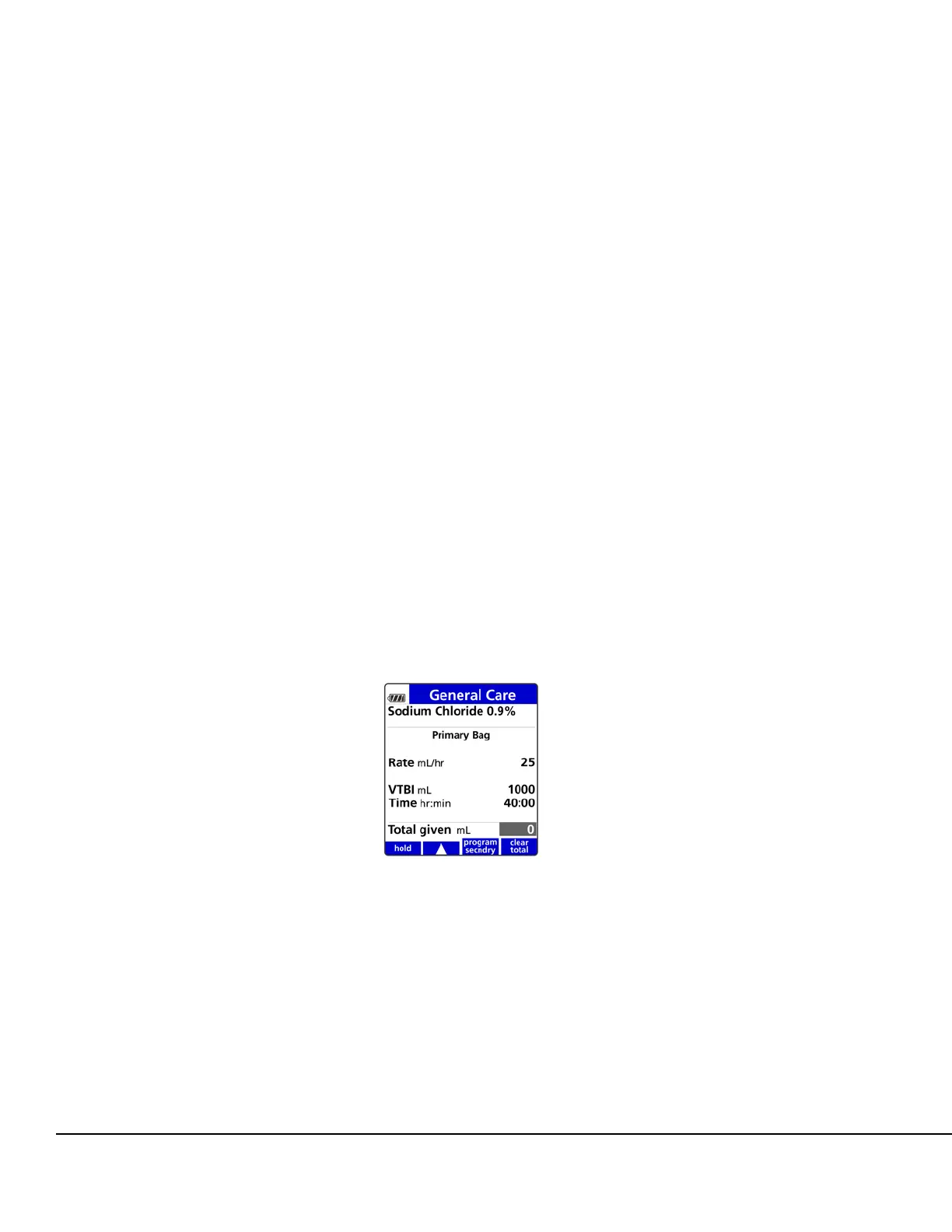
2. To place the Pump in standby, press the hold soft key. See Figure 125.
When standby is activated, IN STANDBY is displayed in a flashing format. See Figure 126.
Figure 125. hold Soft Key.



 To Next Page