Setting Up the Pump 31
SIGMA Spectrum Infusion System Pump Operating Software Version 8.00
Operator’s Manual For Use With MDL Version 8.0
3. Verify that the plug icon appears on the Pump display. See Figure 11.
If the icon does not appear, do not use the Pump and have it serviced.
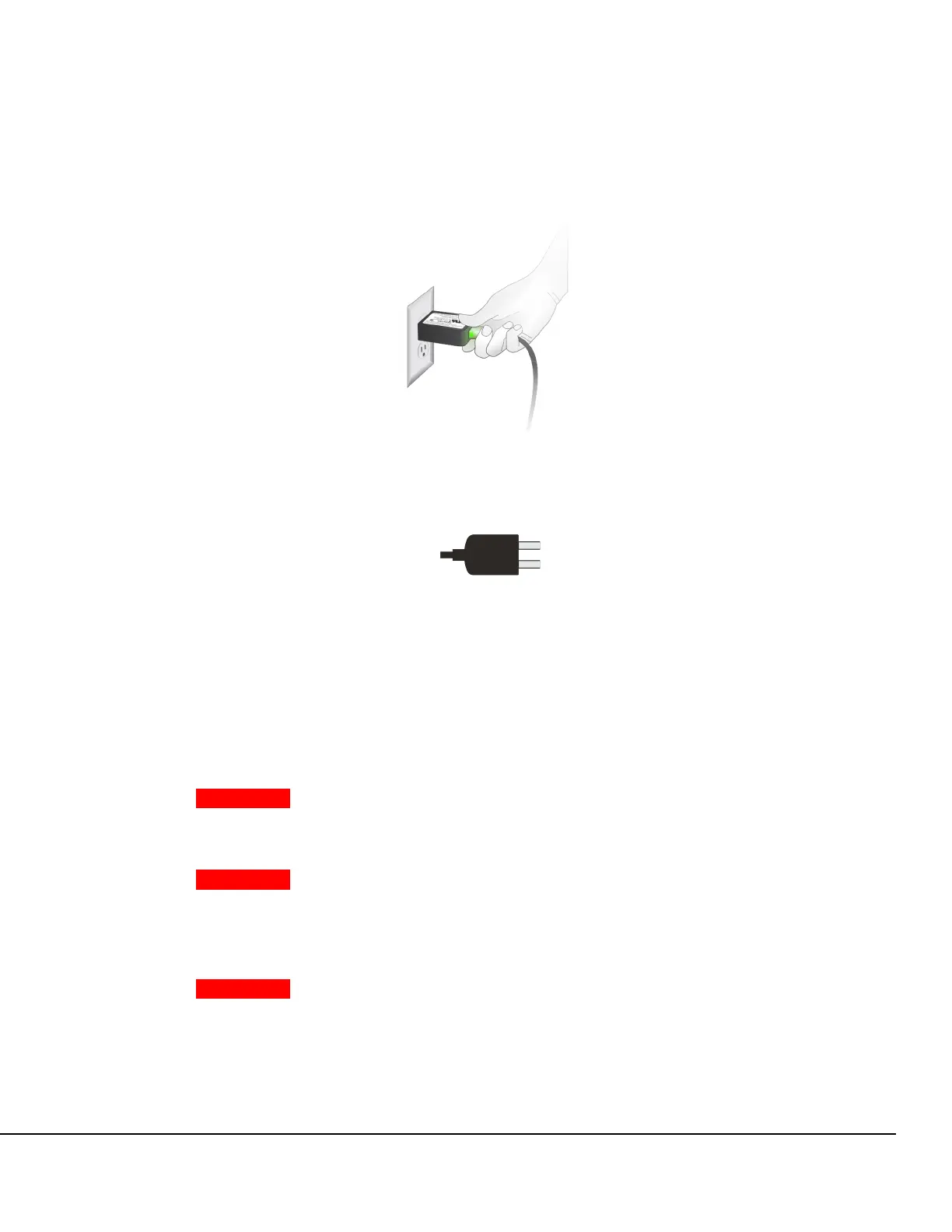
To disconnect the AC Power Adaptor:
» Pull the AC Power Adaptor away from the outlet in a straight direction.
Charging the Battery
WARNING Low Battery.
Do not use battery operation or transport a patient when the Pump is
in a low battery state.
WARNING Battery Handling.
Do not short circuit battery terminals.
Do not disassemble or modify battery packs.
Do not dispose of batteries or battery pack in fire.
WARNING Battery Removal.
Do not detach the battery during patient therapy.
Never touch the patient and the Pump at the same time with the
battery removed and the Pump connected to the power outlet.
Figure 10. AC Power Adaptor P/N 35727.
Figure 11. External Power Icon.



 To Next Page