64 Programming the Pump
Manual 41018v0800 SIGMA Spectrum Infusion System
Revision B Operator’s Manual
NOTE: When the program is cleared, the Total Given is reset to zero and is not retrievable.
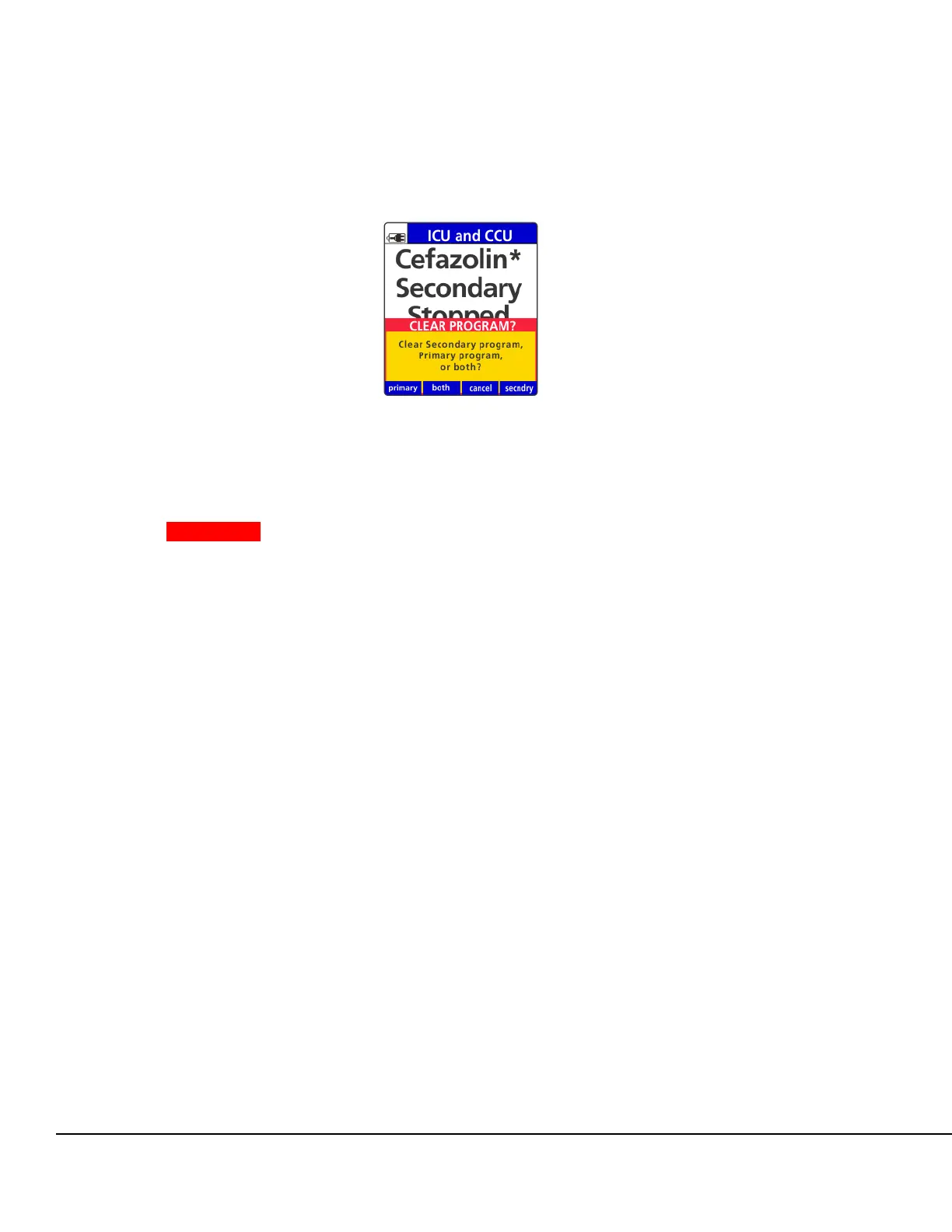
3. Press the secndry soft key.
4. Press the yes soft key to clear the secondary program.
WARNING Unintended Delivery.
Close the clamp on the secondary IV line or remove the secondary
container administration set to prevent the secondary drug from
flowing when the Primary mode is intended.
5. Close the clamp on the secondary IV line above the upper Y injection site or remove the
secondary container and IV tubing.
6. Press OK to continue. The Primary Review screen appears.
7. To start the infusion press RUN.
Once RUN is pressed, the infusion will start and the Primary Check Flow screen is displayed.
Check the flow and confirm:
All clamps are open
There are no kinks or collapses in the tubing outside of the Pump
Drops are flowing in the drip chamber. Note, at very low rates, it may take several minutes
to see drops.
Vents are open (if applicable).
If drops are falling in the drip chamber, press the yes soft key.
If no drops are falling, press the no soft key and follow the screen prompts.
Secondary Callback
Secondary Callback is an audio and visual notification at the completion of the secondary infusion.
During this time, the infusion will infuse at a KVO rate of 1 mL/hr and cannot be changed.
The Master Drug Library allows Secondary Callback configuration as REQUIRED, OPTIONAL, or
NEVER:
Figure 56. Clear Program Screen.



 To Next Page