Programming the Pump 97
SIGMA Spectrum Infusion System Pump Operating Software Version 8.00
Operator’s Manual For Use With MDL Version 8.0
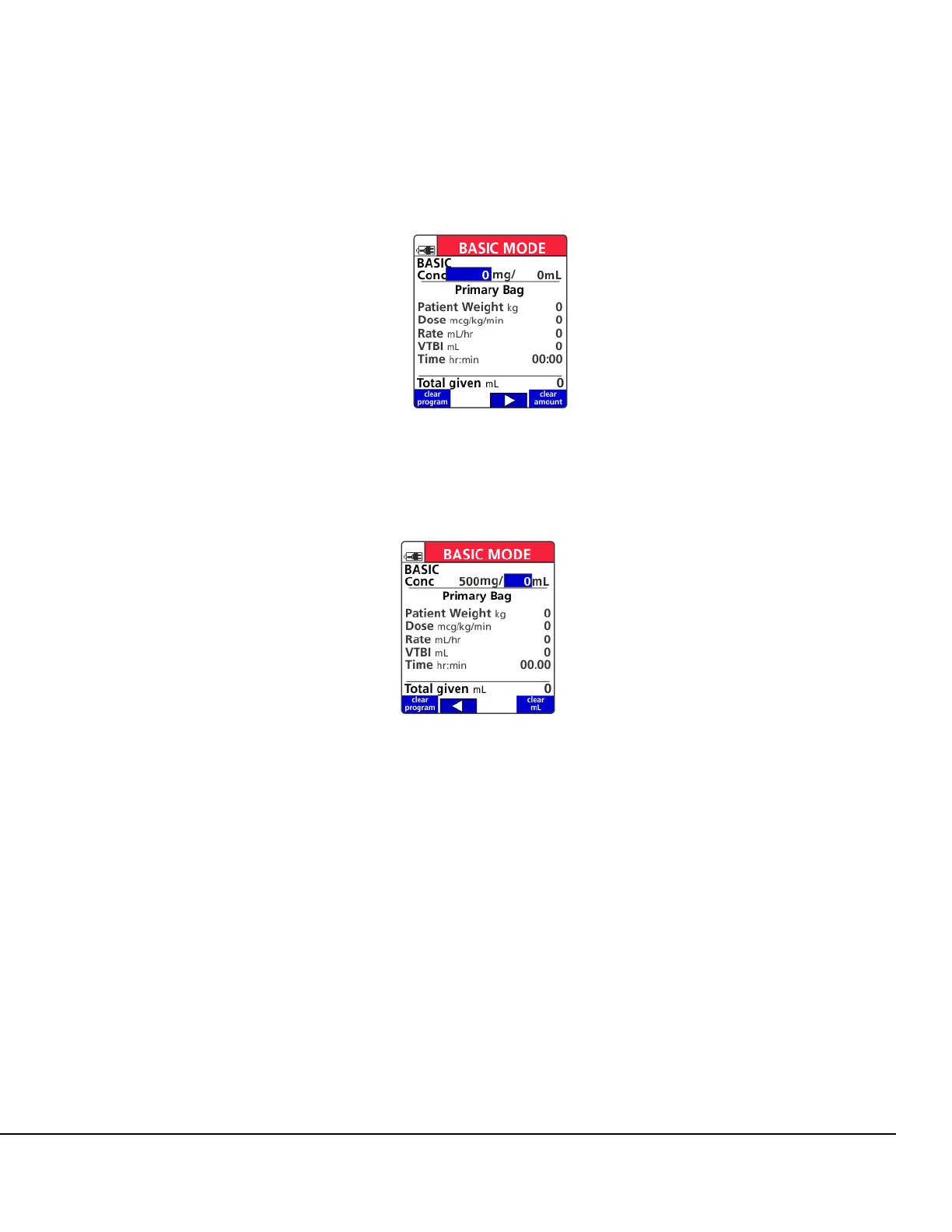
8. Enter a unit amount and press OK. See Figure 123.
9. Enter diluent amount and press OK. See Figure 124.
10. Enter patient weight if applicable.
11. Enter the dose or flow rate value and press OK.
12. Enter the VTBI (Volume To Be Infused) in mL.
13. Verify the VTBI equals the volume in the container and press OK.
14. Confirm the calculated infusion time.
15. Confirm the Total given mL value or press the clear total soft key to erase it.
NOTE: VTBI counts down to zero, while Total given counts from zero up.
16. To start the infusion, ensure that the slide clamp and roller clamp are open and press RUN to
begin the infusion.
Figure 123. BASIC Concentration
Unit Amount Selection Screen.
Figure 124. BASIC Concentration
Diluent Amount Selection Screen.



 To Next Page