Programming the Pump 55
SIGMA Spectrum Infusion System Pump Operating Software Version 8.00
Operator’s Manual For Use With MDL Version 8.0
Prompts that may appear during programming
The Weight/BSA Confirmation screen is set up in the Drug Library. The patient weight
or BSA parameter must be re-entered to confirm the value was entered correctly. If the
weight or BSA values do not match, the Values Differ popup message is displayed. Press
OK and enter an accurate value.
While programming an infusion, a dialog box will appear if the dose rate limits defined in
the Drug Library for the drug are exceeded.
Soft limit advisory is an alert that the dose or the mL/hr rate has been programmed to
exceed the facility’s pre-configured limit in the Drug Library or the programming exceeded
the Pump’s limit.
Soft dose rate or mL/hr limits may be exceeded by pressing OK followed by pressing the
yes soft key to accept the dose rate displayed in the dialog box. If the values are
accepted, they will appear in red on the Infusion Running screen.
Hard dose or mL/hr limits is an alert that the dose or the mL/hr rate has been
programmed to exceed the facility’s pre-configured hard limits in the Drug Library or that
the programming exceeded the Pump’s hard limits. Hard limits cannot be exceeded (see
the Flow Rate specification in Appendix A: “Specifications” on page 133). The Pump will
not start or infuse with entered values. Re-enter rates within hard limits.
If the dose rate entered exceeds the hard mL/hr rate limit defined in the Pump, HIGH
will be displayed. See Figure 36.
If the dose rate entered is lower than the hard mL/hr rate limit defined in the Pump,
LOW will be displayed. See Figure 37.
Press OK to view a dialog box which identifies the actual limit. Press OK to clear the
dialog box.
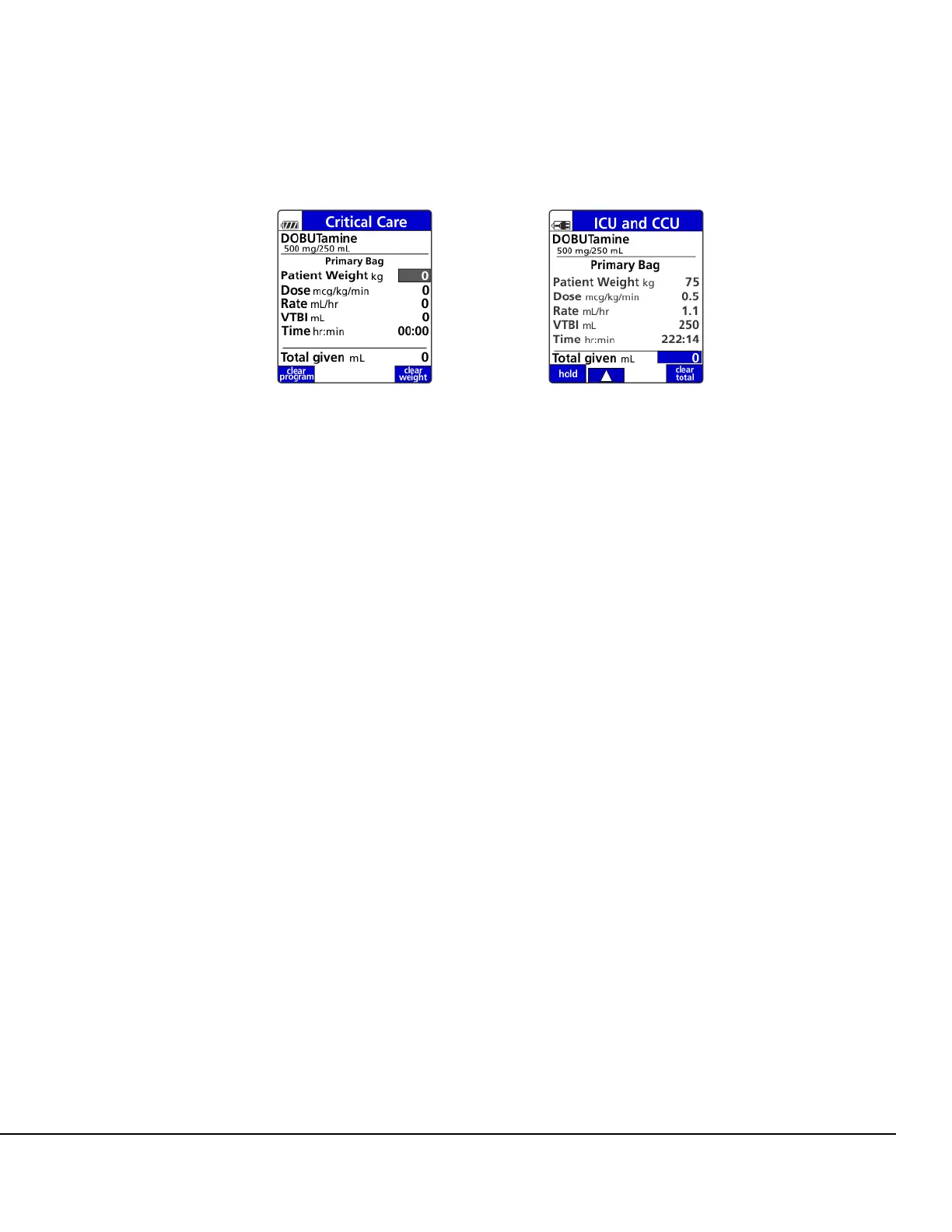
Figure 34. Primary Bag Setup Screen. Figure 35. Completed Primary Bag
Setup Screen.



 To Next Page