2.3.3 BDKiestra™ ReadA software application
The ReadA software application is accessed through the Track graphical user interface (GUI),
which is displayed on a touchscreen monitor mounted to the Main Base cabinet of
BDKiestra™ Track. The touchscreen monitor supports multitouch gestures and is operated
without the use of a keyboard or mouse.
l
To select or activate an element, tap the screen at the position of the element.
l
Values may be entered using input fields, drop down fields, or value sliders.
l
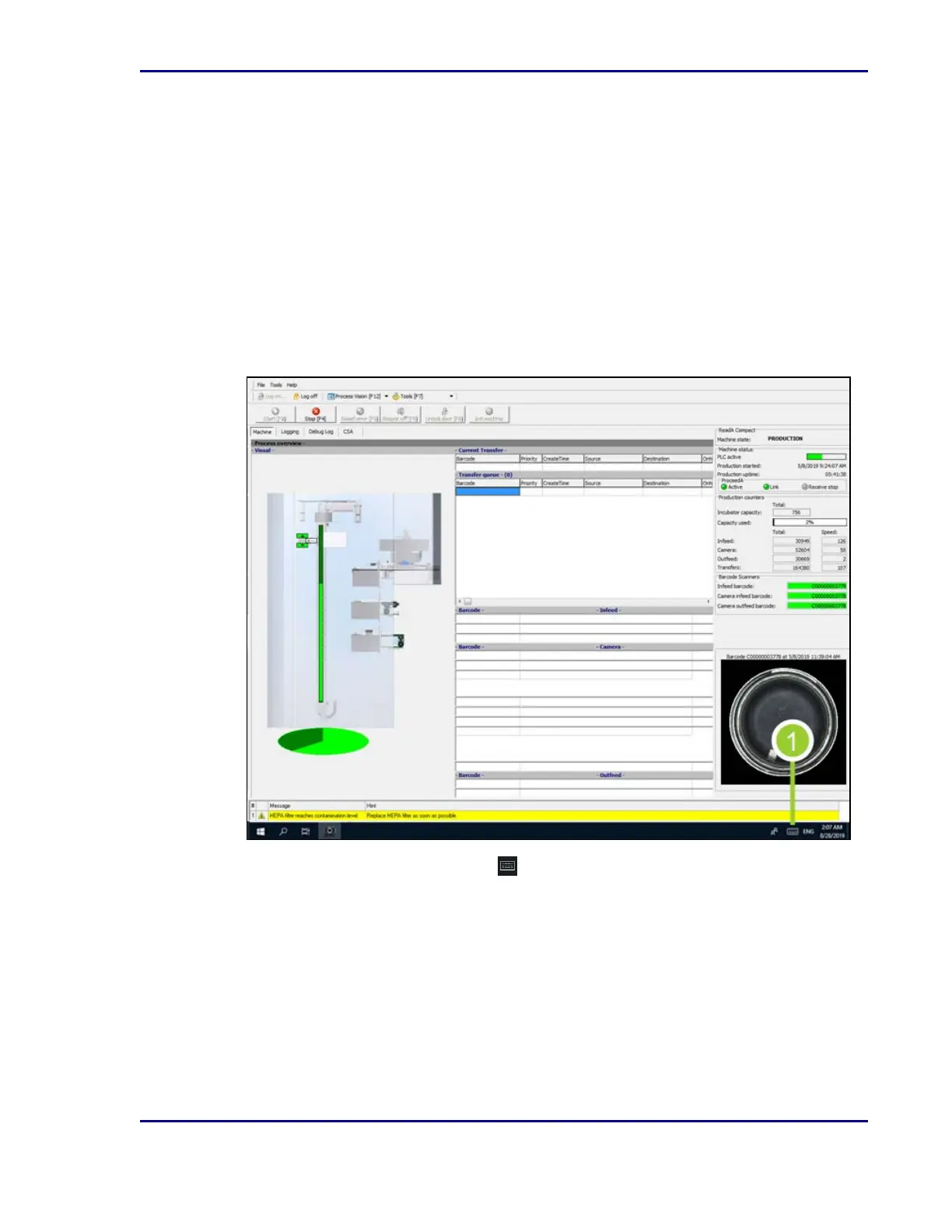
To enter data into an input field, use the virtual keyboard in the Microsoft
®
Windows
®
taskbar.
Figure 1 - Virtual keyboard in the taskbar
1.
To open the virtual keyboard, select in the right corner of the Microsoft
®
Windows
®
taskbar, located along the bottom of the screen.
13
2 - Introduction










 To Next Page