4.4 Stopping operation
Stopping the ReadA should be done in a controlled manner through the ReadA software
application. Transport and imaging of plates will stop, but the incubator will remain operational,
with plates in the camera compartment continuing to be stored in the proper incubation
atmosphere.
NOTE
Only manually remove plates from the ReadA incubator after it has been stopped and the
plates have been deregistered in the ReadA application.
A warning message will display if the incubator door or the cover of the camera
compartment is opened while ReadA is operational.
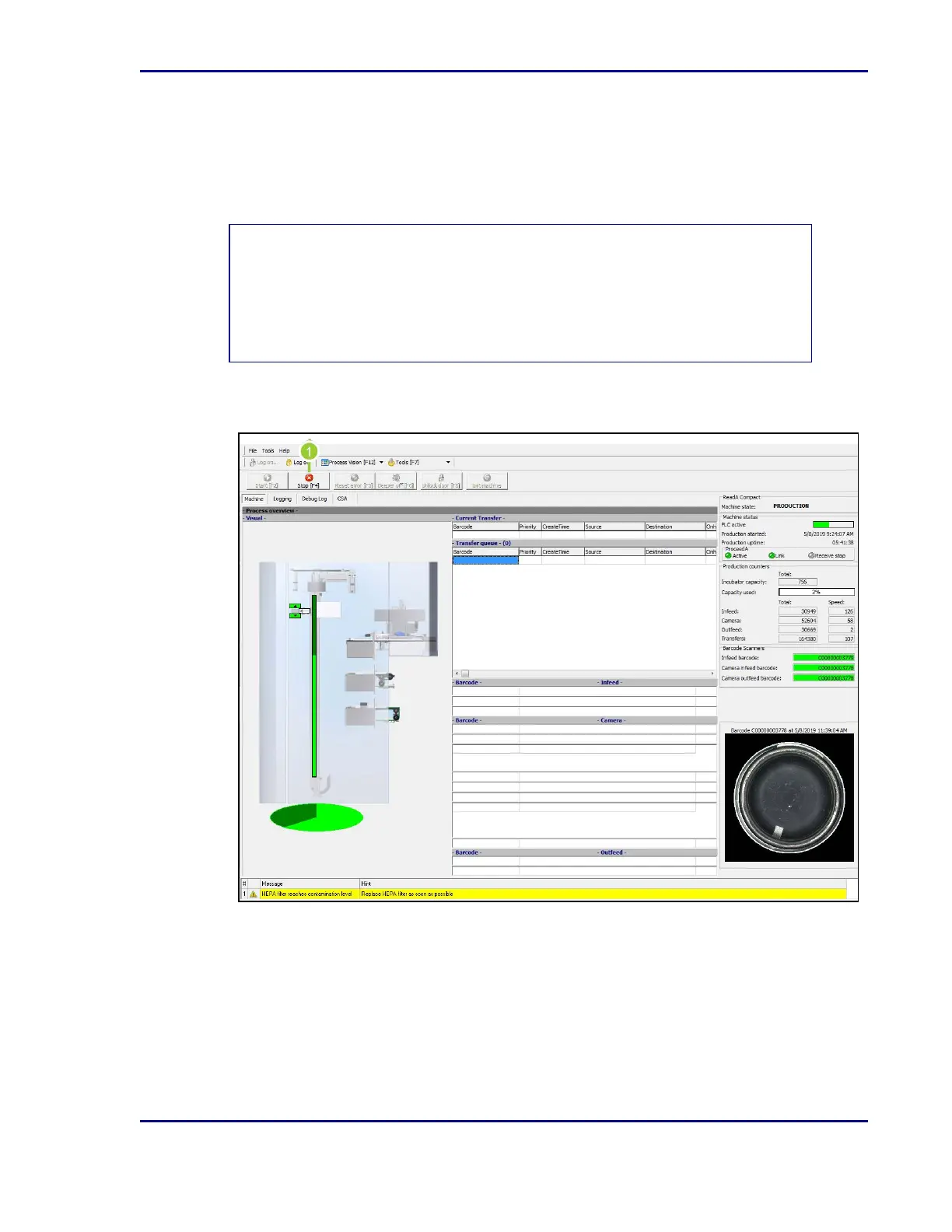
Figure 12 - Stop button on ReadA software application
1. Once logged into the ReadA application, select Stop [F4].
31
4 - Operation










 To Next Page