6.2 Creating an error report
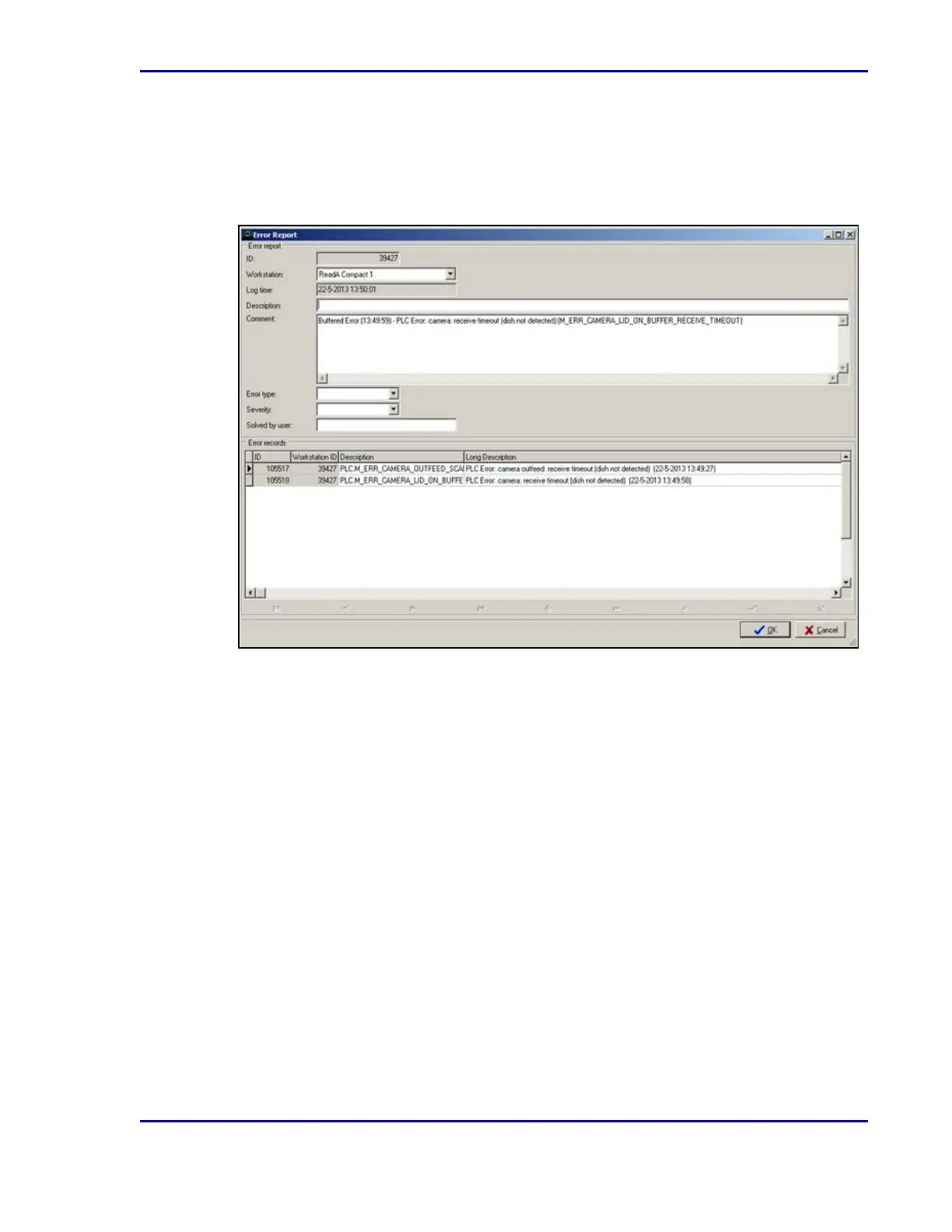
When an error occurs, the ReadA creates an error report. This is a log file that contains an
error ID, a description of the type of error, and the date of occurrence.
Figure 18 - Error report screen
1. In the Error Report screen, log the error resolution, select an error type from the Error Type
list, and identify the user who resolved the error.
2. Select OK.
This information may be sent to BD.
59
6 - Troubleshooting










 To Next Page