46
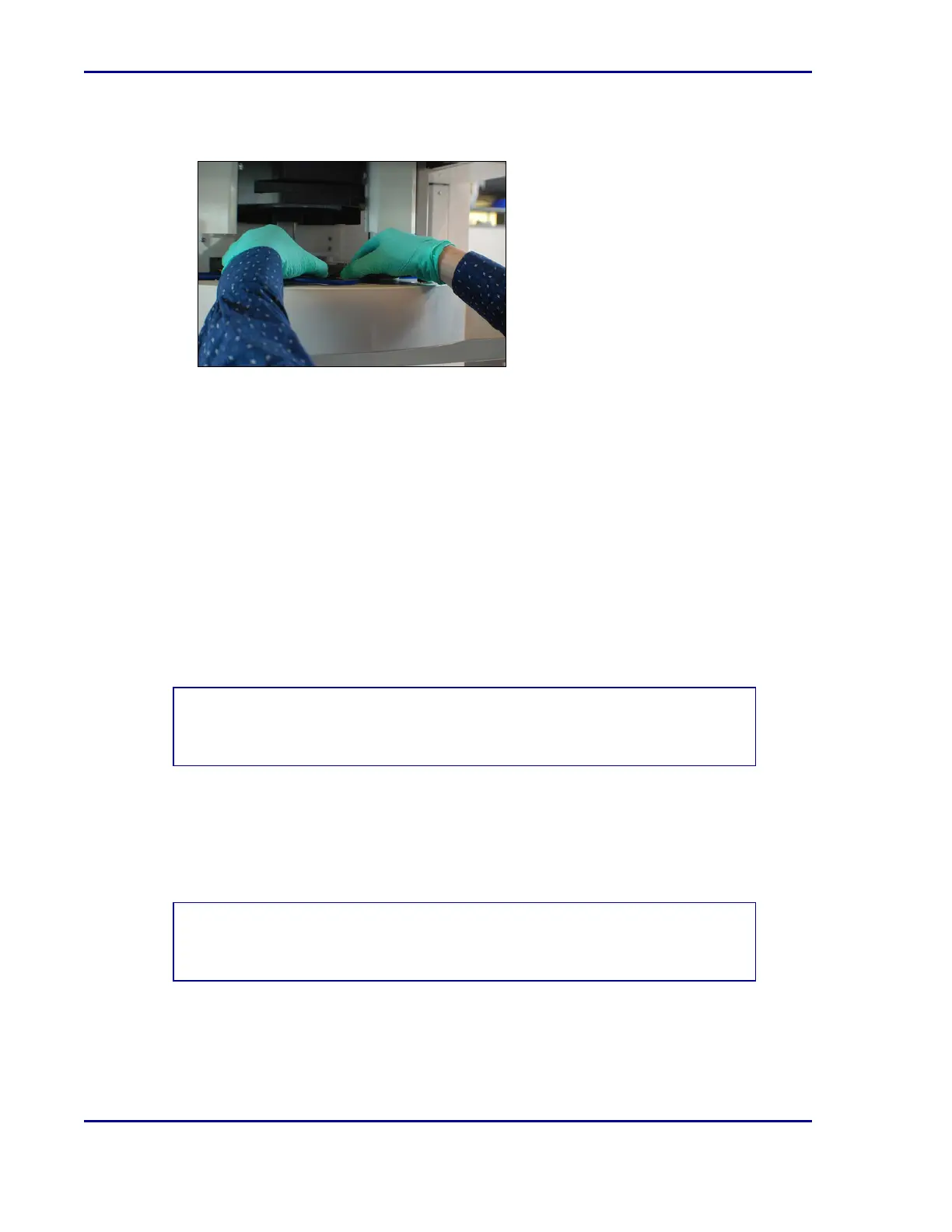
12. Remove the black indexing disc and clean the disc with a microfiber wipe moistened with
water.
13. Clean the glass plate with a microfiber wipe moistened with water.
14. If microbial contamination occurs or is suspected in the camera area, spray a microfiber
wipe with the recommended cleaner/disinfectant and wipe the area. Wipe dry with a
microfiber wipe.
15. Clean all the components with the recommended cleaning products.
16. Re-assemble the entire camera unit, replacing the square tube that is connected to the
HEPA filter before replacing the white cover.
17. Close the front cover of ReadA.
18. Place the plate cart back in front of the Stacker element, lowering the side panel of the cart
facing the Stackers so that plates may be pushed onto it. Press the cart firmly against the
Track module and engage the cart wheel locks to prevent any movement.
19. Select Lock Door [F8].
20. Select Start [F2].
NOTE
Calibration must be performed after each time the camera is cleaned.
5.4.4.2 Calibrating the BDKiestra™ Optis™ camera
In order to keep the Optis™ camera working optimally, it is necessary to calibrate it
occasionally when alerted to do so.
NOTE
Before calibrating theOptis™ camera, it must be cleaned.
BD Kiestra™ ReadA User's Manual










 To Next Page