30
4.3 Startingoperation
NOTE
For correct functioning, it is imperative that no plate is present between the scan position
and the camera before starting ReadA.
Feed plates into ReadA only via a Destacker.
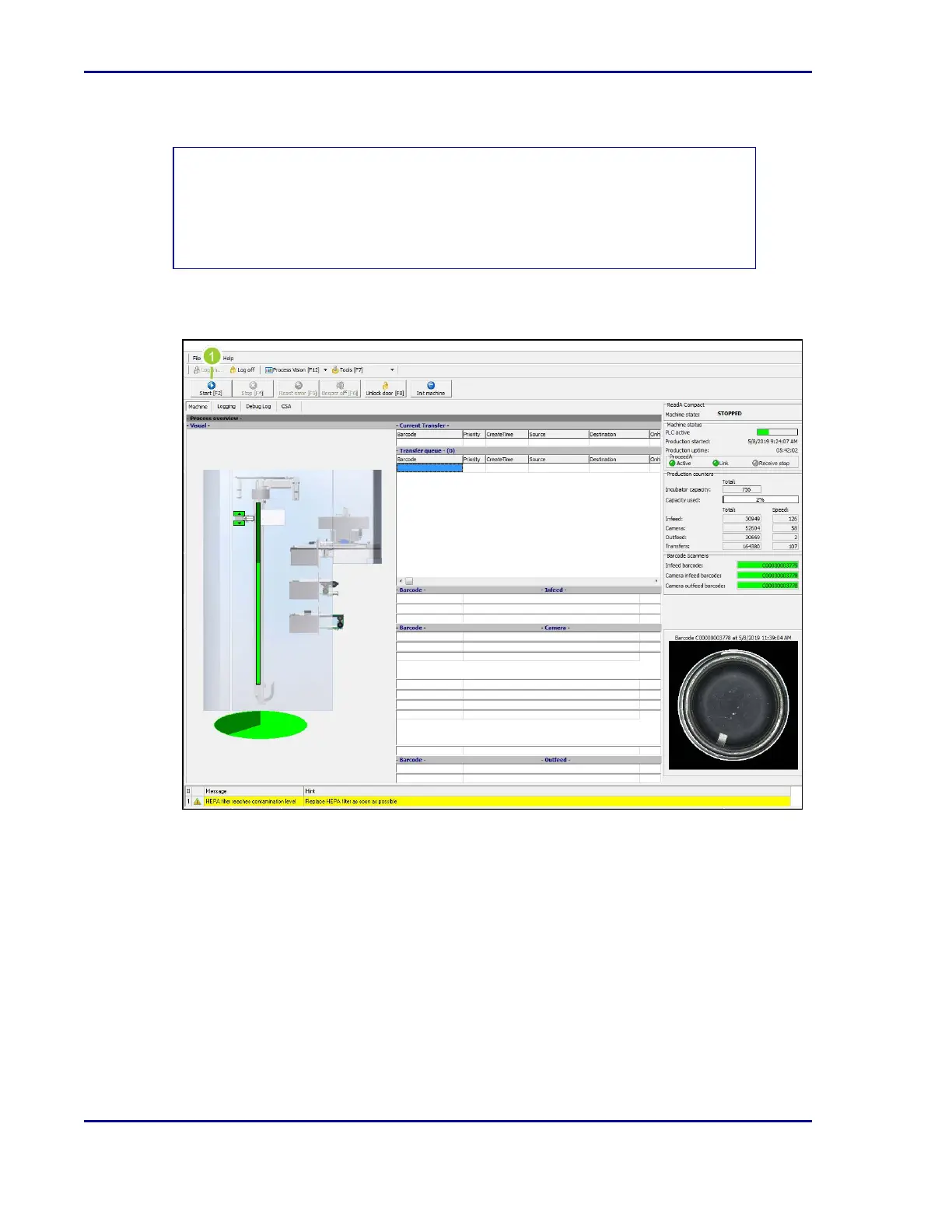
Figure 11 - Start button on ReadA software application
1. Once logged into the ReadA application, select Start [F2].
BD Kiestra™ ReadA User's Manual










 To Next Page