7. Preventive Maintenance/System Operational Check-Out
7-93
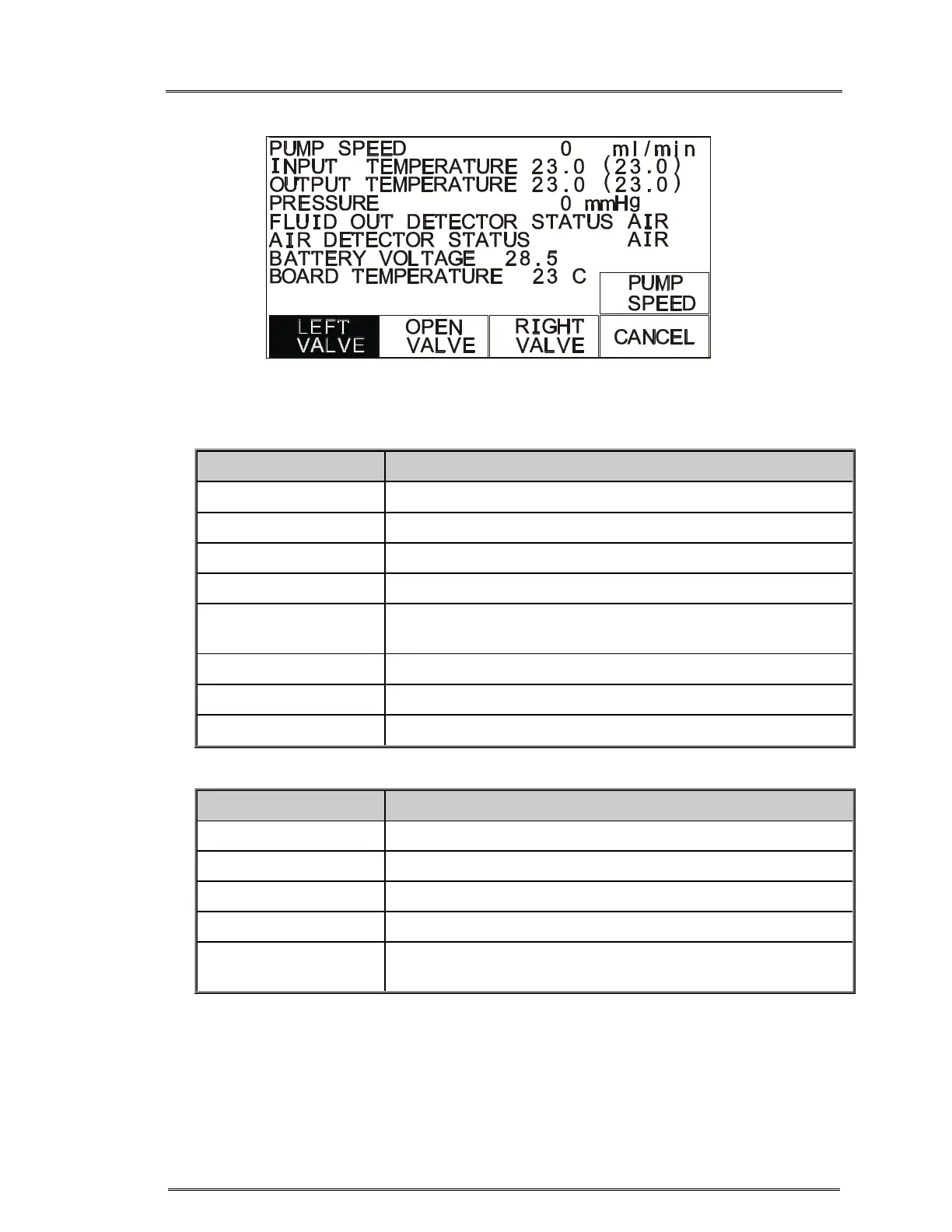
Hardware Status Screen
Status Line Reading
Pump Speed 0, 10, 100, 500, 750 and an optional 1000 ml/min
Input Temperature Temperature in ºC, probe ambient reference in parentheses
Output Temperature Temperature in ºC, probe ambient reference in parentheses
Pressure Pressure in mmHg
Fluid Out Detector
Status
Air or Fluid
Air Detector Status Air or Fluid
Battery Voltage Battery charge level in volts
Board Temperature Temperature of the circuit board inside the case.
Function Key Action
PUMP SPEED Change pump speed.
LEFT VALVE Move the valve to the left or recirculate position.
OPEN VALVE Move the valve to the middle or load position.
RIGHT VALVE Move the valve to the right or infuse position.
CANCEL Exit Hardware status and return to the Calibration/Set-Up
screen.



 To Next Page