6. Setting System Parameters and Systems Calibration
6-79
2. Temperature Probes Calibration
Material Required: 3.0 L Reservoir and 3-Spike disposable set
Thermometer with readout resolution to 0.1ºC
Setup: i. Leave the FMS2000 in STANDBY (or unplug from the wall
outlet), for at least two (2) hours, to allow the temperature
probe reference to reach equilibrium. The system will not
calibrate if probes are not in equilibrium.
ii. Measure ambient temperature, near the input or the output
temperature probe, to the nearest 0.1ºC.
iii. Prepare 4 liters each of three (3) different temperatures water:
1º - 7ºC; 17º - 23ºC; and 37º - 43ºC.
iv. Install the 3.0 L Reservoir and the 3-Spike disposable set. Do
not connect the patient line.
v. Insert the thermometer into the patient line connector as close
to the heat exchanger as possible. Make sure there is no air
surrounding the thermometer bulb.
Procedure:
Calibration:
2.1 Power ON. Press SERVICE when it appears at the logo screen.
2.2 Press TEMP CAL. Enter password: 013192.
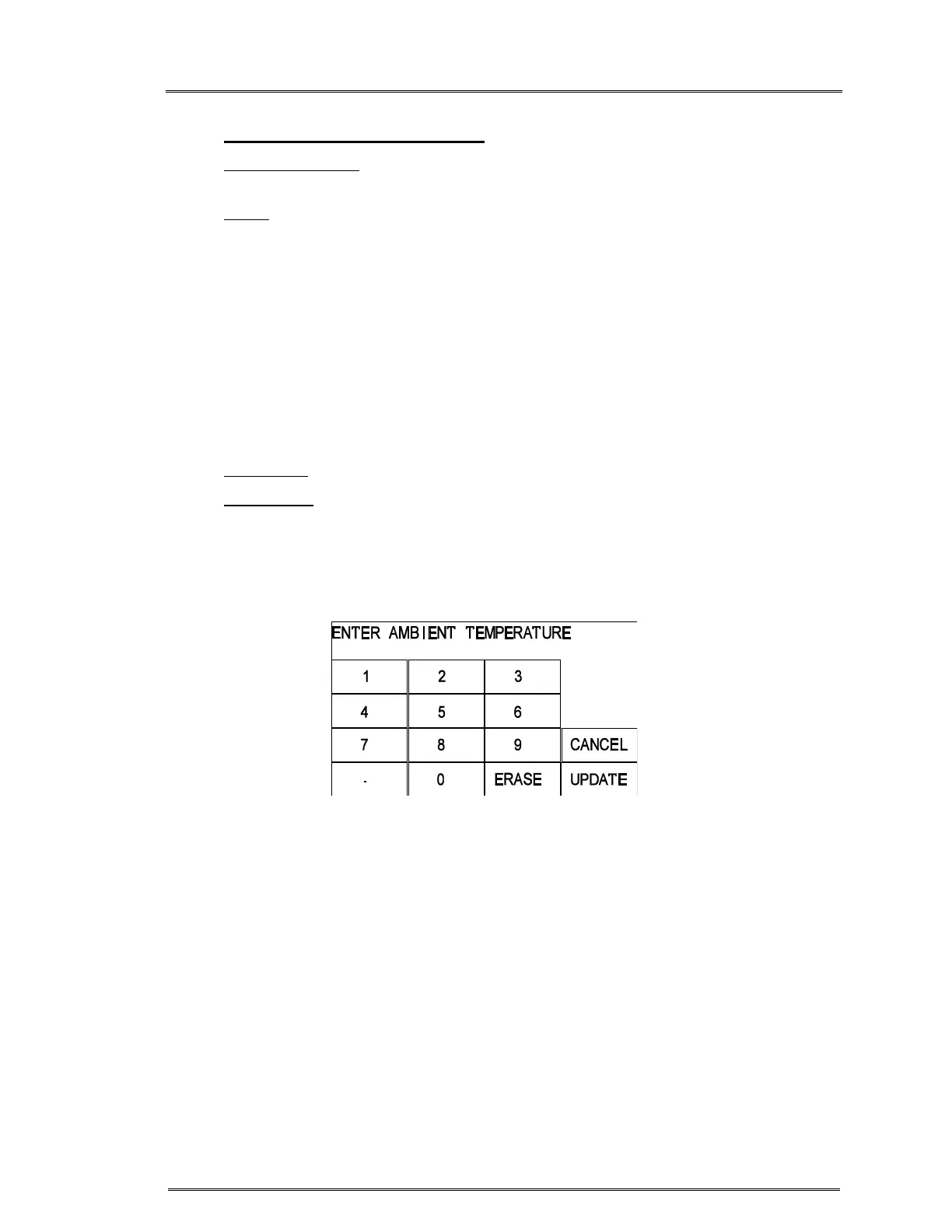
2.3 Enter the measured ambient temperature. If a mistake was made
entering the value, press ERASE to reenter. Press UPDATE.
Screen to enter ambient temperature in TEMP CAL.



 To Next Page