3. Operation & System Set-up
3-28
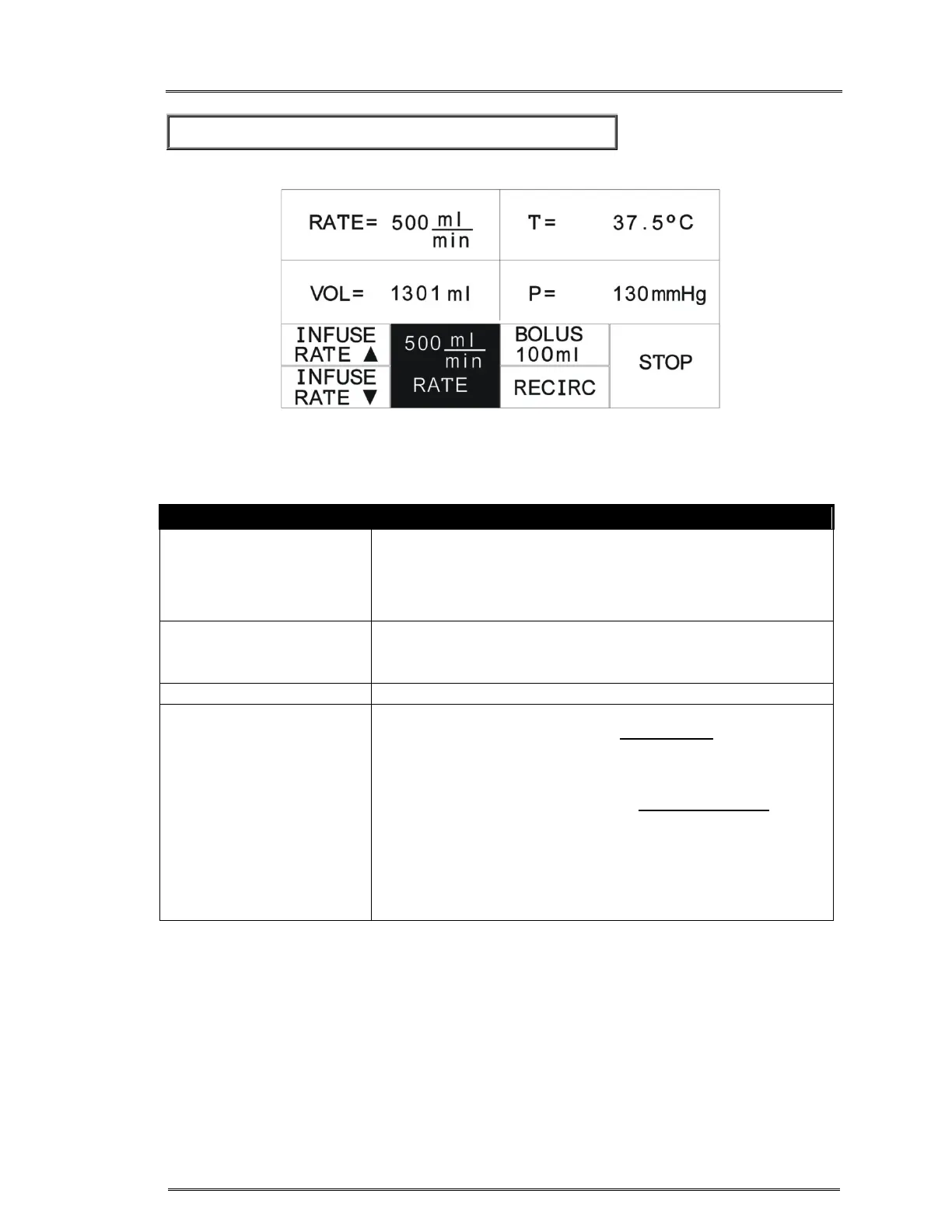
Figure 7. Infuse screen.
CONTROLS
INFUSE RATE
Start at 10 ml/min when the INFUSE key is pressed.
Press INFUSE RATE to increase the infusion rate. Press and
hold the key to increase rate more rapidly. The maximum rate is
750 ml/min.
INFUSE RATE
Press INFUSE RATE to decrease the infusion rate by 10
ml/min in the ml/min scale each time the key is pressed. Press
and hold the key to decrease rate more rapidly.
Set the system to the rate of 500 ml/min.
BOLUS
The FMS2000 will pump the volume indicated on the BOLUS
key at a rate of 200 ml/min. The bolus volume on the key can
be set in the Service mode (see Chapter 6) or by pressing and
holding down the BOLUS key while in the Infuse screen.
Release the key when the desired BOLUS volume appears in
the volume delivered position. The bolus delivery rate can be
changed while infusing by either pressing 500 ml/min or by
using the INFUSE RATE or INFUSE RATE key. At the end
of the bolus volume, the system will beep and return to the
previously selected flow rate if the previous rate was 50 ml/min
or lower. If the previous rate was higher than 50 ml/min, the
flow rate will be set to 50 ml/min.



 To Next Page