7. Preventive Maintenance/System Operational Check-Out
7-87
6. Seals
Inspect the seal around the unit to make certain it is in good condition. Check also the
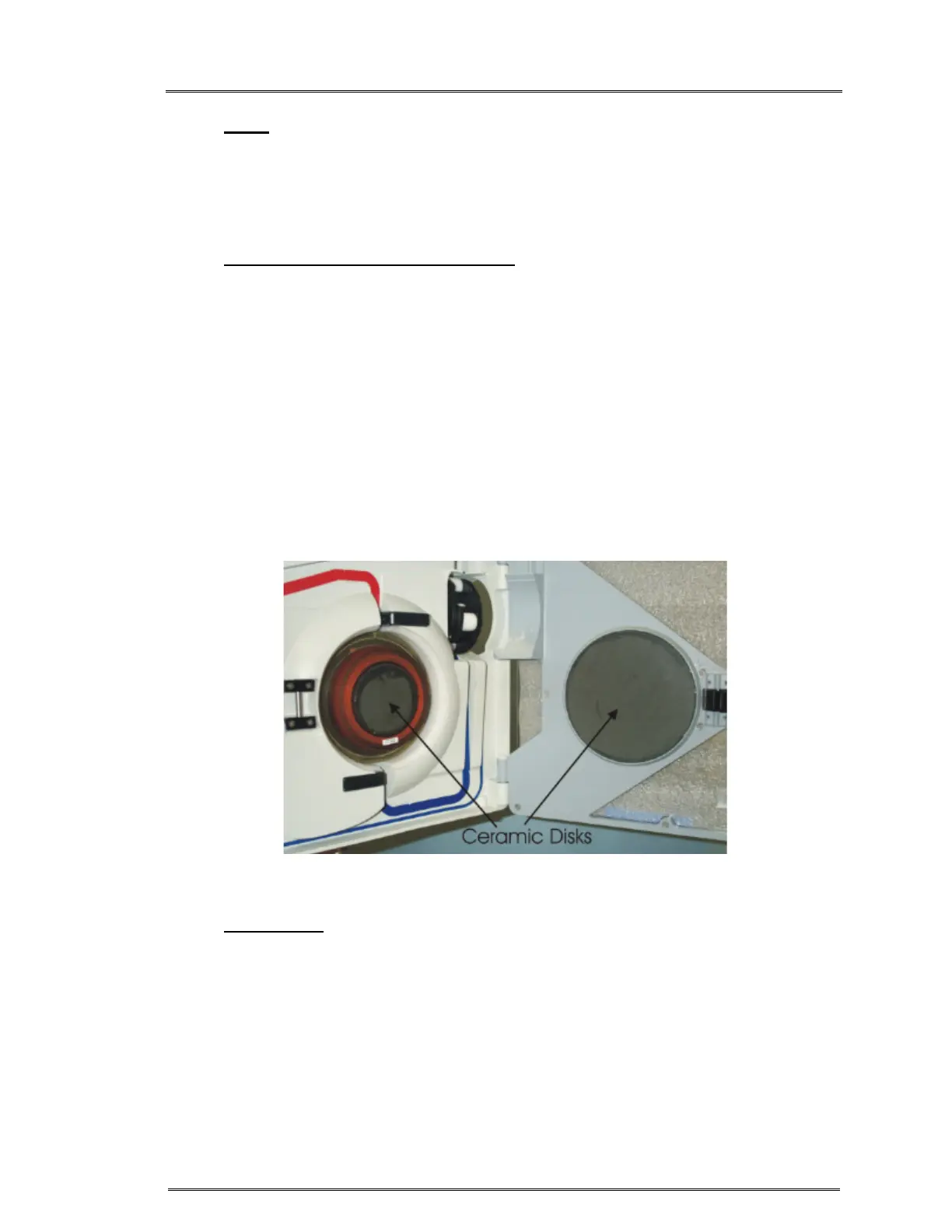
seal around the touch screen and ceramic disks. Use Dow Corning 732 multipurpose
RTV sealant or equivalent if needed to maintain fluid resistance.
7. Instrument Door and Ceramic Disks
The instrument door must fit properly for the system to operate correctly. The
platen part of the roller pump is located on the door. The platen must line up
properly with the pump.
a. Check hinges for blood build-up, clean any dried blood from hinge area.
Be sure that door is seated completely down on the hinges.
b. Check plastic rivets and door integrity. Make sure that the door frame is
not bent. Replace, if bent.
c. Inspect the ceramic disks on the door and in the center of the unit for
cracks. Replace or return to manufacturer for replacement if they are
damaged.
8. Rubber Feet
Inspect the rubber feet on the bottom of the unit for cracked or missing rubber
feet. Replace if necessary (replacement #599-00314 Rubber feet & #510-00349
6-32 x 1 1/8” screw).



 To Next Page