3. Operation & System Set-up
3-21
1. Check that the detachable power cable is securely seated in the main power
receptacle.
2. Plug the system power cord into an appropriate AC receptacle. Do not use an
adaptor for ungrounded outlets.
3. Turn power on by switching the circuit breaker to the ON position. The system
will perform a self-check to check the integrity of system parameters.
4. AC POWER PRESENT appears at the logo screen when the system first powers
up. Check the power cord and AC receptacle connections if the statement does
not appear.
5. PRIME screen, Figure 2, will appear.
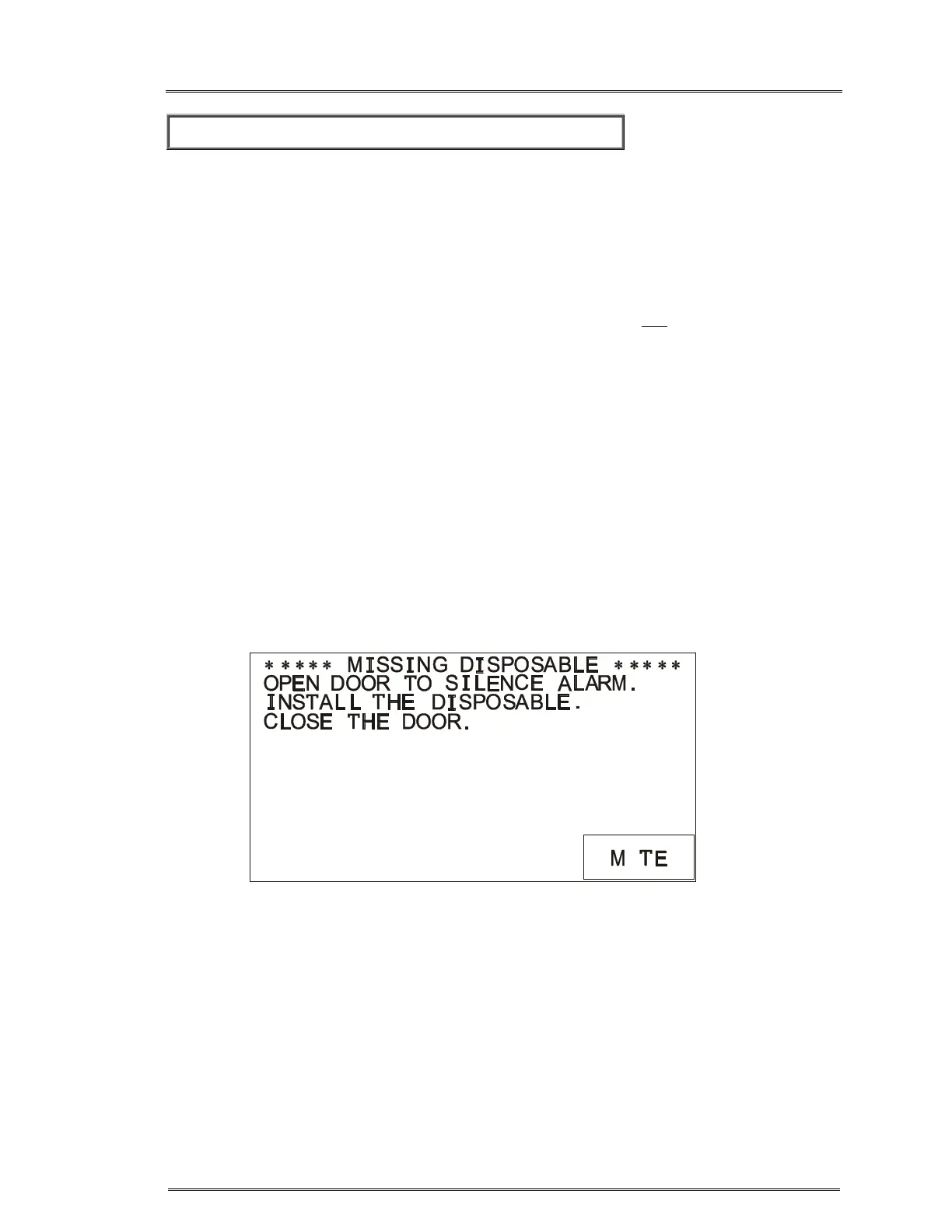
a. If you turn power ON without the disposable set, MISSING DISPOSABLE
message and alarm will appear, Figure 1.
b. Open the door or press MUTE to silence the alarm. Install the disposable
set as described earlier.
c. Press NEXT to go to the PRIME screen, Figure 2.
Figure 1. Missing Disposable Set message
U



 To Next Page