8. Alarms and Troubleshooting Guide
8-104
Operational alarms that may occur in the course of a procedure are:
Air Detection
Door Open
Fluid Out
High Pressure
Low Battery
Missing Disposable
1. AIR DETECTION
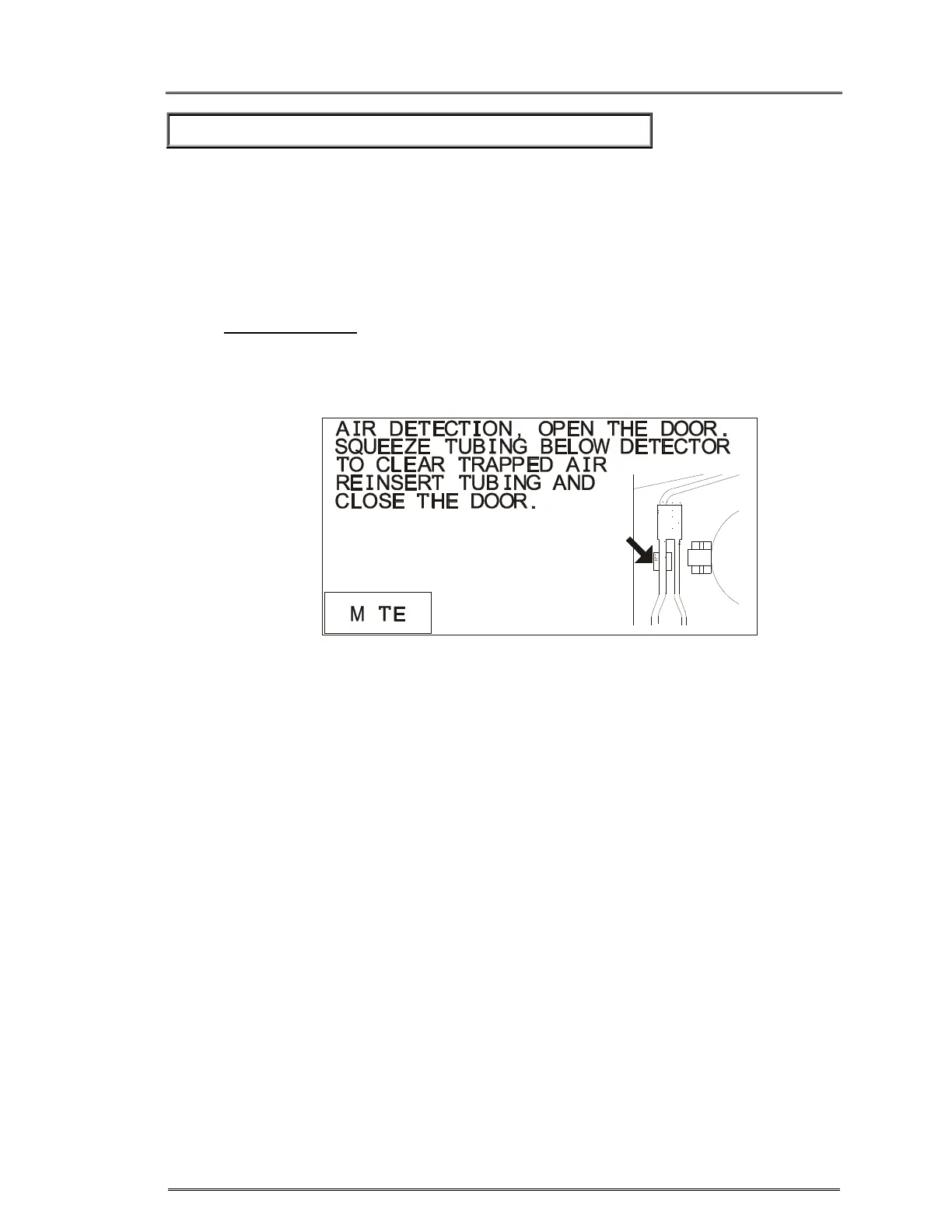
An air bubble in the Air Detection sensor located above the diversion valve will
cause the pump and heating to stop. The Air Detection alarm (figure 1) and
message will appear. The valve goes to the recirculate position.
Figure 1. Air Detection alarm.
• Press MUTE to silence the alarm. Check for air in the line. Clear the air by
removing the tubing from the air detector. Squeeze or tap the section of the
tubing right below the air detector to clear any air bubbles trapped in the air
detector back into the pressure chamber.
• Firmly reseat the tubing back into the air detector. Close the door. The screen
in figure 2 will appear.
U



 To Next Page